Clawdi
The best home for all your AI agents.
Run them in the cloud or connect your own—with their context and tools in one place.




Website · Docs · Product tour · npm
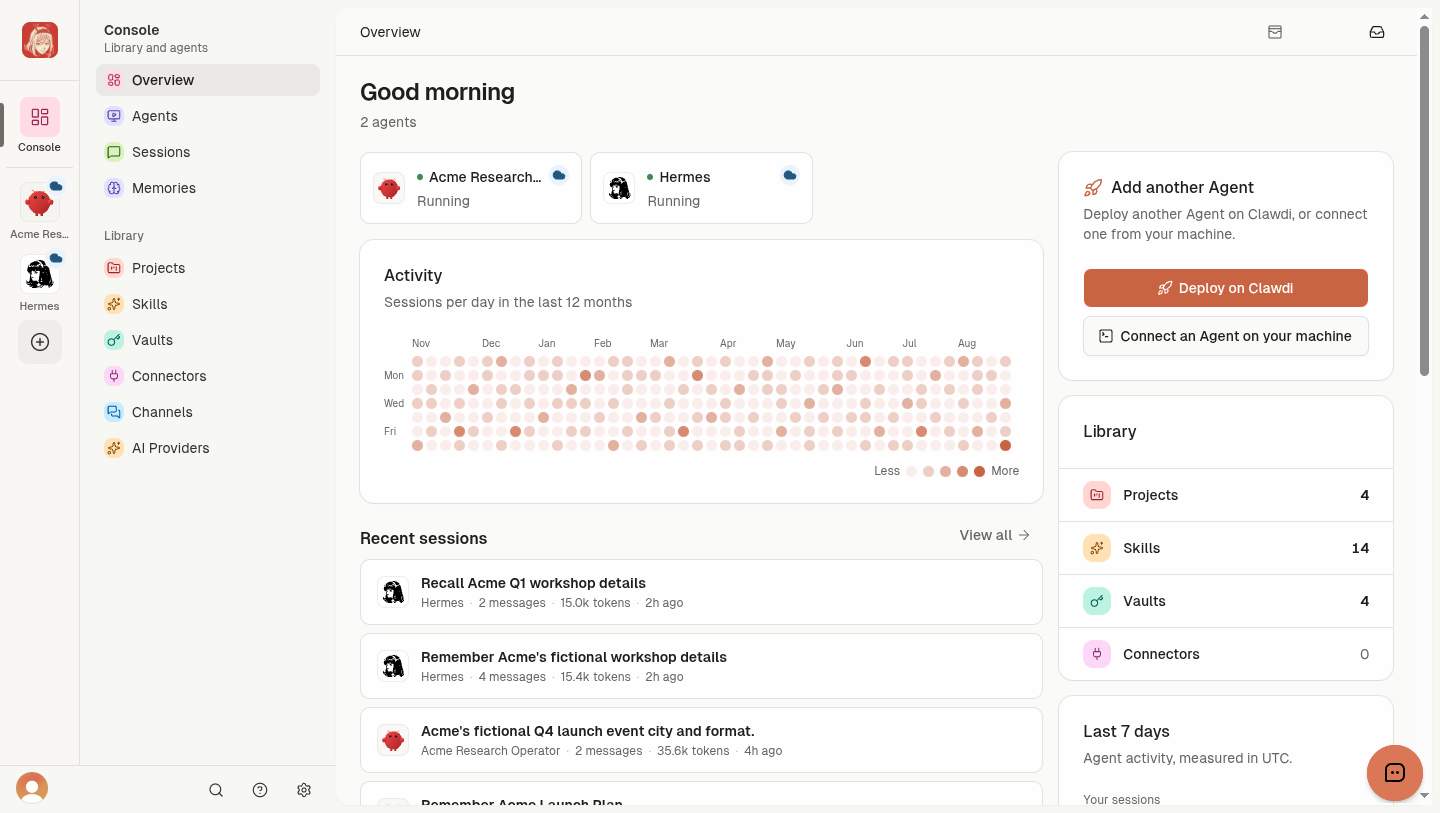
Clawdi supports two run paths:
- Cloud Agents: managed Hermes or OpenClaw runtimes.
- Connected Agents: supported Agent software running on your computer.
Features vary by Agent software and run path.
Start
Deploy a Cloud Agent, or connect an Agent on macOS or Linux:
curl -fsSL https://clawdi.ai/install.sh | sh
clawdi auth login
clawdi setup
clawdi doctor
Windows and package-manager installs require Node.js 24+:
npm i -g clawdi
See the Connected Agent quickstart.
Capabilities
- Context: Sessions and durable Memories.
- Resources: Projects, Skills, and Vaults.
- Integrations: MCP Connectors and messaging Channels.
- AI Providers: model access for supported local and Cloud Agent runtimes.
- Open source: MIT-licensed CLI, FastAPI backend, TanStack dashboard, and PostgreSQL.
See Core concepts for support and access boundaries.
Connected Agent support
| Agent | Sessions | Skills | MCP setup |
|---|---|---|---|
| Claude Code | Yes | Yes | Automatic |
| Codex | Yes | Yes | Automatic |
| Hermes | Yes | Yes | Automatic |
| OpenClaw | Yes | Yes | Manual hint where required |
| Pi | Yes | No | No |
| OpenCode | Yes | No | No |
Self-host
git clone https://github.com/Clawdi-AI/clawdi.git
cd clawdi
bun install
apps/web/          TanStack dashboard
backend/           FastAPI backend and migrations
packages/cli/      CLI, Agent adapters, and MCP server
packages/shared/   Shared API types and schemas
docs/              Architecture and contributor guides
Follow AGENTS.md#local-end-to-end. Technical references: Architecture, AI Providers, and Managed runtime.
Development
bun run typecheck
bun run test
bun run check
See AGENTS.md for repository workflows.
License
MIT. See LICENSE.