vibe-learn
Learn as your AI coding assistant builds.
You can outsource your thinking, but you can't outsource your understanding.
vibe-learn watches Claude Code, GitHub Copilot CLI, Codex, OpenCode, Grok Build, or Cursor and helps you understand what was built, why, and how — without changing how you work. Offline, bash + jq, no API keys.
Try it (under a minute)
Claude Code (plugin):
/plugin marketplace add gkaria/vibe-learn
/plugin install vibe-learn@vibe-learn
Everyone else (or Claude Code without plugins):
curl -fsSL https://raw.githubusercontent.com/gkaria/vibe-learn/main/scripts/setup.sh | bash
Then work as usual. After the assistant writes or edits a file, type /learn.
Requires jq — brew install jq / apt-get install jq.

New here?
- Install with the plugin or the curl line above.
- Work normally — give the assistant a real task that writes or edits files. vibe-learn logs in the background.
- Type
/learn— a recap grounded in what just happened. Then/quizif you want to check you understood it.
The 10-minute walkthrough covers digest, briefing, and audio.
Commands
| Command | What it does |
|---|---|
/learn [question] |
Explain what just happened, or answer a specific question from the session log |
/digest |
Structured session report: what was built, decisions, patterns, things to study |
/quiz [topic|review] |
Recall questions, one at a time; review re-asks shaky or stale concepts |
/explain [file|topic] |
Guided code tour of a file or subsystem the session touched |
Results land in a small local knowledge ledger. Concepts you answer shakily come back until they stick.
How your assistant maps it
| Assistant | How you invoke it |
|---|---|
| Claude Code | /learn — plugin: /vibe-learn:learn |
| GitHub Copilot CLI | Use /learn inside a prompt (a skill reference, not a built-in slash command) |
| Codex | Use vibe-learn to learn what happened. |
| OpenCode | /learn |
| Grok Build | /learn or /vibe-learn |
| Cursor | /learn or /vibe-learn |
Install details, caveats, and per-project setup: docs/assistants.md.
What it looks like
Continuing a JWT session. /learn is a plain-language recap; /digest, /quiz, and /explain go deeper. The session briefing is a local HTML page you can open any time.
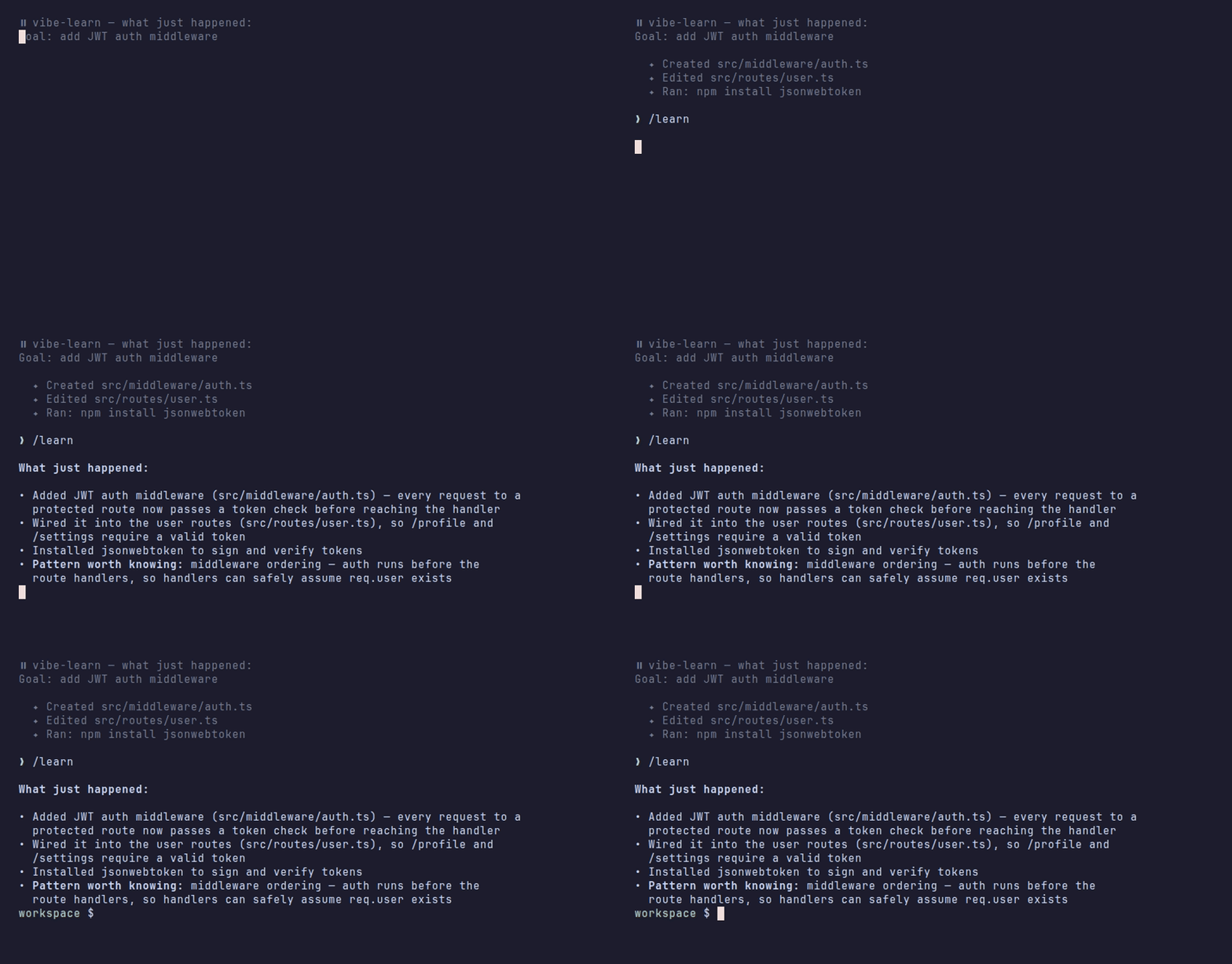
📘 What just happened:

• Added JWT auth middleware (src/middleware/auth.ts) — every request to a
  protected route now passes a token check before reaching the handler
• Wired it into the user routes (src/routes/user.ts), so /profile and
  /settings require a valid token
• Installed jsonwebtoken to sign and verify tokens
• Pattern worth knowing: middleware ordering — auth runs before the route
  handlers, so handlers can safely assume req.user exists
/digest
## 📘 Session Digest

### What Was Built
JWT authentication for the user routes: a reusable auth middleware that
verifies tokens and attaches the decoded user to the request.

### Key Decisions
- Middleware over per-route checks — one enforcement point, no duplication
- jsonwebtoken over hand-rolling — battle-tested signing and expiry handling

### Patterns Used
- Express middleware chaining and ordering
- Fail-closed auth (reject first, then continue)

### Things to Study
- [ ] How JWT expiry and refresh interact
- [ ] What happens to routes registered before the auth middleware
- [ ] (carried over from Jul 2) Environment-based config for secrets
/quiz
Question 1 of 3: The auth check lives in middleware instead of inside each
route handler. What does that buy us — and what's the risk when someone
adds a new route later?

> no repeated checks in every handler, and new routes are protected
  automatically?

Right on the first half — one enforcement point, no duplication. One nuance
you missed: routes are only protected if they're registered *after* the
middleware. A new route mounted above app.use(auth) skips the check
entirely. That ordering is the thing to remember.

Solid: jwt-verification, fail-closed-auth
Revisit: express-middleware-ordering — you had the what, not the when
/explain src/middleware/auth.ts
Entry point — src/middleware/auth.ts:8 exports `requireAuth`, mounted in
src/routes/user.ts:4 with app.use(requireAuth) before any route.

The spine
1. auth.ts:10  reads the Authorization header and strips "Bearer "
2. auth.ts:14  jwt.verify(token, secret) — throws on bad signature or expiry
3. auth.ts:19  req.user = payload — every handler after this can assume it
4. auth.ts:22  next() — only reached on success; failure returns 401 first

The edges — user.ts:4 must stay above the routes; a route mounted earlier
skips the check entirely.
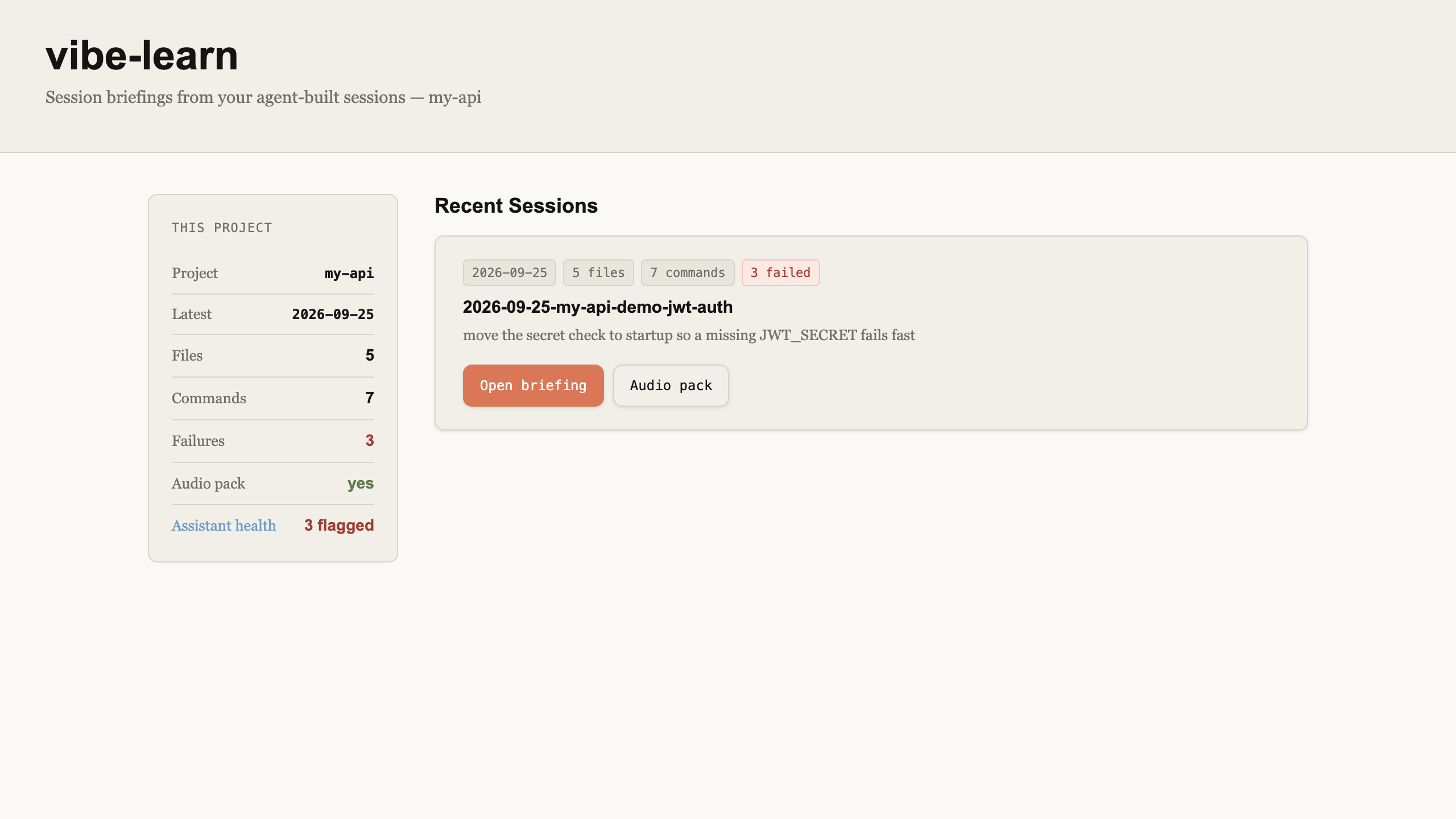
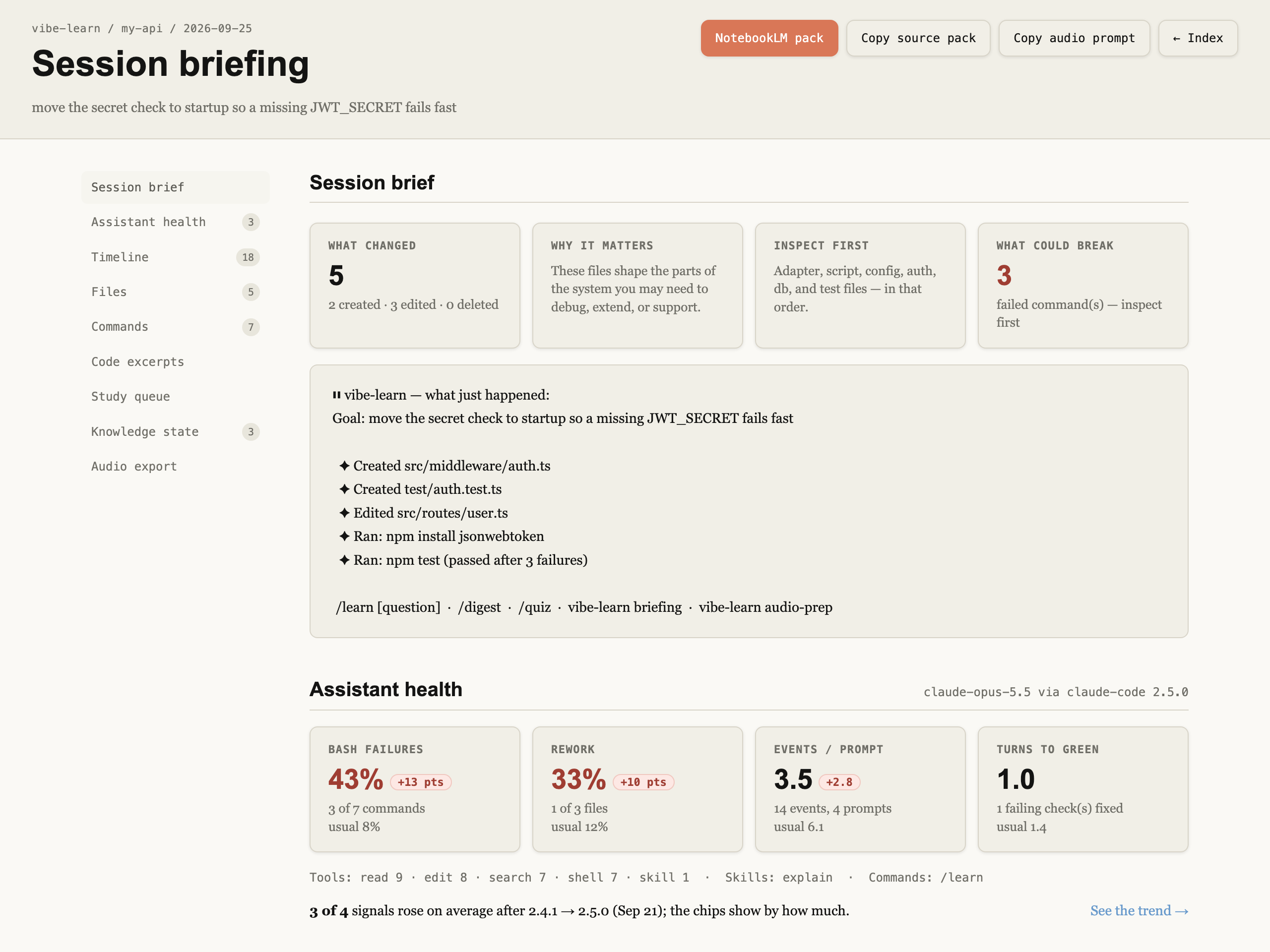
Session briefing — vibe-learn briefing regenerates a static HTML page (no server):
Deeper
- Getting started — first session, about 10 minutes
- Assistants — install details, per-assistant commands, per-project
- How it works — hooks, the session log, the knowledge ledger
- Session briefing & audio — HTML briefing, NotebookLM
- Assistant health — is the assistant having a bad week?
- Obsidian — save and recall learn notes
- Privacy — what is stored, where, and how to turn it off
- Changelog · Releases
Requirements
- Bash (POSIX-compatible)
- jq (
brew install jq/apt-get install jq) - Claude Code, GitHub Copilot CLI (verified with 1.0.84-4), Codex App/CLI, OpenCode, Grok Build, or Cursor
Contributing
Issues and PRs welcome — see CONTRIBUTING.md. Looking for a first task? docs/community/good-first-issues.md.
License
MIT — see LICENSE. Copyright © 2026 Gaurang Karia.