Lemo-Opuscar
A toolbox of film styles made in code: 59 ready to use, and your own.
Pick a style or make one from scratch, bring your story, and let your coding agent direct.
59 种影片风格,每种都配一支完全用代码做出来的短片 · 🇨🇳 中文用户请看 简体中文说明




⚠️ Built for Claude. The styles are tuned for Claude Opus 5.5;
other models may not reproduce them well, so use them with care.
🆕 2026-10-22 · Edit & Documentary: 8 styles cut from real footage, documents and data. See them ↓
🆕 2026-10-22 · Make a style your own: change a style or start blank, and keep it. See how ↓
🆕 2026-10-16 · Evidence Films: 8 styles that film real material, every number sourced. See them ↓
Official repo: github.com/lemomo-ai/lemo-opuscar · by Lemomo (@lemomo_ai)
🎬 Feature presentation: OPUSCAR 98
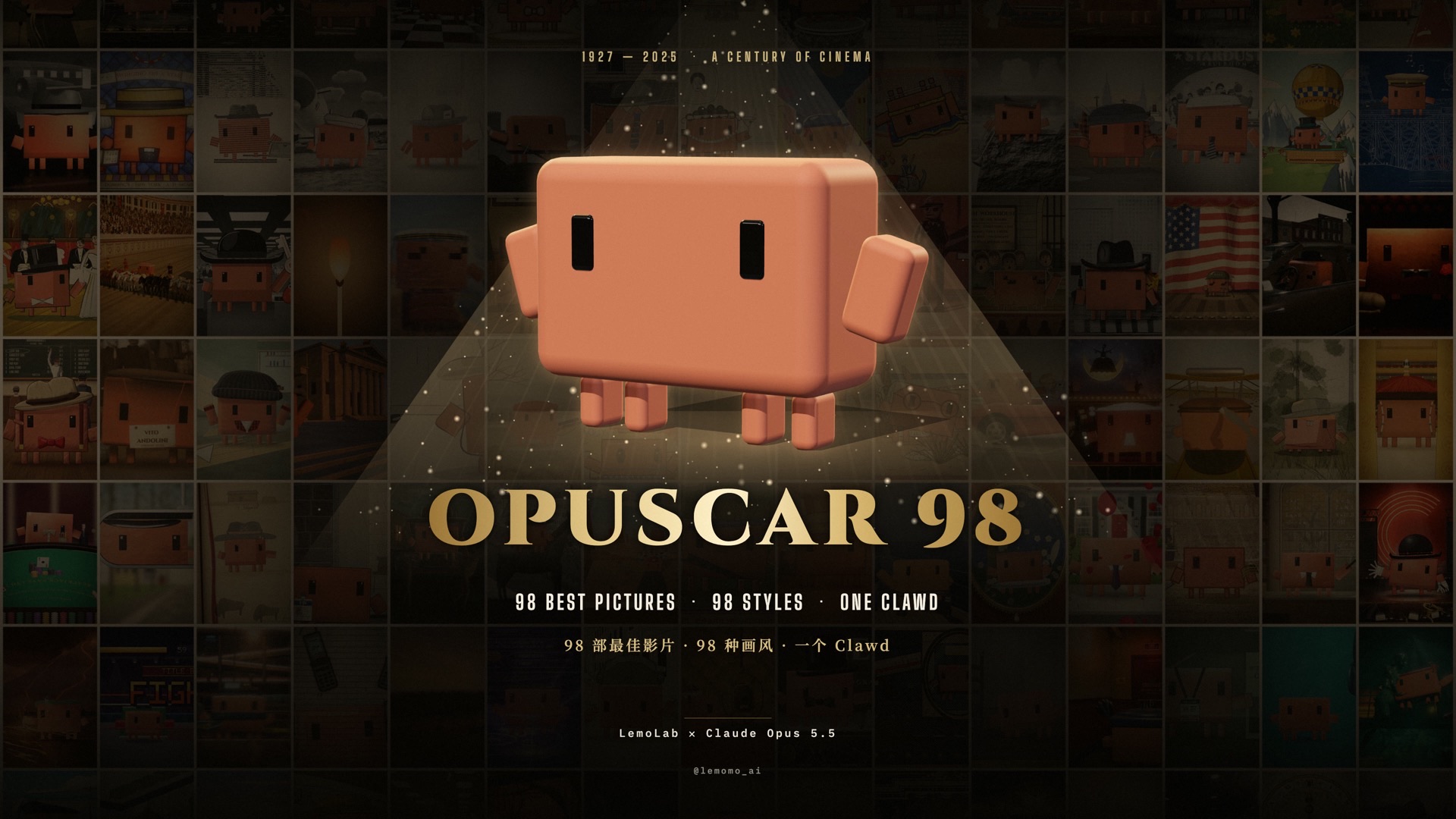 ▶ The film · 1927 – 2025 · 6:31 One Clawd walks through all 98 Best Picture winners, each one redrawn in a style that fits the film. |
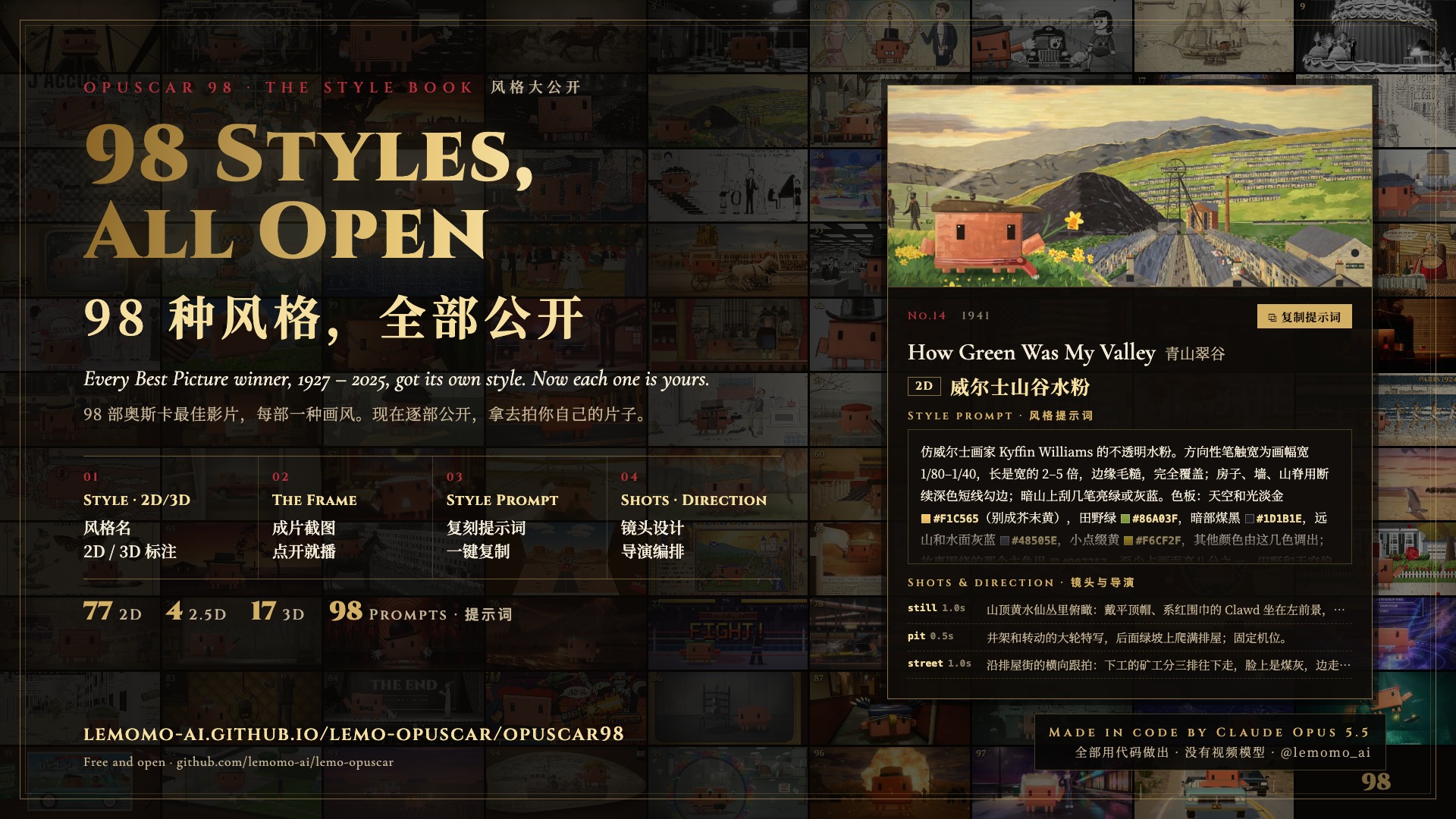 All 98 styles, open · 77 in 2D · 4 in 2.5D · 17 in 3D Each film's style, a frame and a style prompt to reuse on your own topic. |
Every frame, every note and every cut was written in code by Claude Opus 5.5.
▶ Watch · All 98 styles · Download 1080p
👋 About me
I'm Lemomo (@lemomo-ai). More about me on my profile.
Not an awesome list. Every film here was made by me, with Claude Opus 5.5.
The styles are tuned for Opus 5.5; other models may not reproduce them.
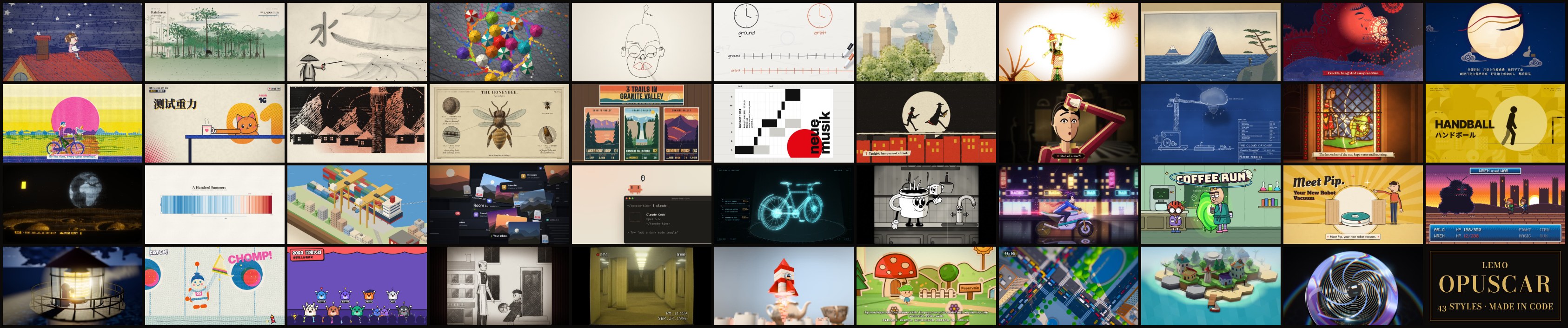
Every film was directed, drawn, scored and mixed by an AI agent writing code:
- 🎨 Picture: canvas and WebGL pages, rendered frame by frame
- 🎵 Music: original scores from free sample libraries
- 🎙️ Voice: text-to-speech narration
No video generation, no stock footage.
How to use
Two ways in; the skill is the easiest.
Option 1: install the skill (recommended)
In your terminal:
claude plugin marketplace add lemomo-ai/lemo-opuscar
claude plugin install lemo-opuscar@lemolab
Then use it from any folder.
- On first use it downloads the guides, tools and style prompts to
~/lemo-opuscar, shared by all your films. - Each film's project, from source to finished video, goes in the folder you started from.
- For other agents, copy
plugin/skills/lemo-opuscar/into their skills folder.
Option 2: clone the repo
git clone https://github.com/lemomo-ai/lemo-opuscar.git
cd lemo-opuscar
claude
Films go into films/<name>/ inside the repo.
Then just say what you want
Make a 45-second film in the watercolor style about the coffee farm my family runs. Warm female narrator.
Make a 40-second LiDAR Survey film about the old quarry in the hills behind our town, from public laser-scan data.
Name the style in English or Chinese; the style index lists them all.
Not sure yet? With the skill installed, type /lemo-opuscar:lemo-opuscar and nothing else. It asks which language to use, then what you'd like to do: a film in a library style, make a style your own, or a film in a style you've saved.
It asks you once, up front:
- anything it can't decide about your topic;
- whether you have your own voice, music or other material;
- whether you want to see a storyboard first. Say yes and it stops once to show you the key shots in the real style; otherwise it goes straight to the finished film.
The agent reads three guides and works like a small studio:
| File | What it gives the agent |
|---|---|
DIRECTOR.md |
how to direct: story, sound, rhythm, camera, performance, self-checks |
TECHNIQUE.md |
how to build: frame-by-frame rendering, voice, music, mixing |
styles/<style>/STYLE.md |
what the style looks and sounds like; the story is yours |
Make a style your own
Everyone wants something different: their own brand colours, logo, characters, the tone of their channel. Now you can change a library style into one that's only yours, or make one from a blank page that the library doesn't have. It's the same process I use to add a new style to the library.
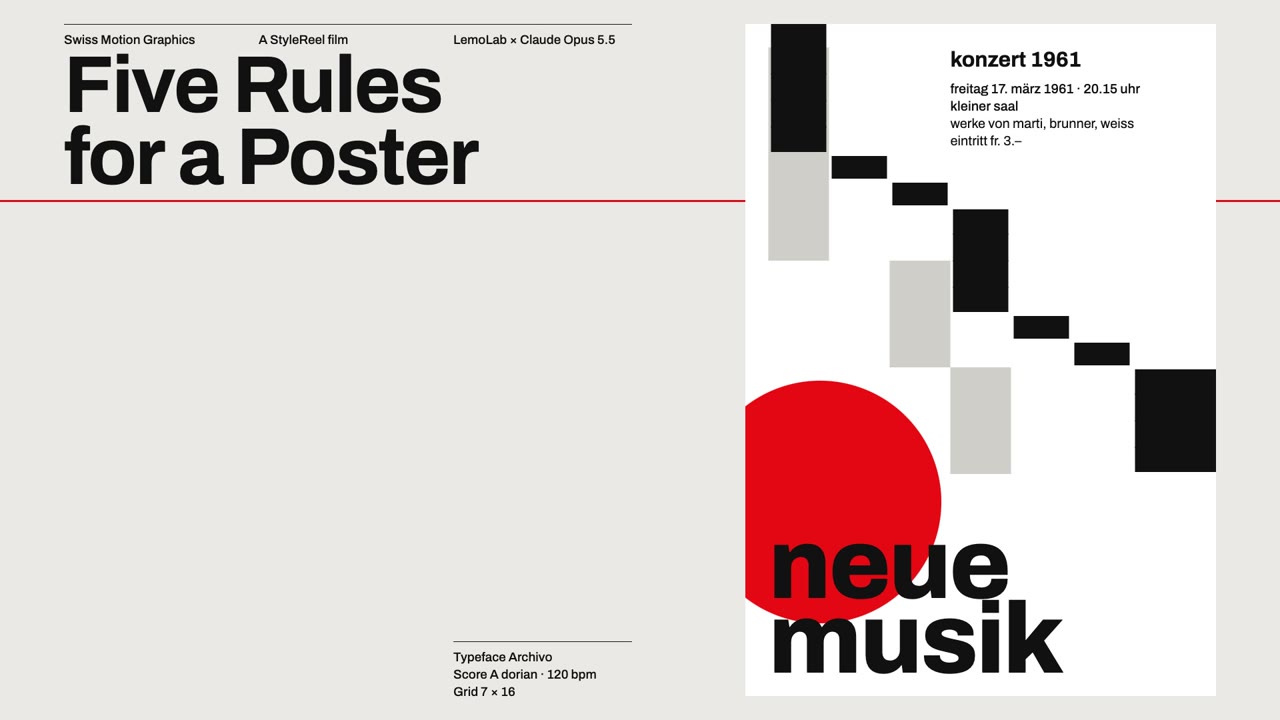 A library style · Swiss Motion Graphics A flat grid, one signal colour, every move on the beat. |
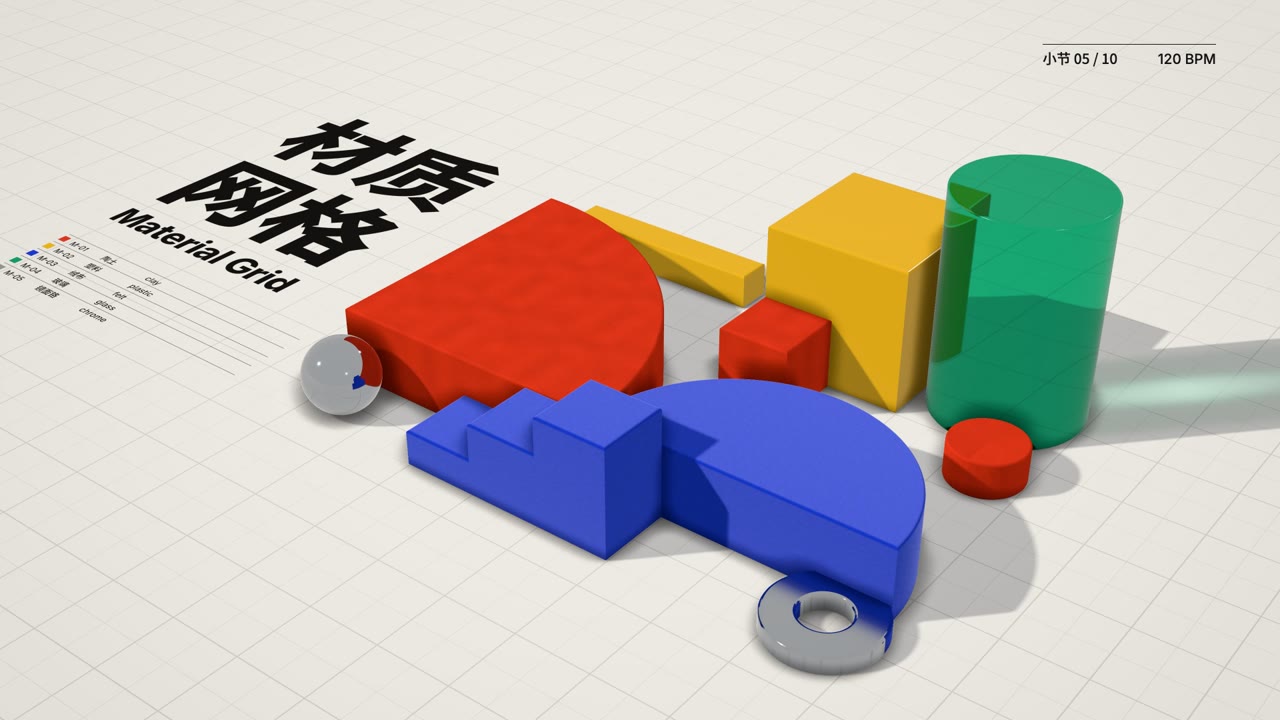 My style · Material Grid · ▶ 31 s demo film The Swiss grid, beat and type kept, the shapes made of clay, plastic, felt, glass and chrome: from above it reads as a poster, one tilt and it's a table of objects. |
Two ways in. Pick one after starting the skill, or say it in one line:
I want to change the Ukiyo-e style into my own version.
Start from a blank page: a chalk-on-blackboard style, warm and slow.
- Change a library style: it lists all 59 with the gallery link, and you type the one to change.
- Start from a blank page: describe the look in your own words, or share a picture or a film you like. Claude picks the closest library style as the technique base, tells you why, and you agree or pick another.
Then five steps:
Plan it one question at a time. Each question has a few options, the recommended one first, with the reason. Roughly:
- what it's for: what kind of films, which platform (vertical feeds want 1080×1920 or 1080×1440), any brand colours, logo, fonts or recurring characters;
- what to change: for a library style it first sorts the style into three groups, safe to change (palette, type, pace, sound, signature moves), changes its character (materials and rendering, the colour logic, camera grammar) and can't change (the style's essence: change that and it's a different style);
- which way to take each part, and last, a name.
Vague is fine: say "more premium" or "livelier" and it turns that into concrete changes to pick from. Too slow? Choose "free conversation", the last option on every question, and just talk it through; say "you decide" at any point and it fills in the rest with its recommendations. At most five changes a round when changing a library style; everything is drawn in code, no image generation.
Review the summary. Each part before, after, and what it costs. Nothing is written until you agree.
See one style frame first, drawn with the real code. When you changed a library style, the same frame is rendered in the original too, side by side: original left, yours right. Say what's off; if it still isn't right after two rounds, it says so and suggests a closer base.
A 15–30 second demo film. Every change is on screen, with music and sound effects. It checks the film and fixes it once before handing it over.
Keep it when you're happy. It asks: keep it as my style, another round, or not now. Until you say yes, everything stays in that project's folder.
Once kept, the style lives in ~/lemo-my-styles/<name>/, shaped like a library style: the style prompt, what changed, the demo film and its source, so later films can reuse the techniques. Then name it like any other style: "Make a 30-second film in my Night Ukiyo-e style about…". When you pick a style, your own are listed first.
Library updates and reinstalling never touch them. When the base style is updated later, Claude mentions it once and asks whether to bring the useful fixes into your copy. The steps Claude follows are in MY-STYLES.md.
Before you start
- A film takes an agent about 30–60 minutes and a fair amount of tokens.
- You need Node 20+, ffmpeg and Python 3.11+ (or uv); the agent installs the rest.
- Default output 1920×1080, 24 fps; other sizes on request.
Update or uninstall
Update, then restart Claude Code (the library in ~/lemo-opuscar updates itself on the next film):
claude plugin marketplace update lemolab && claude plugin update lemo-opuscar@lemolab
After an update, ask for a film as usual; to make a style your own, see above.
Uninstall, then delete ~/lemo-opuscar:
claude plugin uninstall lemo-opuscar@lemolab
Your own styles in ~/lemo-my-styles/ stay through updates and uninstalls; delete that folder yourself if you don't want them.
If a step stays stuck, open an issue.
The styles
Click a frame for its STYLE.md.
Edit & Documentary
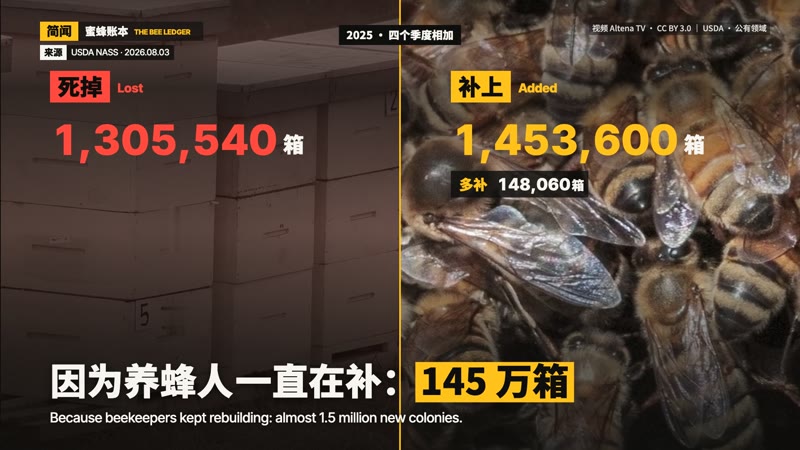 Caption News The Bee Ledger America lost 1.3 million bee colonies, yet the count rose 6 %: a news short that works with the sound off. |
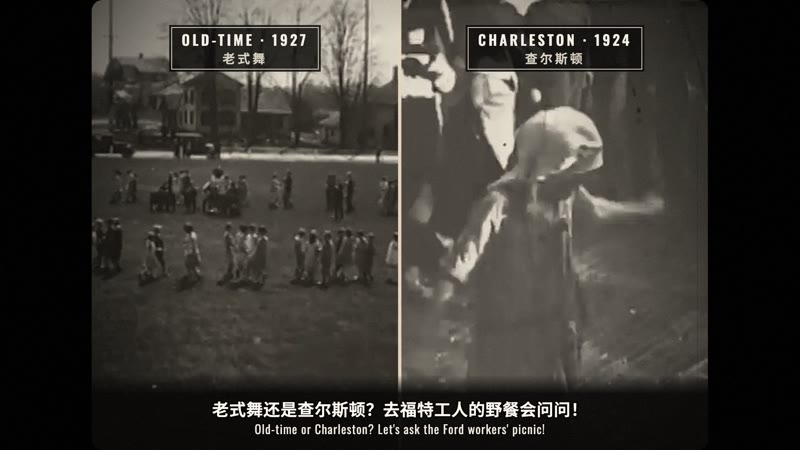 1920s Newsreel Knock-Knee Alert 1926: the papers say the Charleston will ruin America's knees; at Ford's own picnic the kids dance it anyway. |
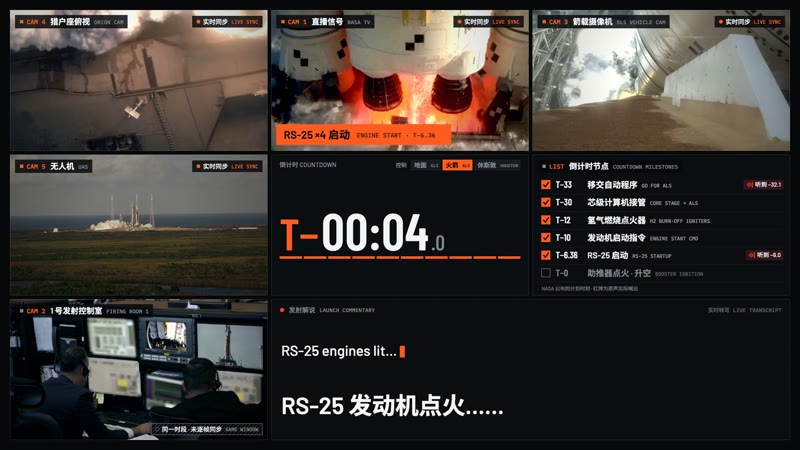 Live Countdown Split-screen Counting Itself Down The last minute of the Artemis II launch, uncut: one cell opens to nine, and they merge into one at ignition. |
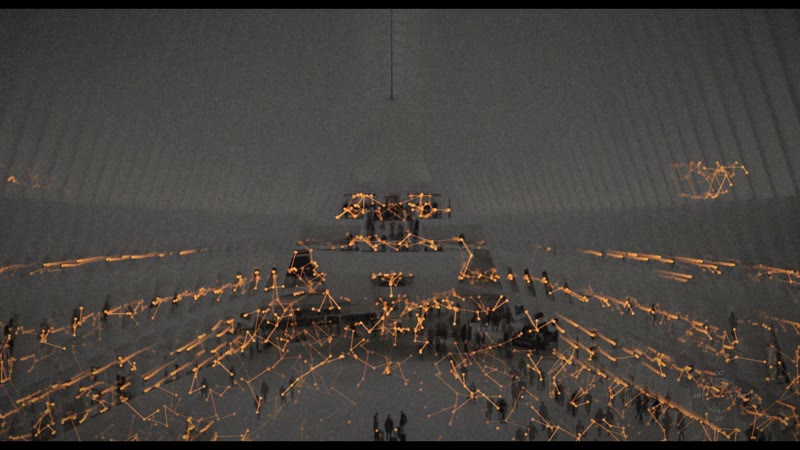 Time-lapse Symphony One Day in New York One day in New York in time-lapse: rivers of light, a grid on the sixteenths, 1899 beside today. |
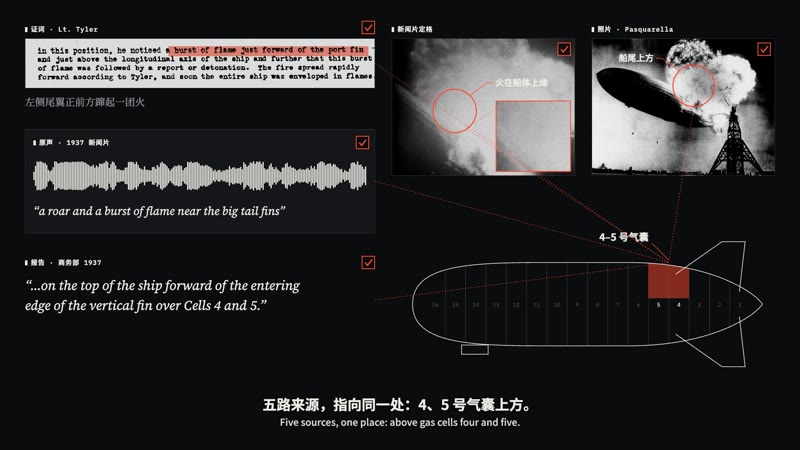 Visual Investigation The Hindenburg: Four Minutes, 32 Seconds Newsreel, photos, testimony and the 1937 inquiry on one clock: five sources point to the same spot. |
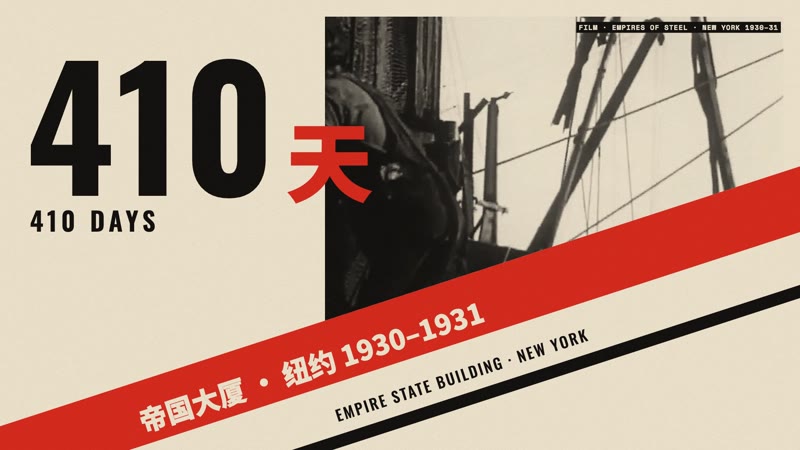 Constructivist Montage 410 Days The Empire State's 1931 brochure credits its builders; the site film and Hine's photos answer: 2,500 a day. |
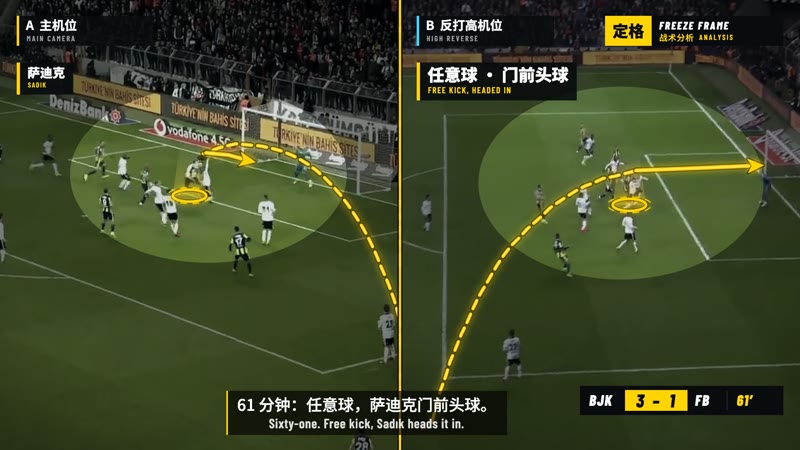 Sports Telestrator Freeze Frame Down 3–0 at half-time, Fenerbahçe scored three in 12 minutes: freeze, draw, split screen, shot map. |
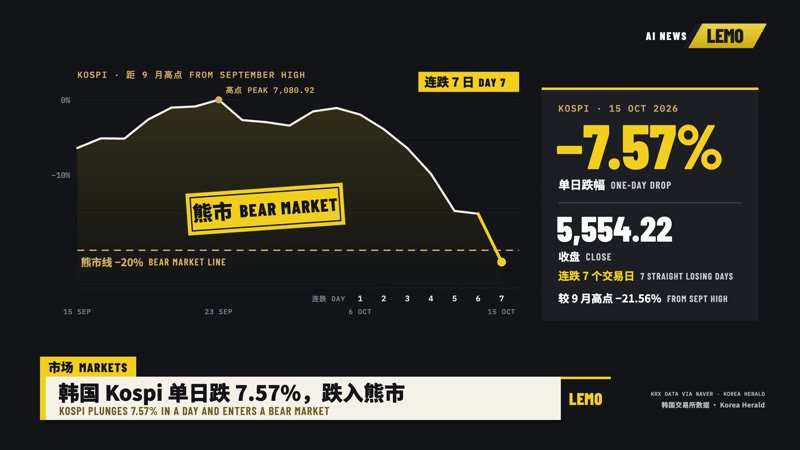 Broadcast News Package The Week in AI Four AI stories from one week in a full on-air package: rundown, headline strap, price board, spec card. |
Evidence Films
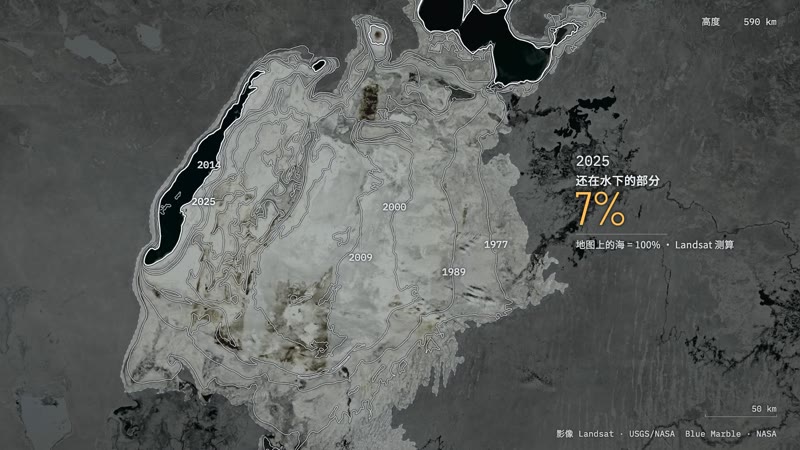 Satellite Briefing The Map Still Says Sea A satellite follows the map to the Aral Sea and finds a desert; only the part someone dammed came back. |
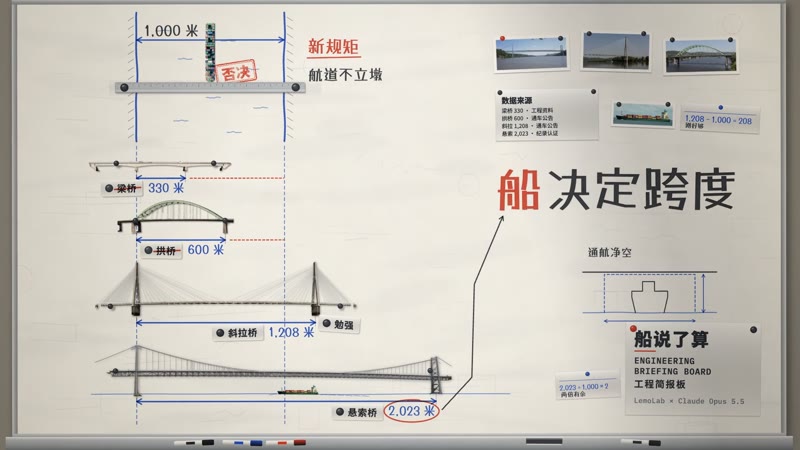 Engineering Briefing Board The Ship Decides Four bridge types are tested on one briefing wall, and the ship that must pass under picks the winner. |
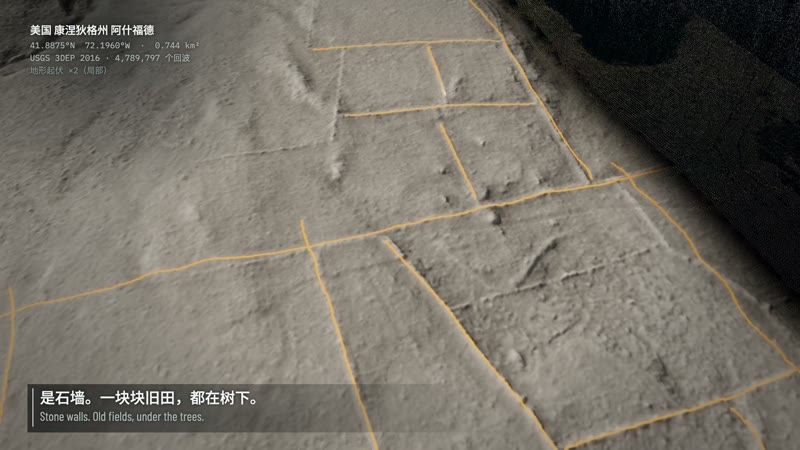 LiDAR Survey The Fields Under the Forest A laser survey strips the canopy off a Connecticut forest and finds 3.4 km of old farm walls. |
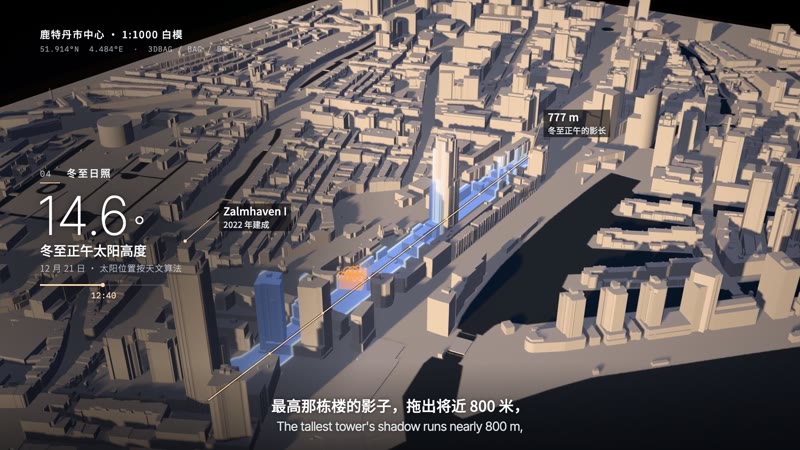 Projection on White Model How a Flattened City Grew Back A projector paints Rotterdam's white model layer by layer, from the 1940 gap to today's towers. |
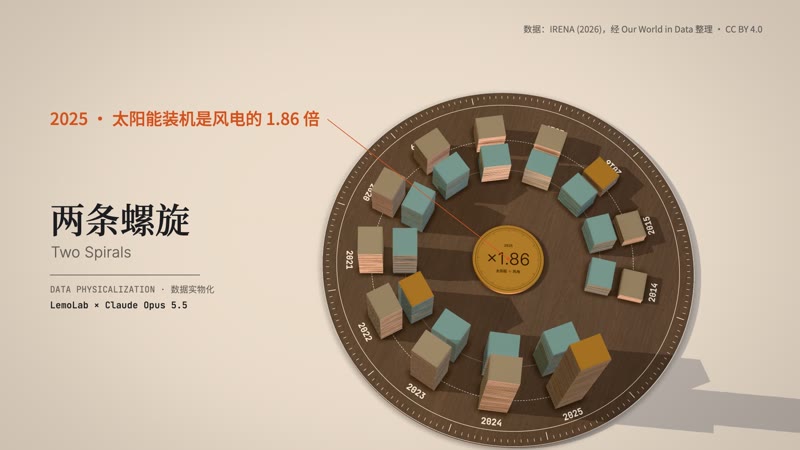 Data Physicalization Two Spirals Twelve years of wind and solar stacked as real plates, spiralling round a walnut dial until solar overtakes. |
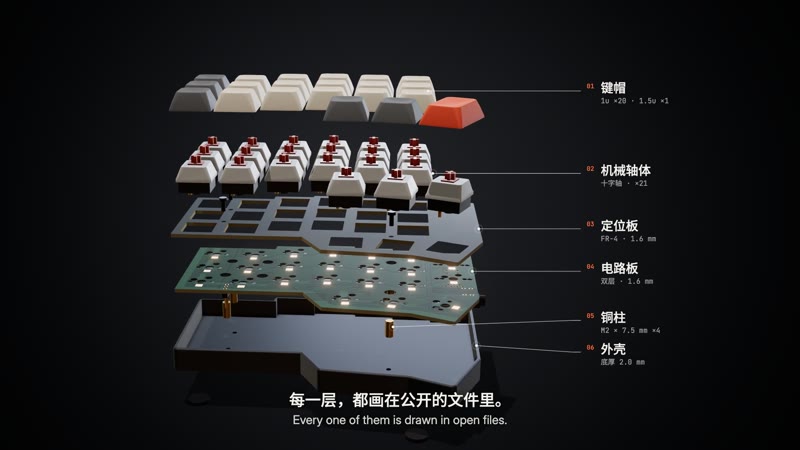 Exploded Teardown 21 Keys, Opened Half an open-source keyboard comes apart in one orbit, down to the chip, then closes with its real dimensions. |
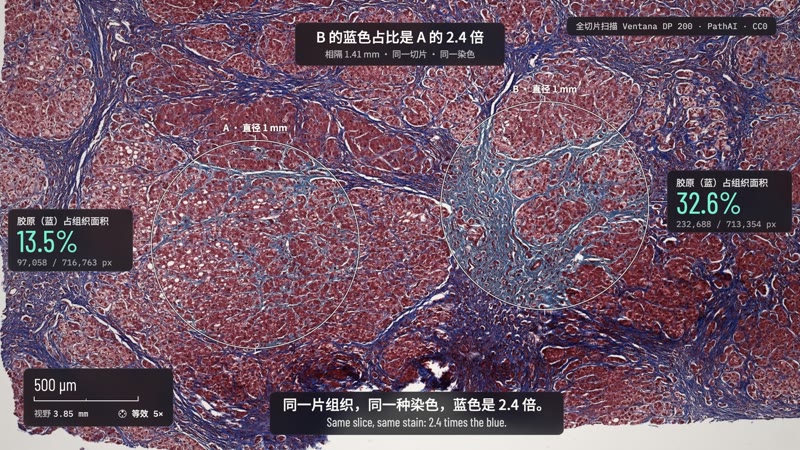 Microscope Story Measured Blue One continuous move from a liver slide to a single nucleus; two circles, counted pixel by pixel, differ 2.4 times in blue. |
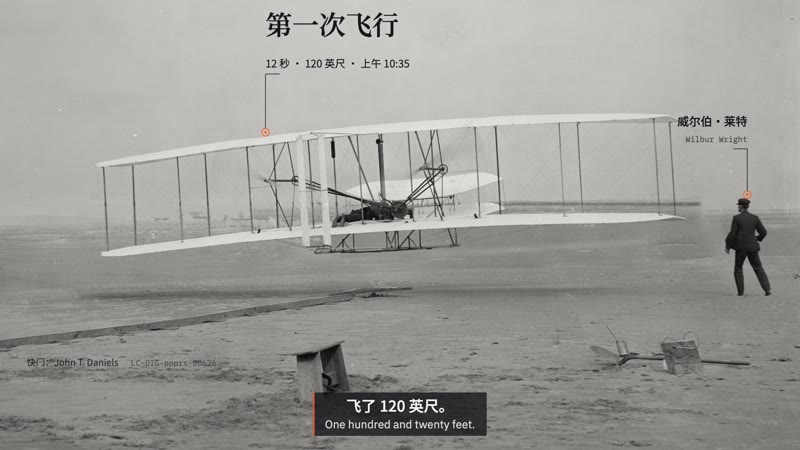 Archive Light Table Two Seconds Short The telegram said 57 seconds; under a loupe, the Wrights' glass negatives and the archive say 59. |
Hand-drawn & Painting
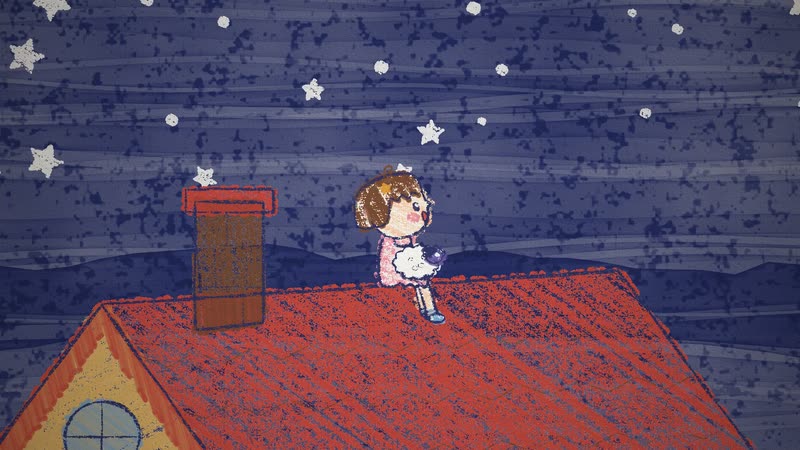 Crayon Picture Book The Moon Can't Sleep The moon can't sleep, so a little girl climbs onto the roof to sing it a lullaby. |
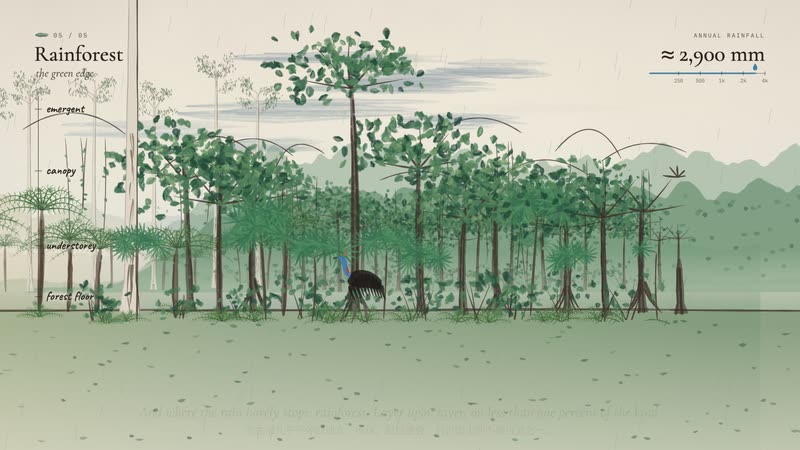 Watercolor Brush Follow the Rain Follow the rain from Australia's red desert heart to its green coast in one unbroken painted walk. |
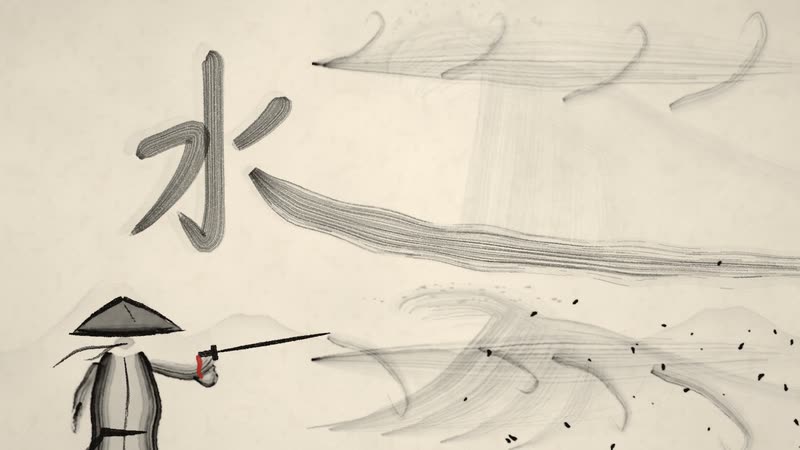 Chinese Ink Wash The Swordsman and the River A swordsman crosses the river on the water and splits the current with a single stroke. |
 Impasto Oil Painting The Colour of Rain In a grey, rainy square one red umbrella opens, and a waltz paints the whole plaza in colour. |
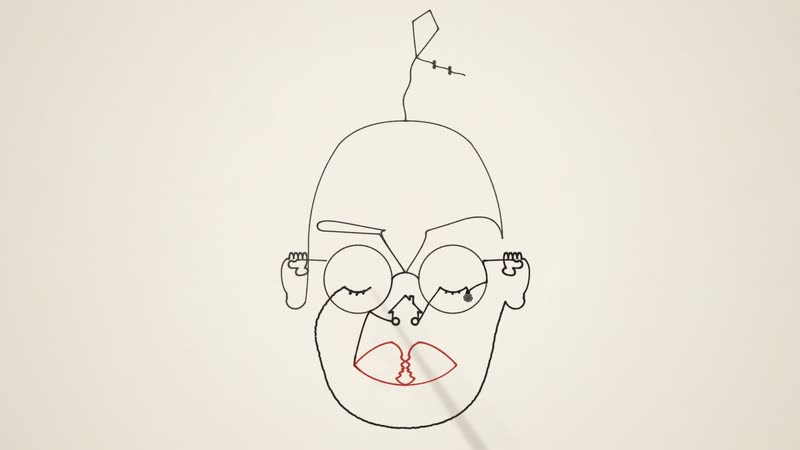 One-line Drawing The Line That Never Lifted One unbroken line draws a whole life, then the pen passes to a child. |
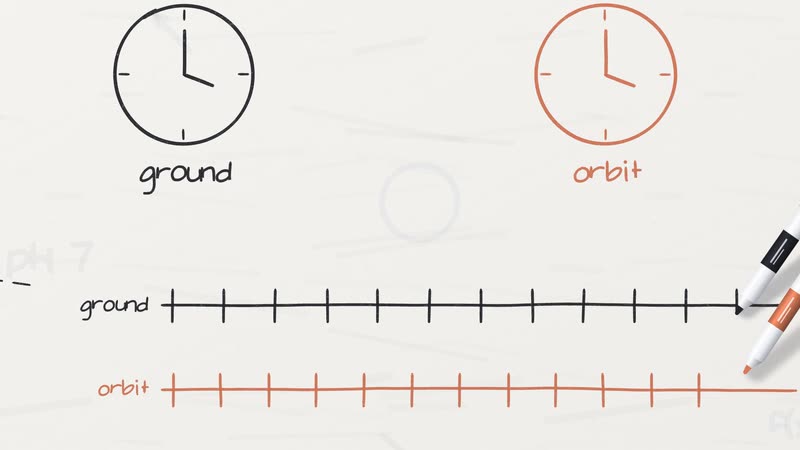 Whiteboard Explainer Einstein in Your Pocket How your phone knows where you are: GPS, atomic clocks, and the 38 microseconds relativity adds every day. |
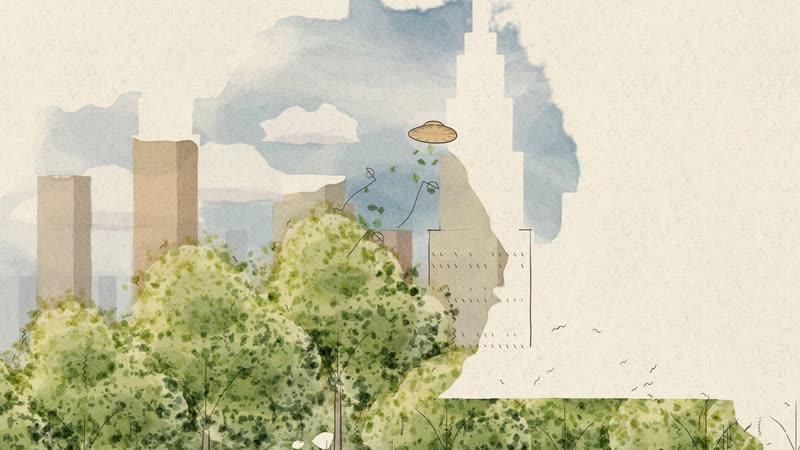 Urban Sketch · Pen & Wash Where the Wind Went A park that is only a pen sketch; wherever the wind carries her straw hat, colour follows. |
East Asian Traditions
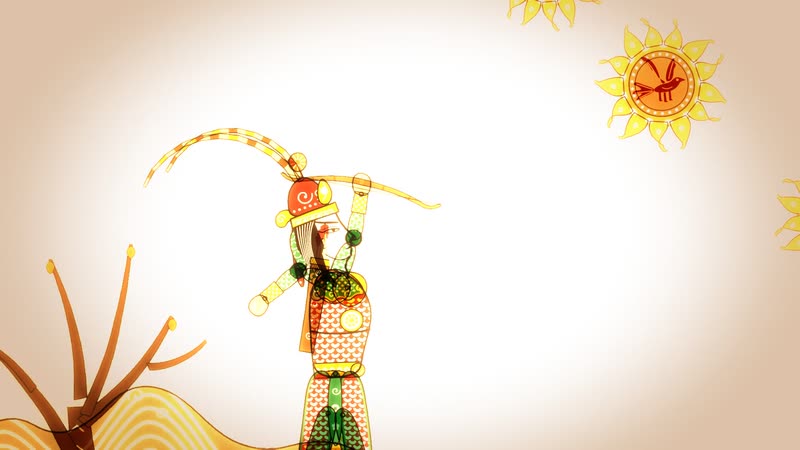 Shadow Puppetry Hou Yi Shoots the Suns Ten suns scorch the earth until the archer Hou Yi draws his bow, told with leather puppets on a lit screen. |
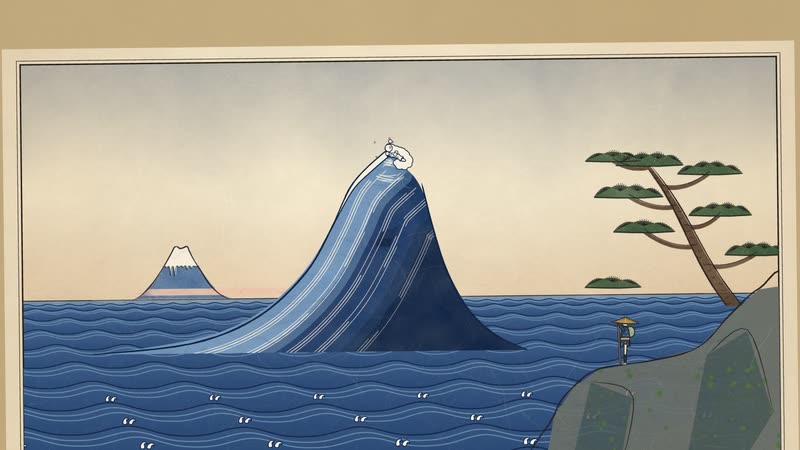 Ukiyo-e Toward the Mountain A traveller walks toward a distant mountain; every shot is a woodblock print, a great wave at the climax, the mountain and the whole scroll at the end. |
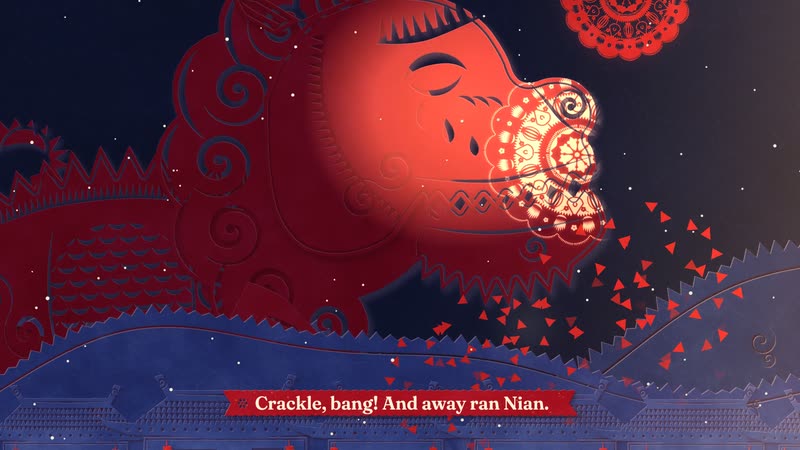 Red Paper-cut Nian Comes to Town On New Year's Eve the beast Nian comes to town, and one girl's giant paper-cut lights up the village to scare it off. |
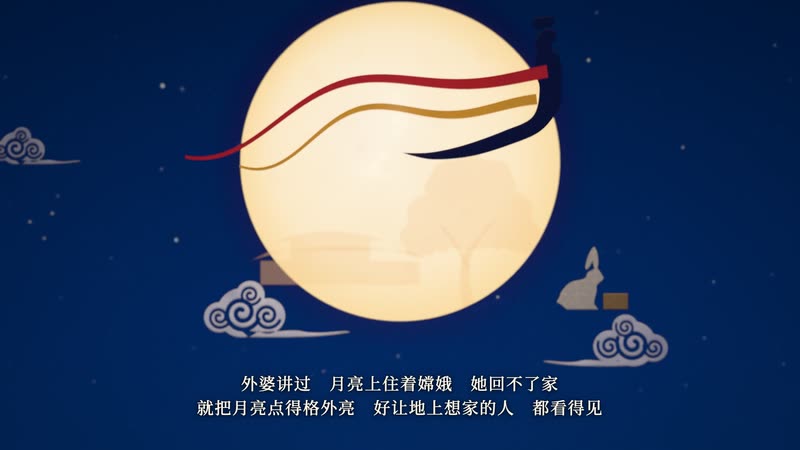 Paper-cut Lightbox A Mooncake's Longing A single mooncake tells the Mid-Autumn story of reunion and longing inside a glowing paper-cut lightbox. |
Print & Printmaking
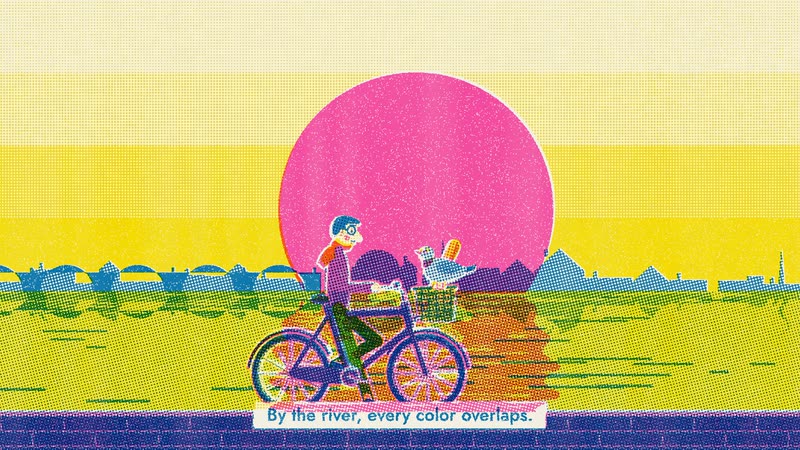 Risograph Print Sunday Ride A Sunday-morning bike ride through the city — bakery, park, riverside — each stop adding an ink until three misregistered plates overprint. |
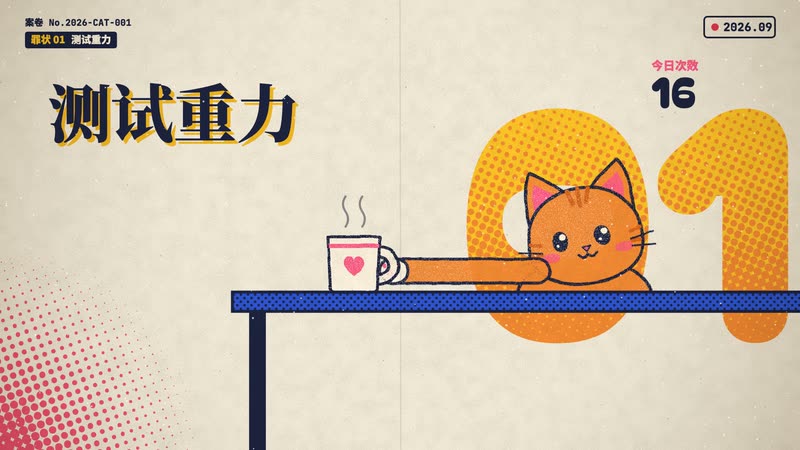 Halftone Dossier Case File: Chubby A chubby orange cat stands trial for testing gravity and 4 a.m. parkour, and walks free. |
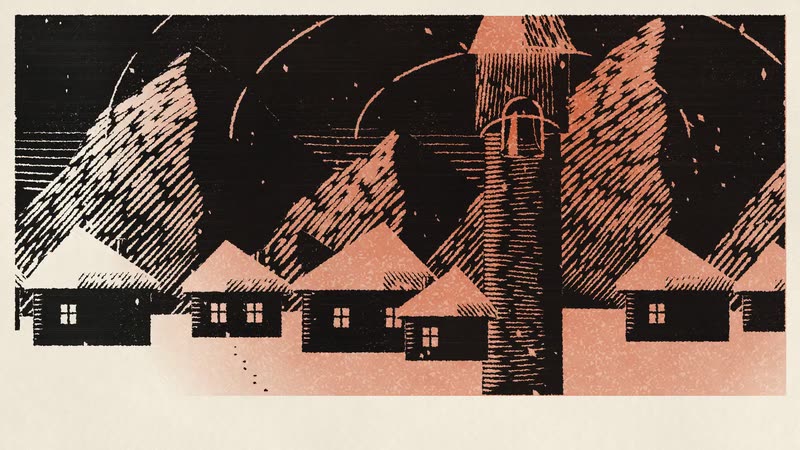 Woodcut Print The Bell Founder A village spends a whole winter casting one bell; the first time it rings, the snow stops. |
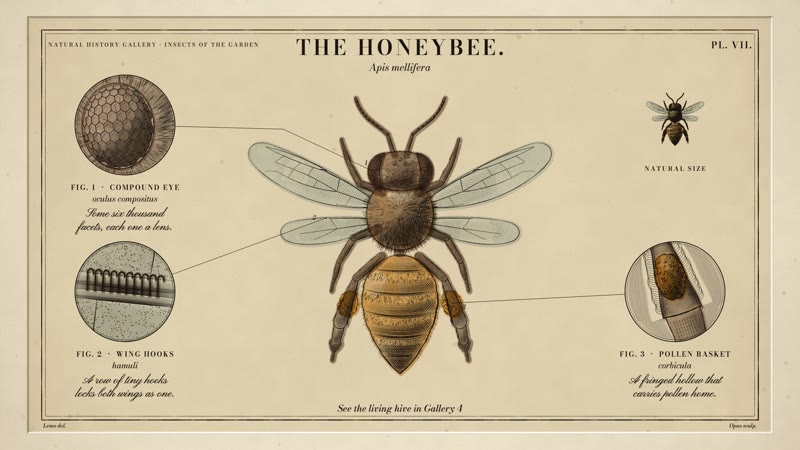 Copperplate Engraving The Honeybee, Plate VII A natural-history plate engraves itself: the burin cuts the copper, the bee builds up line by line, and a watercolour wash brings it to life. |
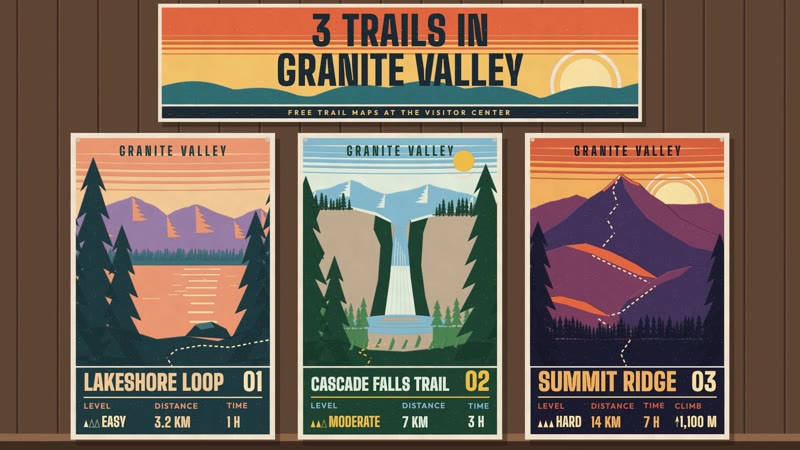 Silkscreen Travel Poster Three Trails Three trail posters are screen-printed one ink at a time, then climbed in one long take from noon to dusk. |
Graphic & Type
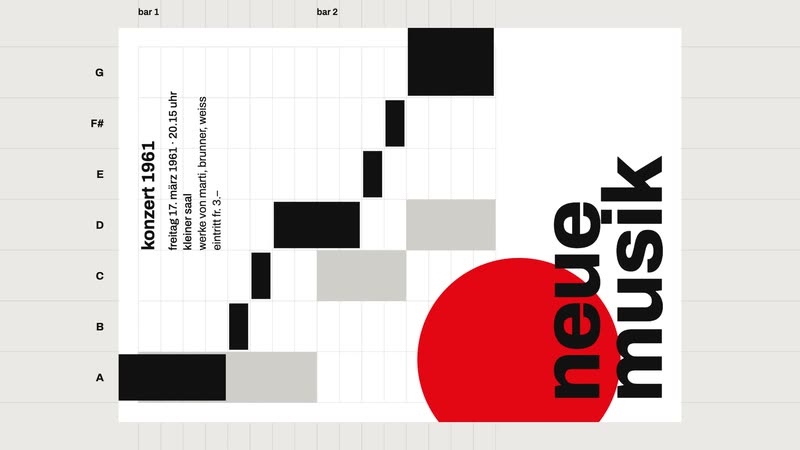 Swiss Motion Graphics Five Rules for a Poster A concert poster lays itself out by five Swiss design rules; the fifth is to break just one. |
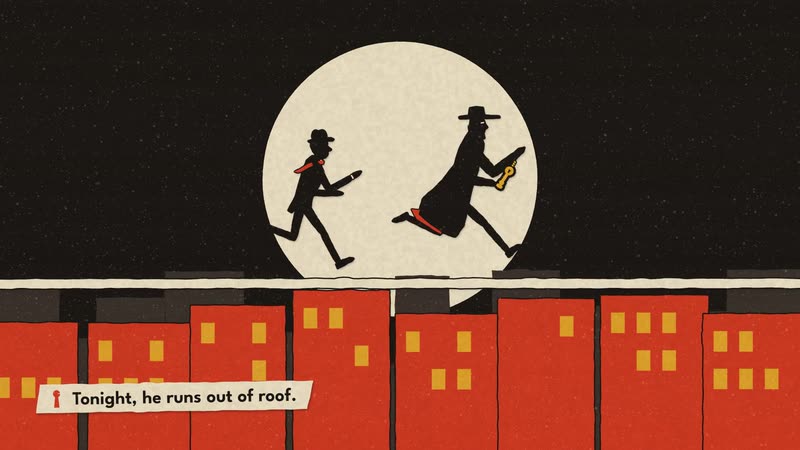 60s Spy Title Sequence The Velvet Cipher Opening titles for an imaginary 1964 spy film: a chase for a stolen key until the shapes lock into the title. |
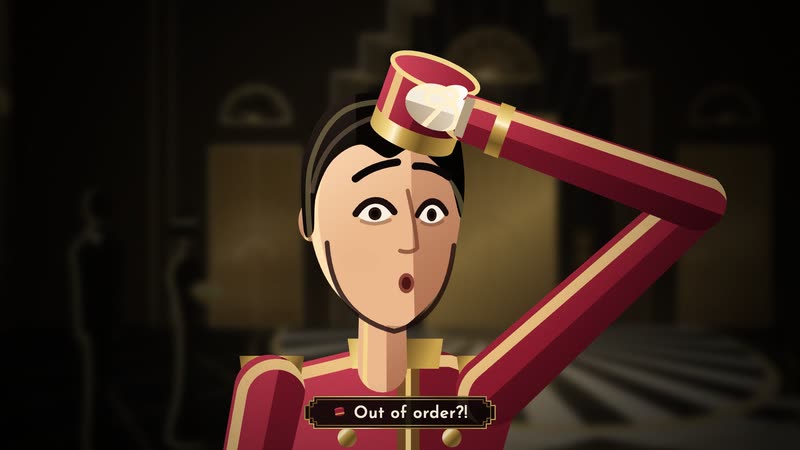 Art Deco Midnight at the Starlight Hotel A grand hotel, 1930: a bellboy races lifts and revolving doors to deliver one letter before midnight. |
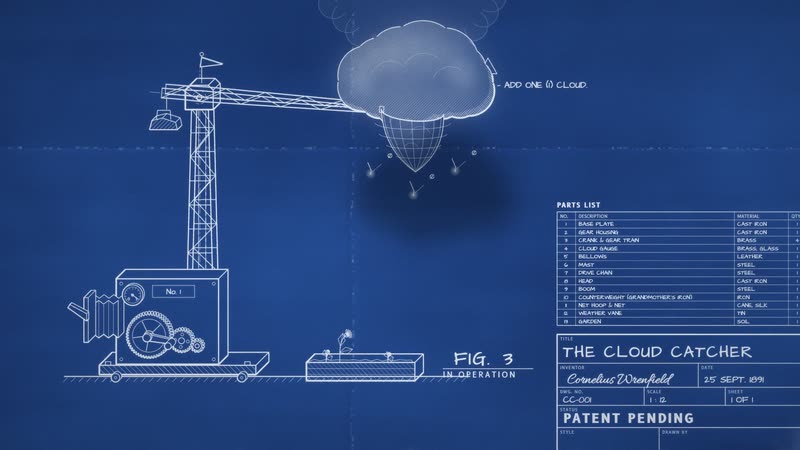 Blueprint Patent Pending: The Cloud Catcher An inventor's blueprint draws, explodes and assembles a cloud-catching machine, and its revision cloud starts to rain. |
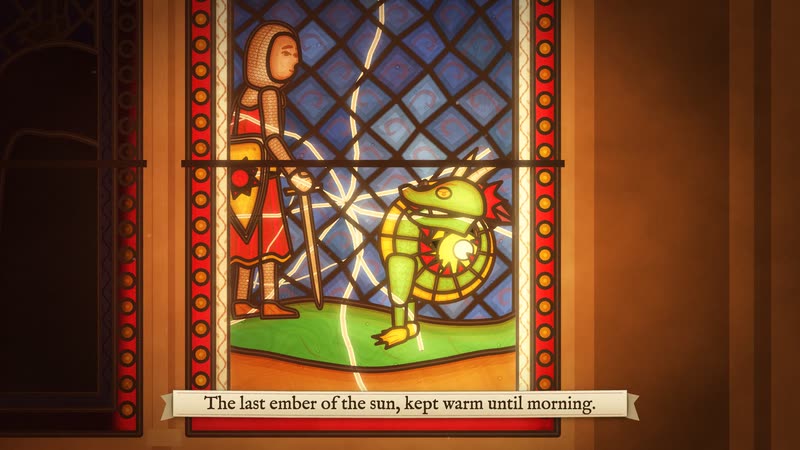 Stained Glass The Dragon of the East Window Sunlight crosses a cathedral window from dawn to dusk, waking each pane of a knight-and-dragon tale. |
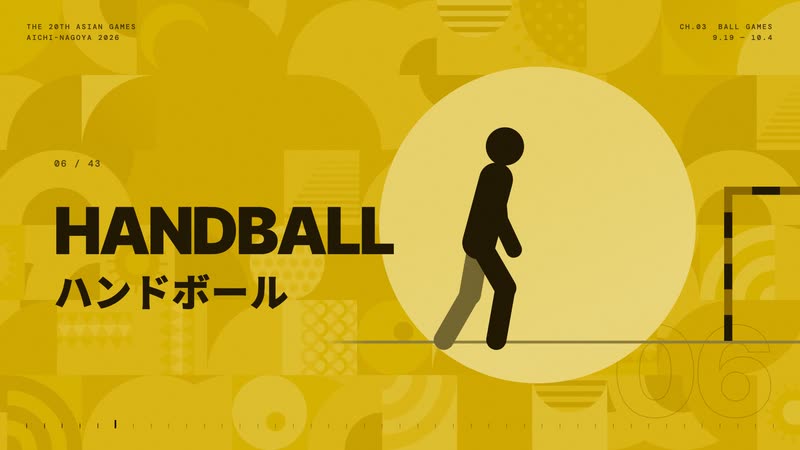 Pictogram Motion Aichi-Nagoya 2026 — All 43 Sports All 43 sports of the 2026 Asian Games as beat-locked geometric pictograms. |
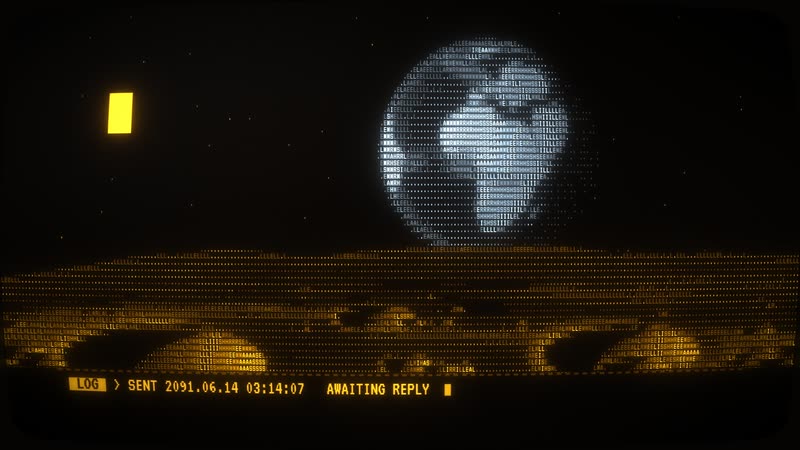 ASCII / CRT Terminal Tranquility.log A moon-base AI wakes after forty years to a signal from Earth, and replies by drawing “home” in characters. |
Information & Keynote
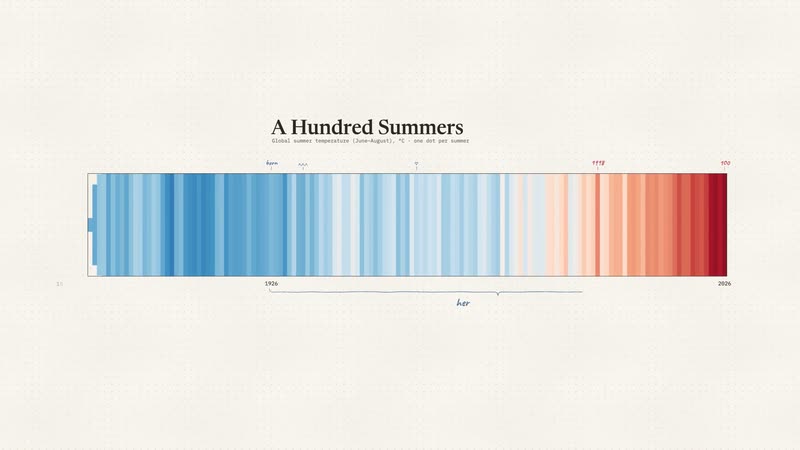 Data Storytelling A Hundred Summers A hundred years of summer temperatures, where the chart itself tells the story. |
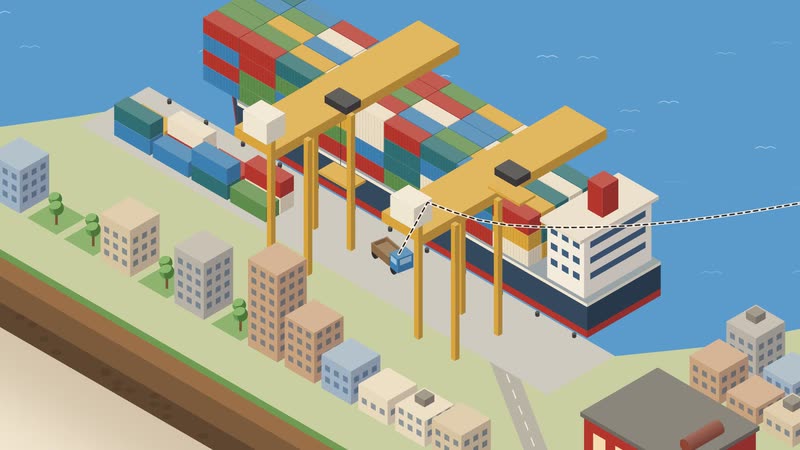 Isometric Infographic From Bean to Cup A coffee's journey from the plantation to your hands, across one isometric world. |
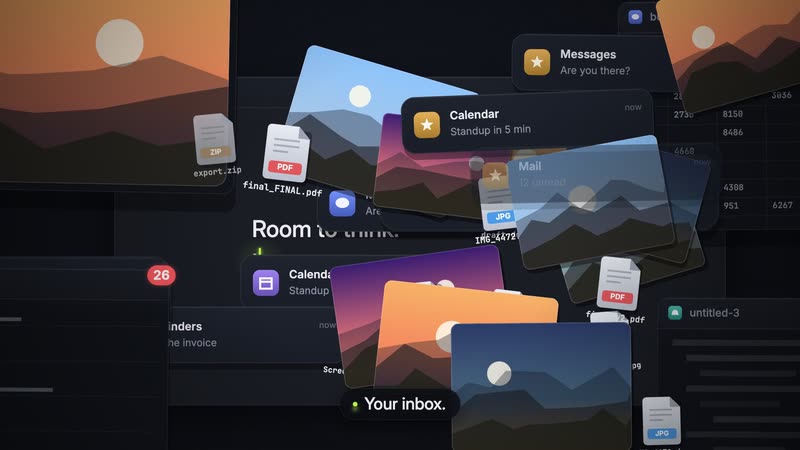 Dark Tech Keynote Room to Think Launch film for Tidy, a fictional app: one buried cursor snaps hundreds of windows back into place. |
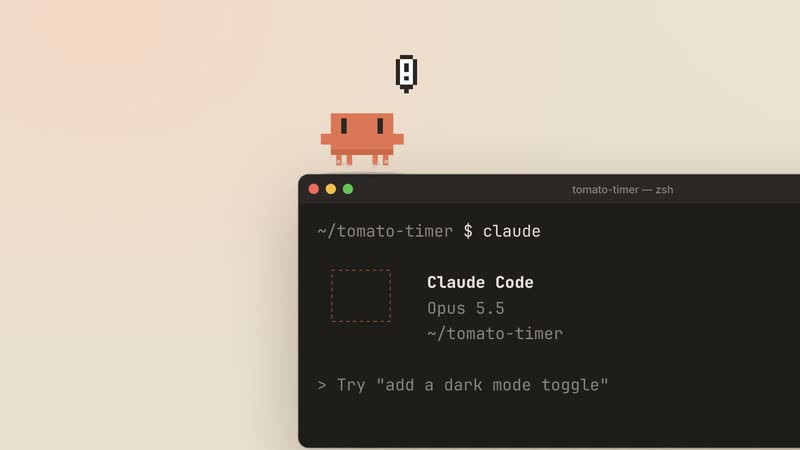 Living Screencast Clawd Moves In Clawd hops out of the terminal into the Claude app and acts out plan mode and self-checks in one take. |
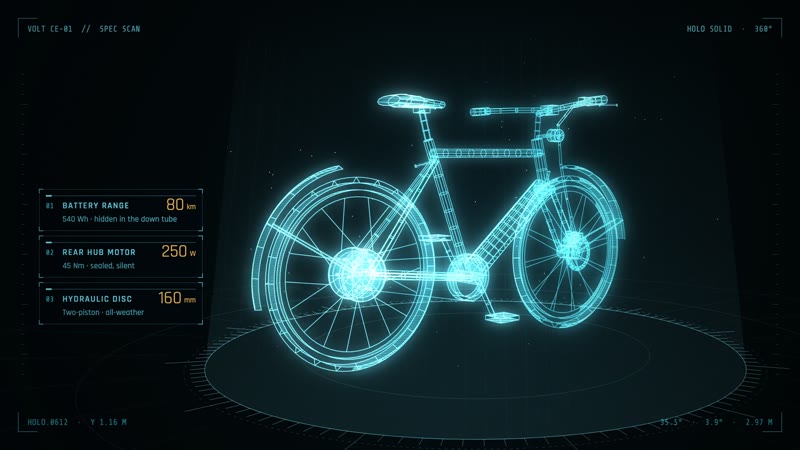 Sci-fi Hologram HUD Volt · Spec Scan An e-bike is scanned into a hologram; target boxes lock onto the battery, motor and brakes. |
Cartoon & Anime
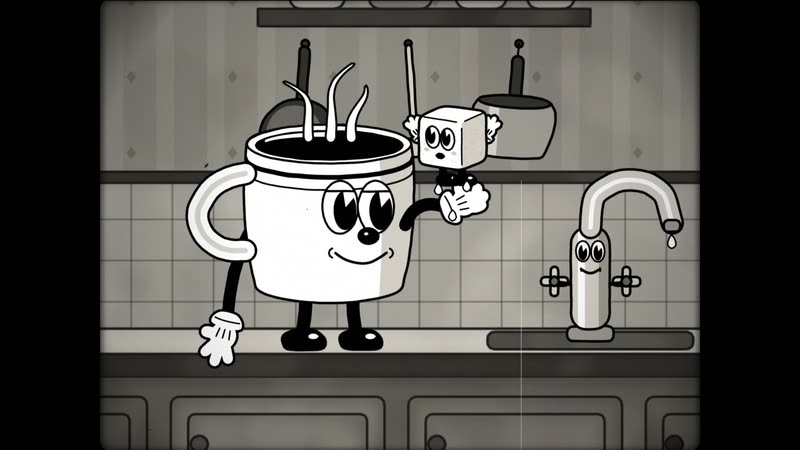 1930s Rubber Hose Cartoon Coffee Cup Chase A coffee cup chases a runaway sugar cube around the kitchen, 1930s-cartoon style. |
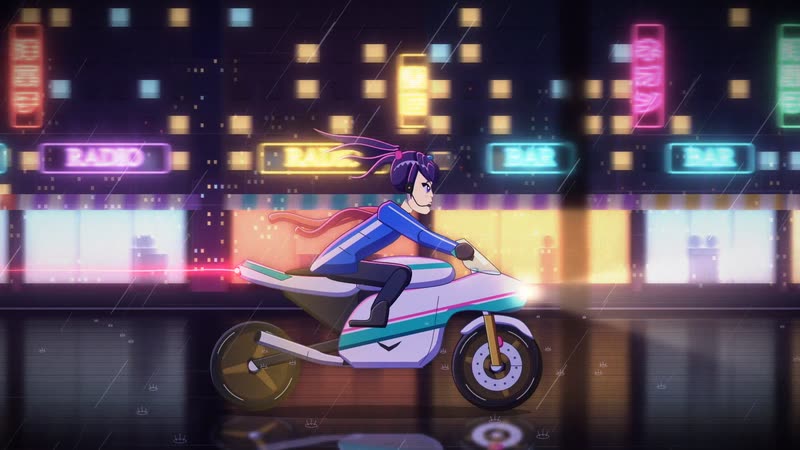 80s Cel Anime City Lights, 1987 A courier girl rides through a rain-soaked neon city to deliver a tape before the dawn launch. |
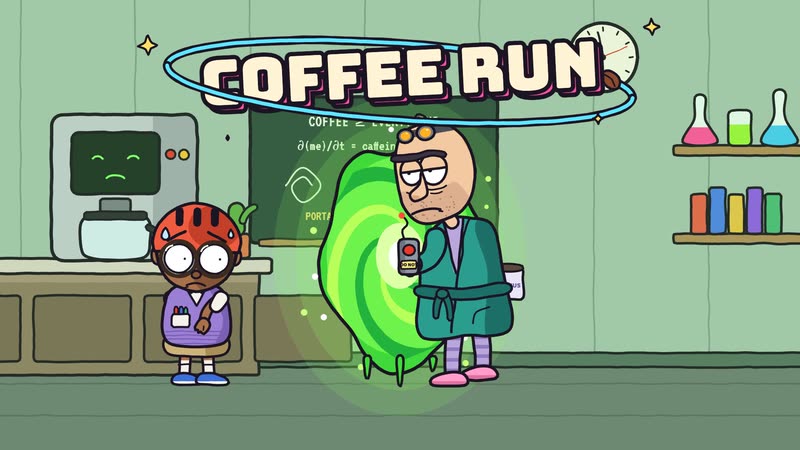 Sci-Fi Sitcom Toon Coffee Run A jaded genius opens a portal just to buy coffee and tumbles through ever-stranger universes. |
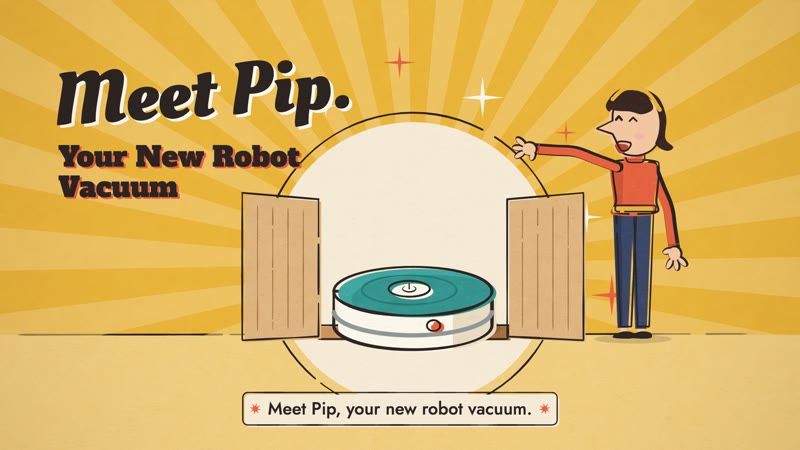 Mid-century Cartoon Meet Pip A robot vacuum set up in three steps, told like a 1950s classroom film. |
Games
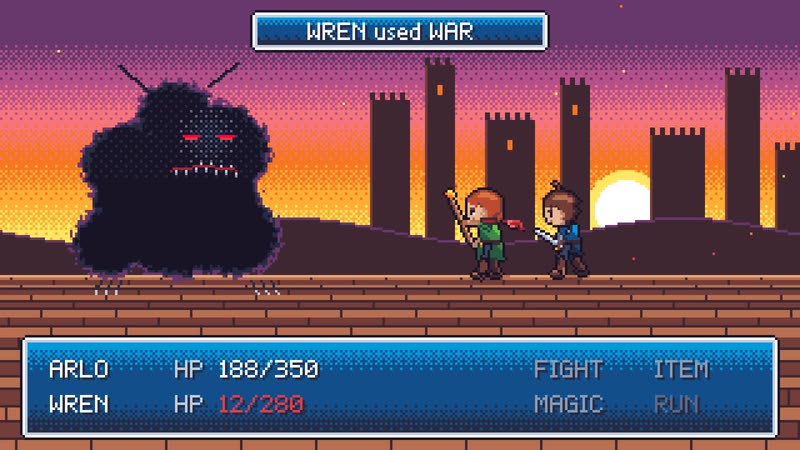 16-bit Pixel RPG The Last Save Point At the final boss door a hero saves the game, and the save screen replays the whole journey. |
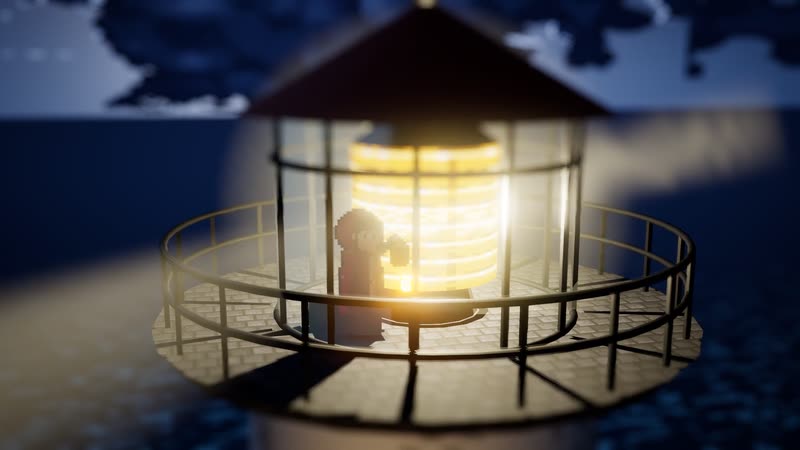 HD-2D The Lampbearer The lighthouse goes dark; a girl carries the last flame through a night forest and up the storm cliffs. |
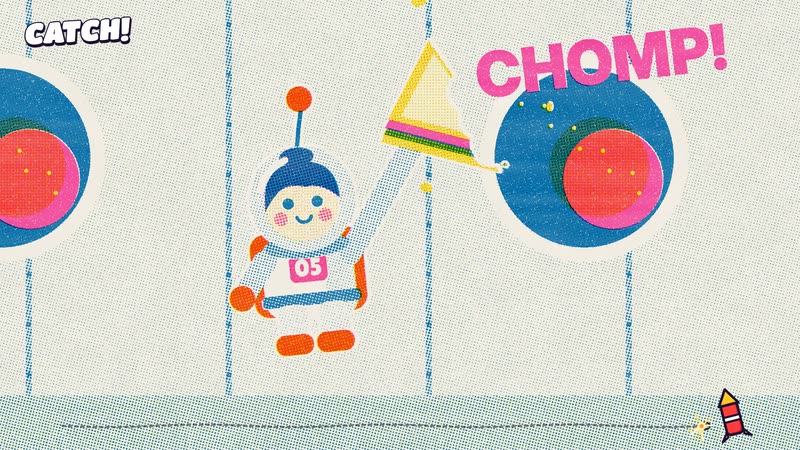 Microgame Frenzy Five-Second Astronaut A clumsy cadet survives a five-second boot camp, faster and faster, until the boss: landing home. |
 Game Show Flat Rhythm of AI, 1997 → 2026 The history of AI as a rhythm game: models take the stage on the beat, and a report card closes the show. |
Cinema & Eras
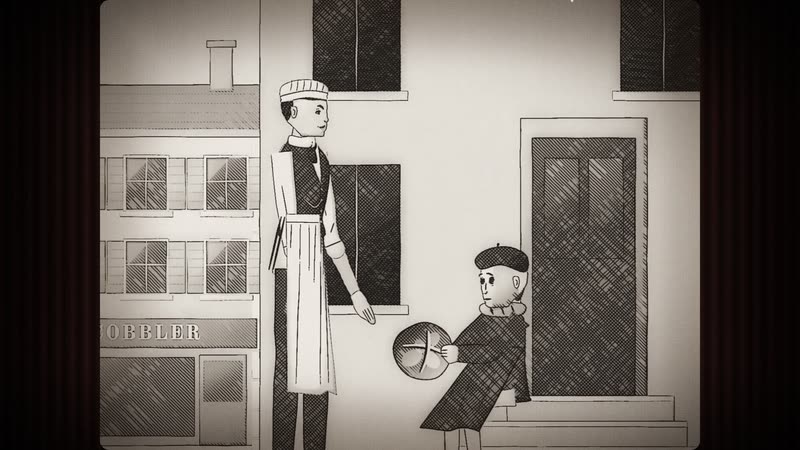 1920s Silent Film The Runaway Loaf A baker's boy chases a runaway loaf downhill, then breaks it in half for a hungry girl. |
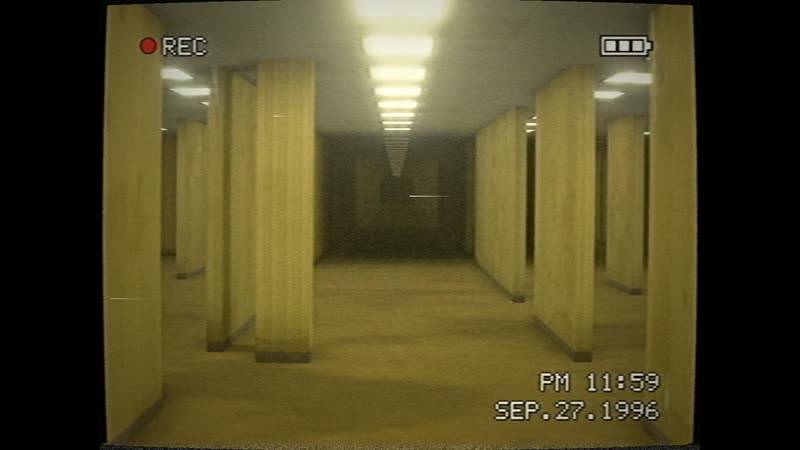 Liminal Found Footage Night Shift Orientation A new night-shift hire films their first night in an endless yellow office, following the rules on the wall. |
Materials & 3D
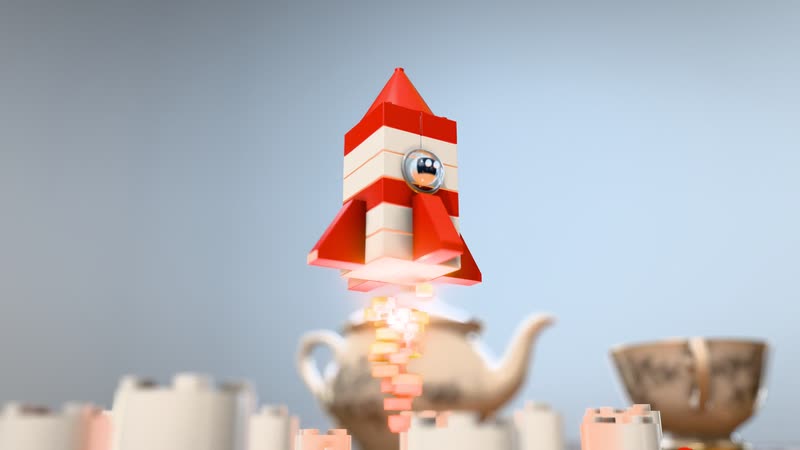 Brick Toy Rocket from Spare Parts A brick astronaut builds a rocket from spare parts and flies to a brick moon. |
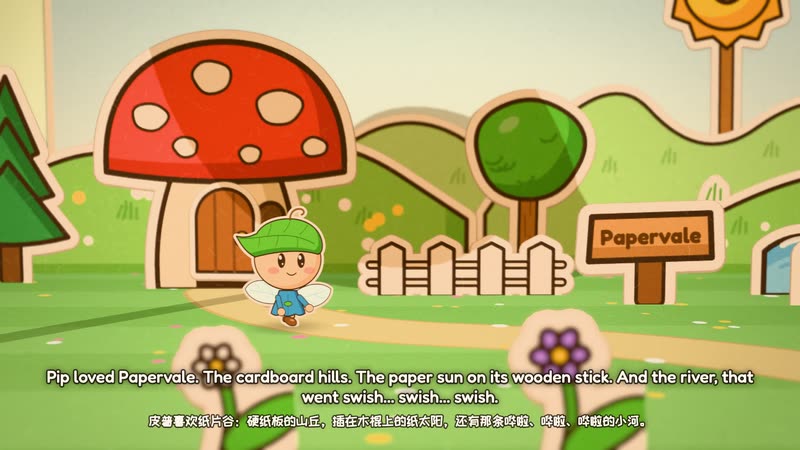 Paper Pop-up Book Pip's Paper Adventure A pop-up book opens on a desk; a sprite named Pip adventures through paper worlds and jumps out into ours. |
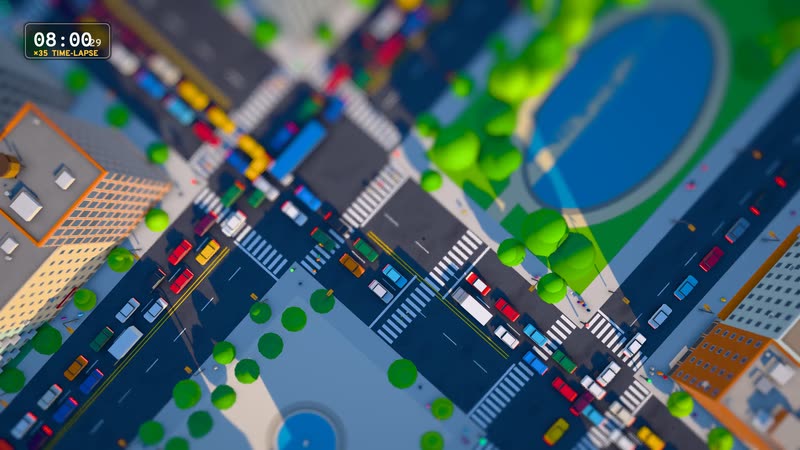 Tilt-Shift Miniature Toy Town Rush Hour Morning rush hour in a town that looks like a model: traffic, trains and tiny people. |
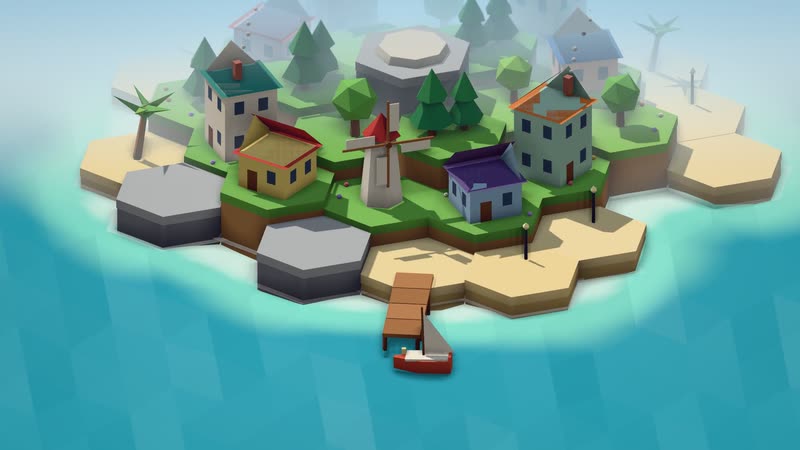 Low-poly Isometric Island The Island That Grew An island and its village grow tile by tile from an empty sea, each tile a note, into a starry night. |
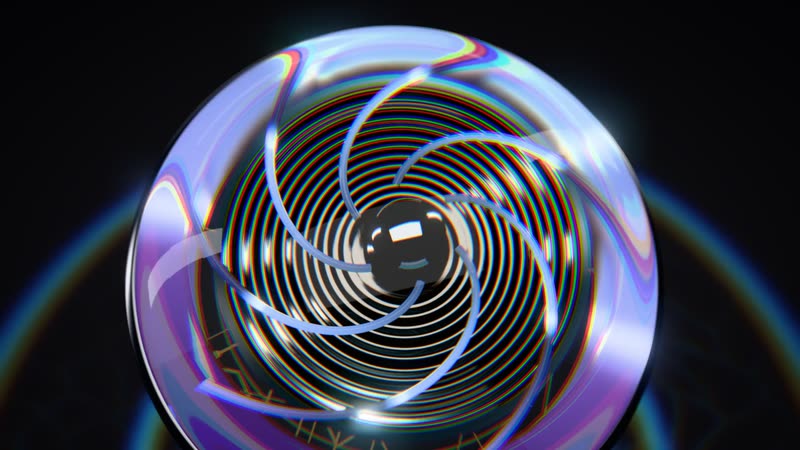 Glass Product Render Aura — Hear the Light Unboxing and close-ups of Aura, fictional glass earbuds, in strip-light sweeps and caustics. |
Star history
Thank you for every star
A thank-you film at each milestone, made in code like everything here.
Click a poster to watch on the thank-you page.
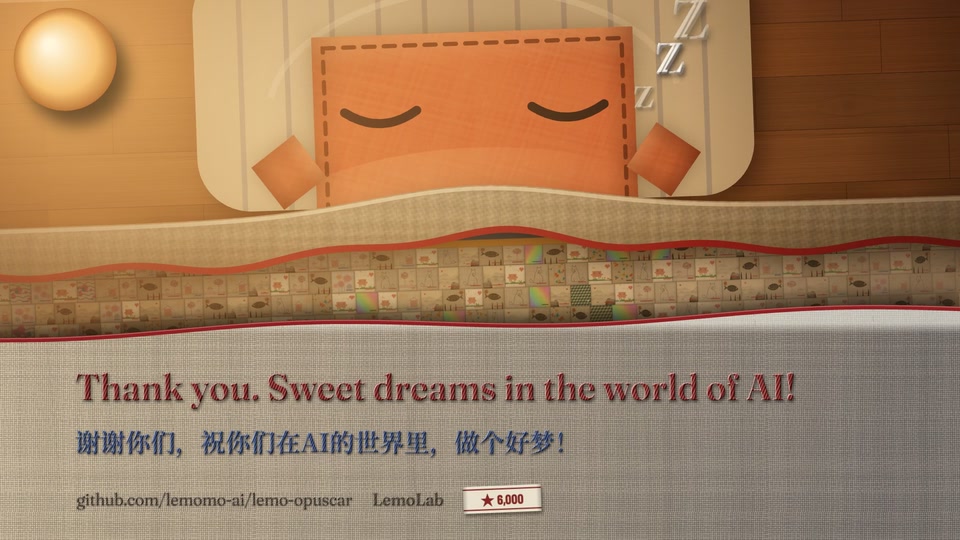 6,000 stars · The Quilt (50 s) |
 3,000 stars · Class Photo (48 s) |
 2,000 stars · Refresh (50 s) |
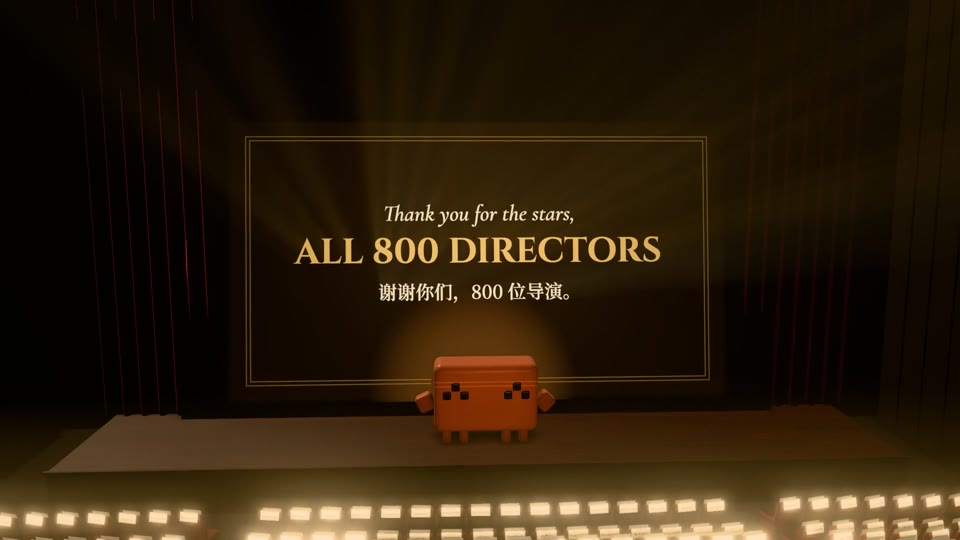 800 stars · Reverse Shot (39 s) |
 300 stars · The Lamplighter (18 s) |
Licence
Made by LemoLab × Claude Opus 5.5.
- Code and docs: MIT.
- Demo films and their stills (in
styles/, the gallery and the Releases): CC BY 4.0. You may share, adapt and use them commercially; credit LemoLab with a link to this repository, and say if you changed them. - Films you make with the library: yours, no credit needed.
- Third-party assets in the demos: they keep their own licences (see each demo's
CREDITS). - Three voice tracks are not CC BY 4.0: the shouts in Game Show Flat (macOS system voices,
say), the narration in Paper-cut Lightbox (Microsoft Edge TTS), which will be re-voiced with Kokoro, and the narration in Broadcast News Package (Doubao TTS, under Volcengine's terms). They are excluded from the licence above. Don't reuse them; in your own films use Kokoro (the default) or a voice you have the right to use.
You are responsible for the materials you use in your films.
More from LemoLab
- 📸 lemo-wake: one picture in, a seamless loop of about five seconds out.
- 🍋 lemo-mod: re-skin Claude Code with 21 styles, in the terminal and the desktop app.
- 🟥 Stampy: a tiny Mac menu bar stamp that marks your copies "For XX use only".
⭐ Star this repo
👀 Watch → Custom → Releases to hear about new versions
𝕏 Follow @lemomo_ai
LemoLab · by Lemomo