
Whiteboard Animation MCP Server
Hand your AI assistant a picture. Get it back as a hand-drawn whiteboard animation.
The official remote MCP server for WhiteboardAnimation.ai: works in Claude, ChatGPT, Cursor, VS Code, Codex and any MCP client.





Website · Setup · Examples · Tools · FAQ

The server is hosted at https://mcp.whiteboardanimation.ai/mcp. There is nothing to install and no key to paste: connect it once, sign in with your WhiteboardAnimation.ai account, and ask your assistant to draw any finished picture. It sketches the picture stroke by stroke, colours it in, shows the drawing right in the chat, and hands you a link that saves the MP4. New accounts start with free credits.
One-click setup

Web and desktop |

Plugins → + → custom MCP server |

Sign in from Settings → MCP |

Or VS Code Insiders |
Or let your agent do it
Paste this into Claude Code, Codex, Cursor or any agent that can edit its own MCP settings:
Add the Whiteboard Animation MCP server to my MCP settings: streamable HTTP at https://mcp.whiteboardanimation.ai/mcp, sign-in with OAuth (no API key). Then help me sign in, and once it is connected, call its status tool and tell me how many credits I have.
By hand
ChatGPT
- Open Plugins in ChatGPT on the web.
- Choose + → Add custom MCP server, name it
Whiteboard Animation, pastehttps://mcp.whiteboardanimation.ai/mcpand choose OAuth. - Tick the risk notice, choose Create as a plugin and sign in with your WhiteboardAnimation.ai account.
- In a chat, attach a picture and ask for a whiteboard animation.
Claude (web and desktop)
- Open Customize → Connectors and add a custom connector named
Whiteboard Animationwithhttps://mcp.whiteboardanimation.ai/mcp, or use the Add to Claude button. - Choose Connect and sign in with your WhiteboardAnimation.ai account.
- Give Claude a finished picture and ask for a whiteboard animation.
Claude Code
As an MCP server:
claude mcp add --transport http whiteboard-animation https://mcp.whiteboardanimation.ai/mcp
Or as a plugin, which adds the server and a skill that knows the whole flow:
/plugin marketplace add celados/whiteboard-animation-mcp
/plugin install whiteboard-animation@whiteboard-animation
Then run /mcp, choose whiteboard-animation and sign in.
Cursor
Use the Add to Cursor button, or put this in ~/.cursor/mcp.json:
{
  "mcpServers": {
    "whiteboard-animation": { "url": "https://mcp.whiteboardanimation.ai/mcp" }
  }
}
Sign in when Cursor asks, from Settings → MCP.
VS Code
Use the Add to VS Code button, or run:
code --add-mcp '{"name":"whiteboard-animation","type":"http","url":"https://mcp.whiteboardanimation.ai/mcp"}'
Start it from the MCP servers list and sign in when asked.
Codex (CLI and the ChatGPT desktop app)
As a plugin, which adds the server and the skill:
codex plugin marketplace add celados/whiteboard-animation-mcp
codex plugin add whiteboard-animation@whiteboard-animation
Or as an MCP server only:
codex mcp add whiteboard-animation --url https://mcp.whiteboardanimation.ai/mcp
codex mcp login whiteboard-animation
Gemini CLI
gemini extensions install https://github.com/celados/whiteboard-animation-mcp
Any other MCP client
Any client that speaks streamable HTTP and OAuth connects with https://mcp.whiteboardanimation.ai/mcp. Sign-in uses dynamic client registration, so the client registers itself.
How it works
 |
 |
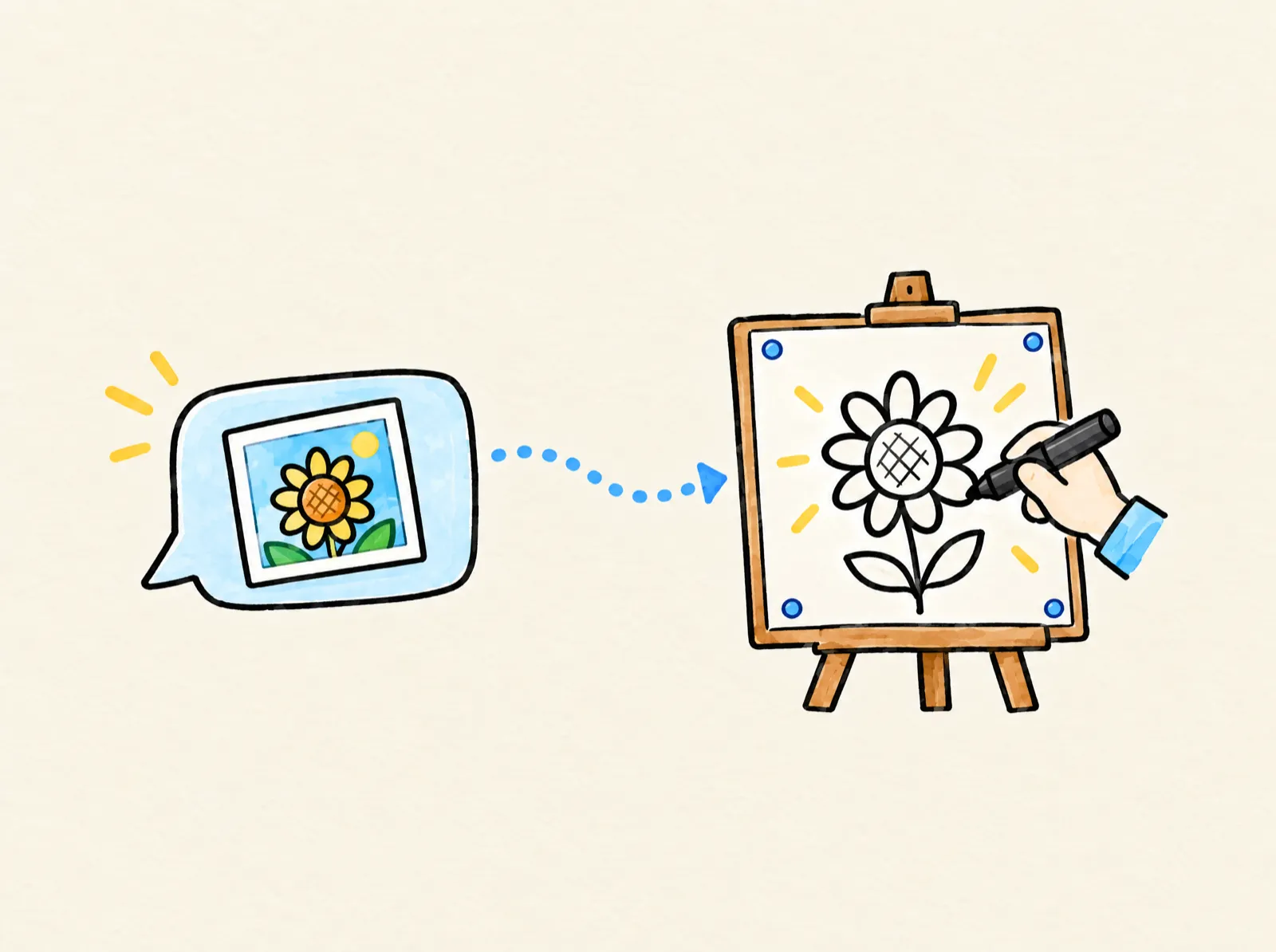 |
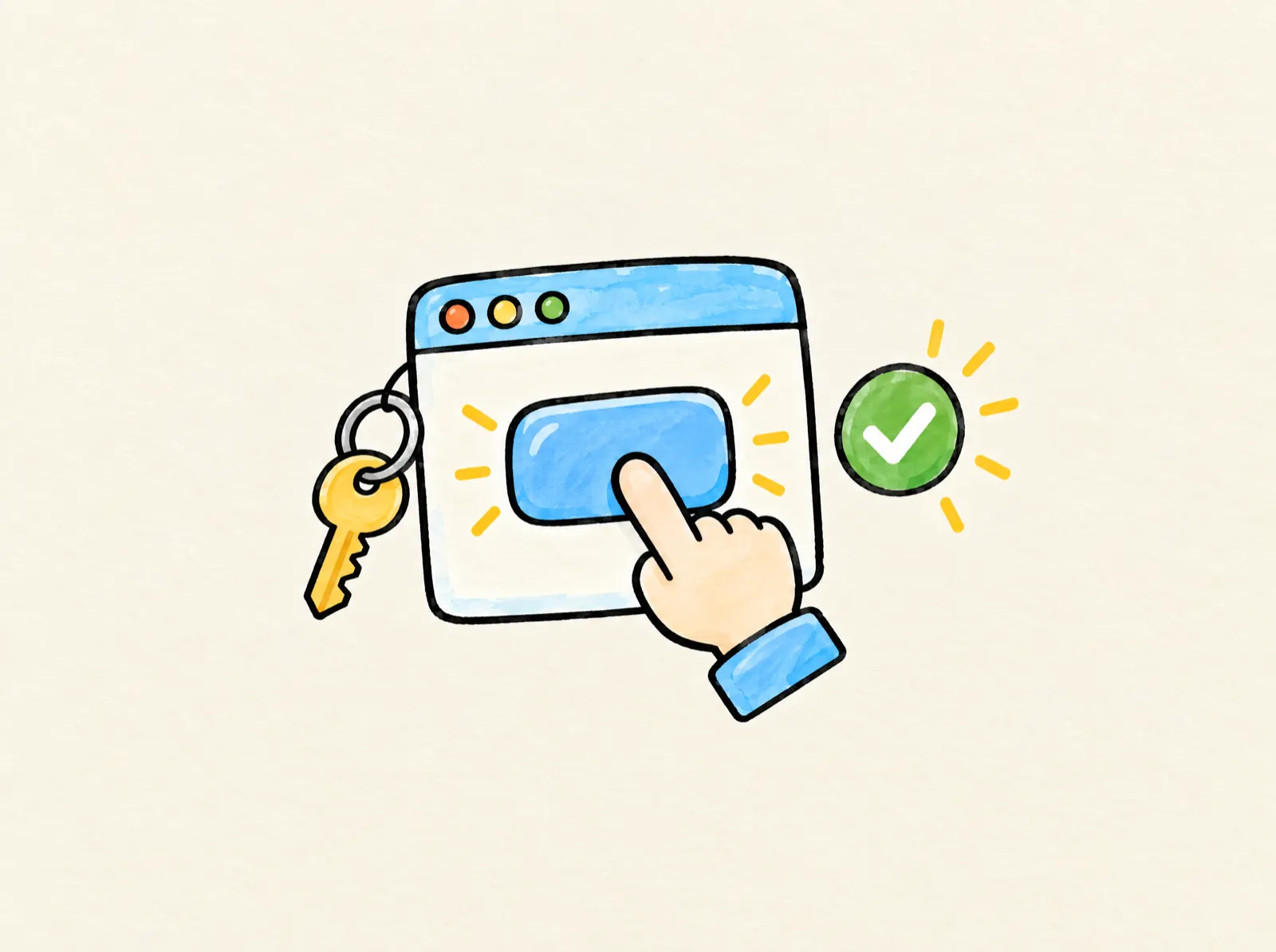
| 1. Connect it. One click in Claude, Cursor or VS Code, or from ChatGPT's Plugins page. Coding agents add it themselves from the setup prompt. | 2. Sign in once. With your WhiteboardAnimation.ai account, over OAuth. Nothing to copy, and you can disconnect any time. | 3. Hand it a picture. Your assistant draws it stroke by stroke, shows the drawing in the chat and gives you a link that saves the video. |
What to ask for
 |
 |
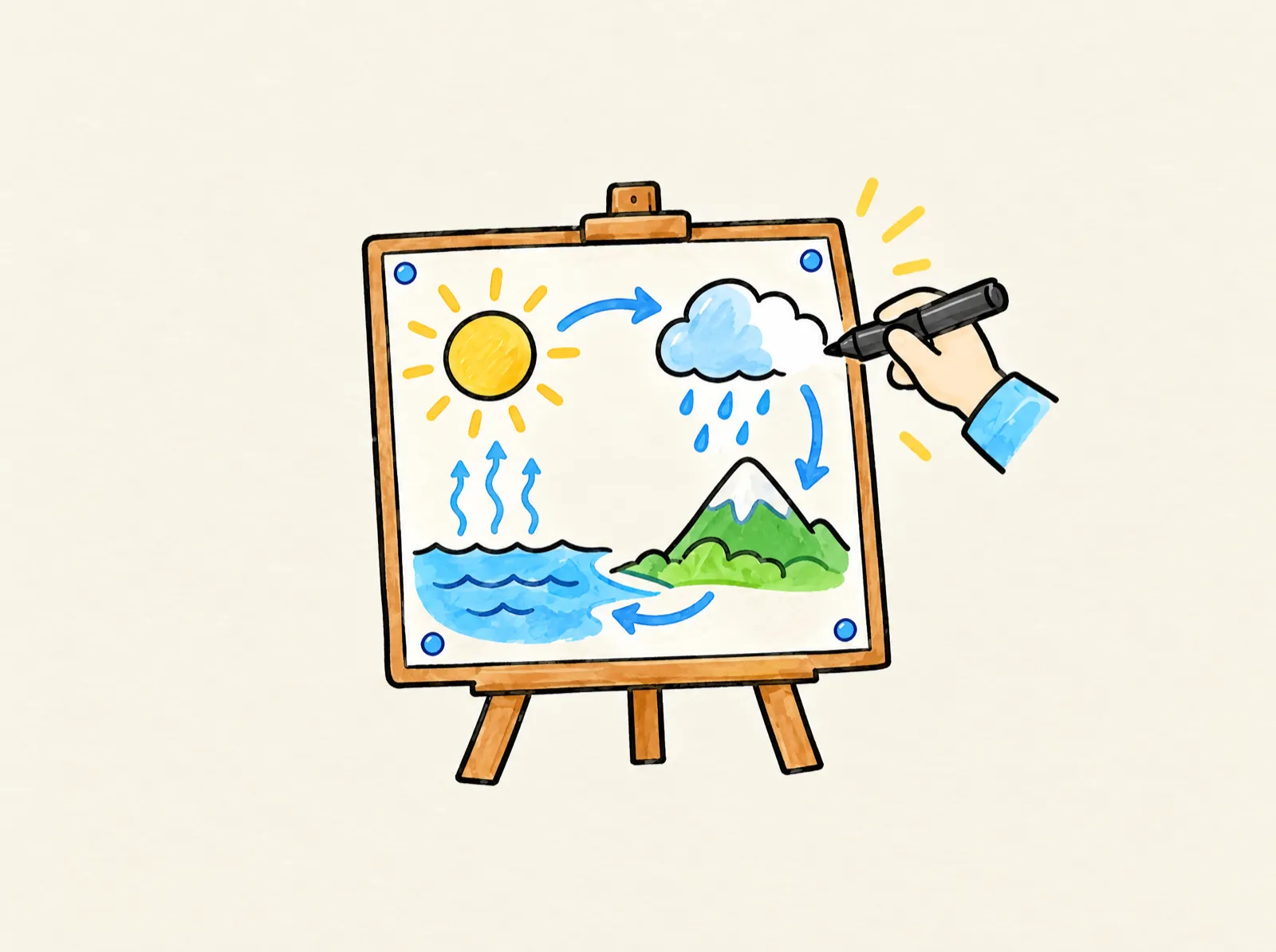
| A lesson explainer “Turn my diagram into a whiteboard animation for a lesson: draw the subject first with a right hand.” |
A product reveal “Draw my product picture as a whiteboard animation, the product first and the background after, then give me the link that saves the MP4.” |
 |
 |
| A picture-book page “Turn each page of my picture book into a whiteboard animation, one drawing per page, and tell me when all of them are done.” |
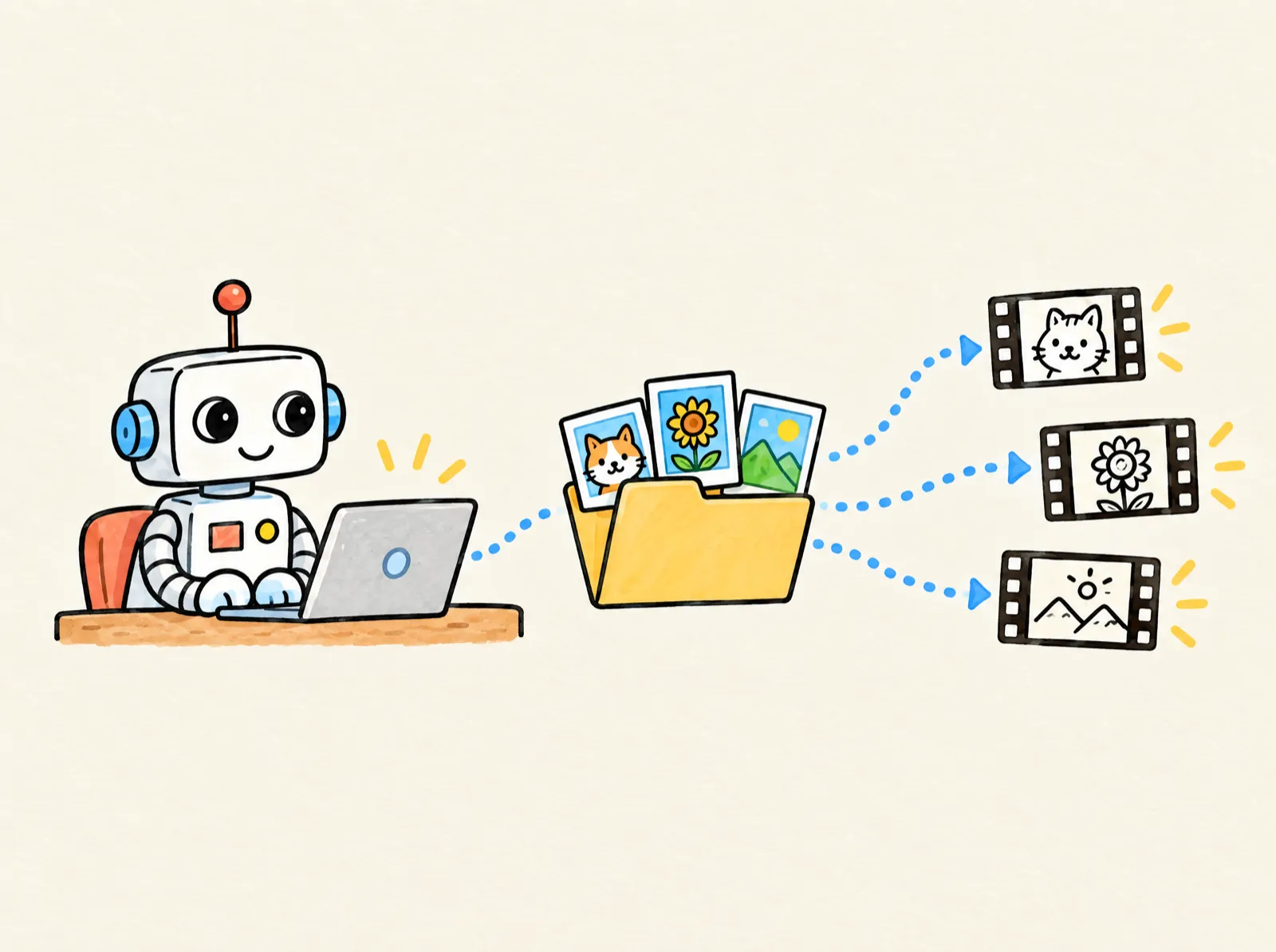
A folder of scenes “Draw every picture in ./scenes as a whiteboard animation, then open one render link for all of them as MP4 and move the saved files to ./clips.” |
Tools
| Tool | What it does |
|---|---|
status |
The signed-in account: plan, credits left, drawings queued and running. |
quote |
What one drawing costs in credits, and the quote to pass when creating it. |
create_upload |
Reserves an upload and answers a URL to PUT the picture to. |
create_drawing |
Draws a picture as a whiteboard animation (spends credits). Answers at once with the drawing id. |
get_drawing |
A drawing's status and progress, its preview page, and its export options once done. |
wait_drawing |
Waits until a drawing moves on, so the in-chat card can follow it live. |
list_drawings |
The latest drawings in your library. |
render_link |
One link that renders up to 20 drawings as MP4, transparent WebM or PNG, each with its own options. |
wait_render |
Follows a render link until each file is saved. |
Only create_upload and create_drawing write anything; nothing deletes. In Claude and ChatGPT the drawing plays in an interactive card inside the chat.
FAQ
Do I need an API key? No. You sign in once with your WhiteboardAnimation.ai account (OAuth 2.1) and the client keeps you signed in. Disconnect the connector to stop it.
Can it make a picture from a text prompt? No. Bring a finished picture: make it first with an image tool, in the same chat if you like, then ask for the whiteboard animation.
Does it give me a video file? It gives you a link: opened in any browser, the page renders the MP4 or WebM and saves it to your downloads. A coding agent can open it for you and move the files where you want them.
What does it cost? New accounts start with free credits. After that, see pricing.
Is the server open source? No. The server is a hosted service; this repository holds its public listing, the client configs and the agent skill. Issues and questions are welcome here.
Links
- WhiteboardAnimation.ai/mcp: the MCP page, with setup for every client
- Official MCP Registry entry:
ai.whiteboardanimation/whiteboard-animation - Privacy · Terms · hello@whiteboardanimation.ai
License
The configs, skill and docs in this repository are MIT. The hosted service is covered by the WhiteboardAnimation.ai terms.