Study Sprint MCP
Five Claude agents build a fact-checked lesson for any subject, Kindergarten to College, reaching every tool through a Model Context Protocol server. The same server gives learners their lessons inside Claude Desktop and Claude Code.








This is the MCP edition of Study Sprint. The agents, rules and web app are the same. Their tools now live in an MCP server, wrapped in capability tokens, tool pinning, a guardrail hook pipeline, and a cost ledger that prices every tool in tokens and dollars.
→ How it works: 15-page PDF with charts and commentary · MCP design · Evals · Original guide with screenshots
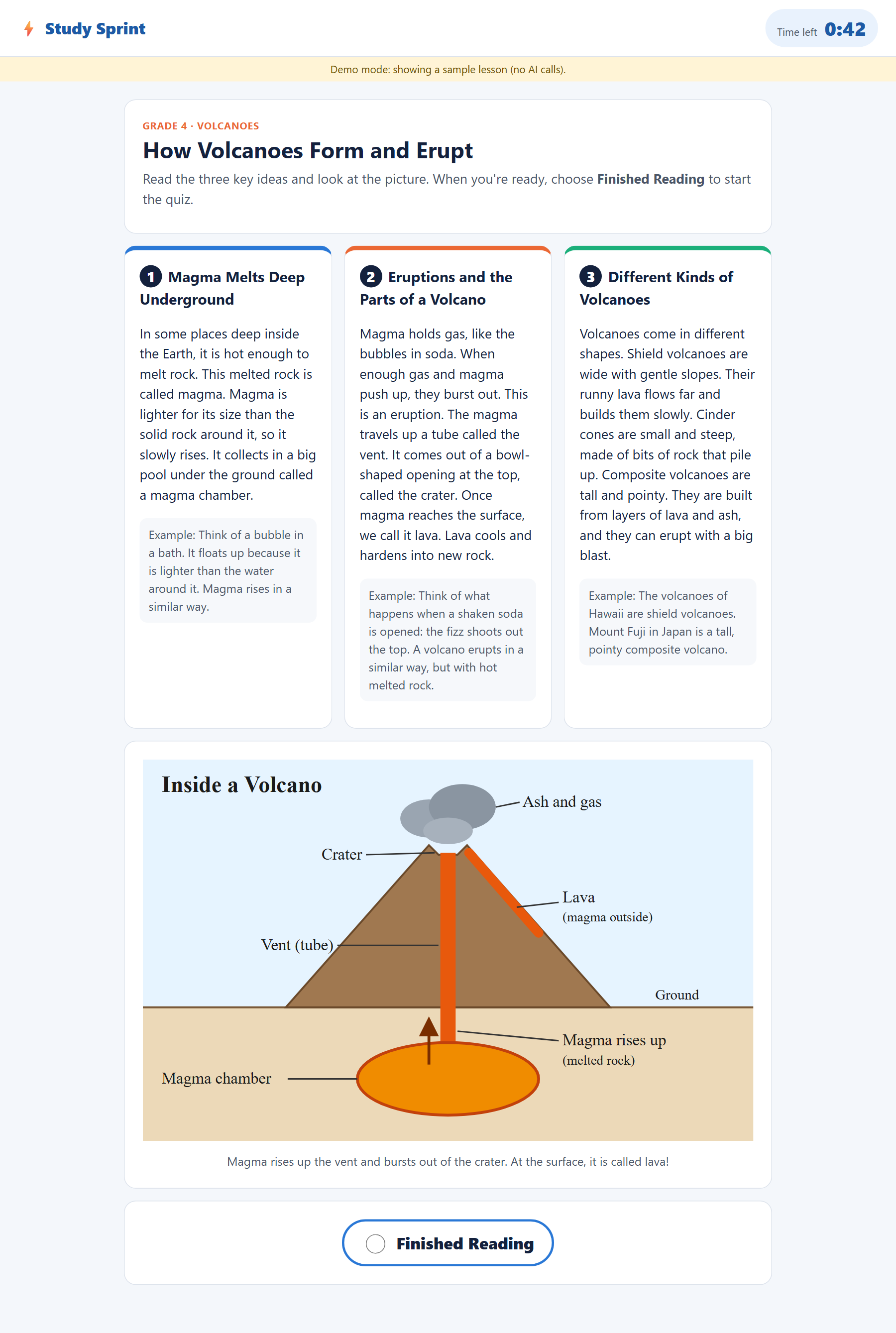
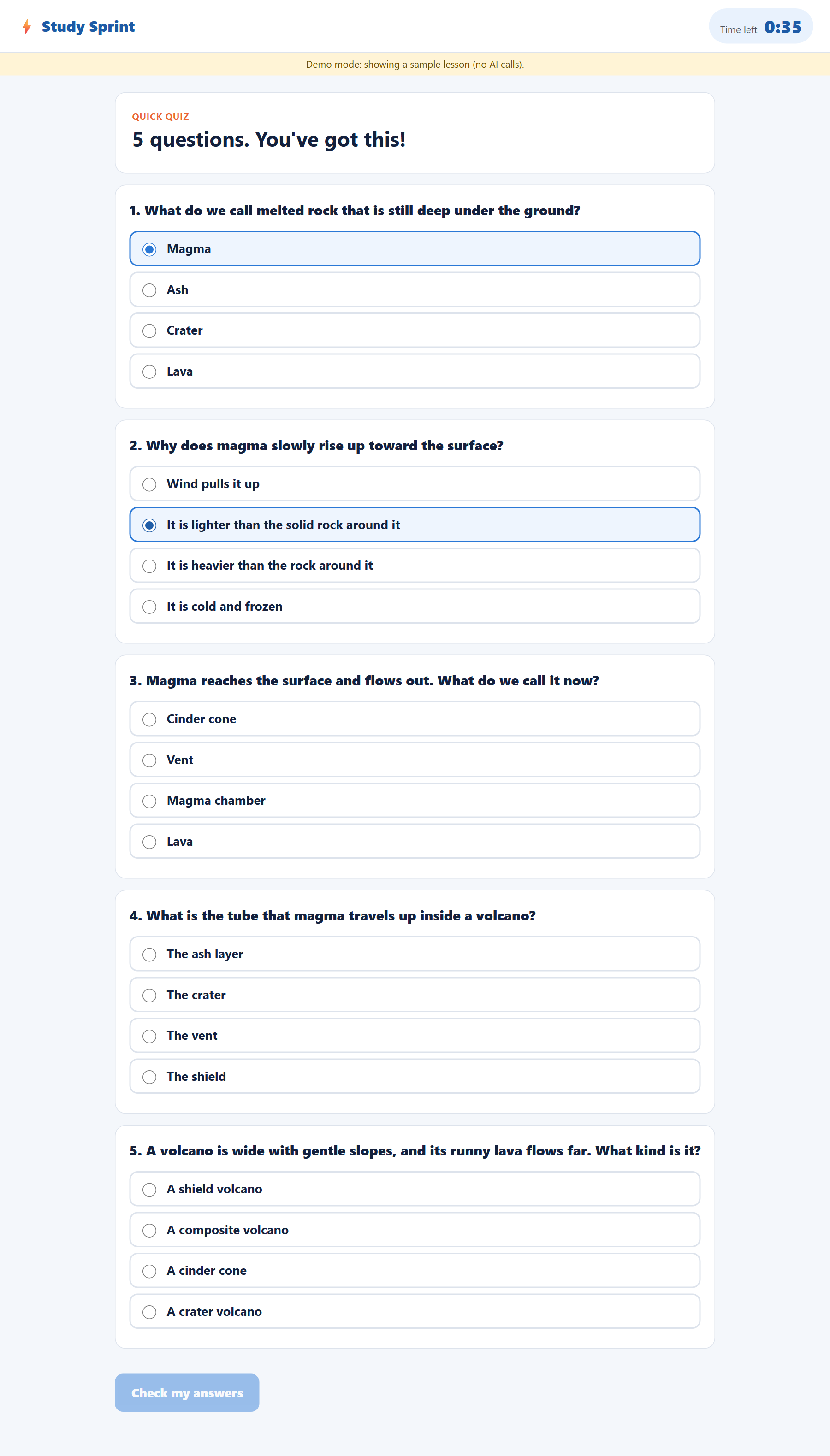
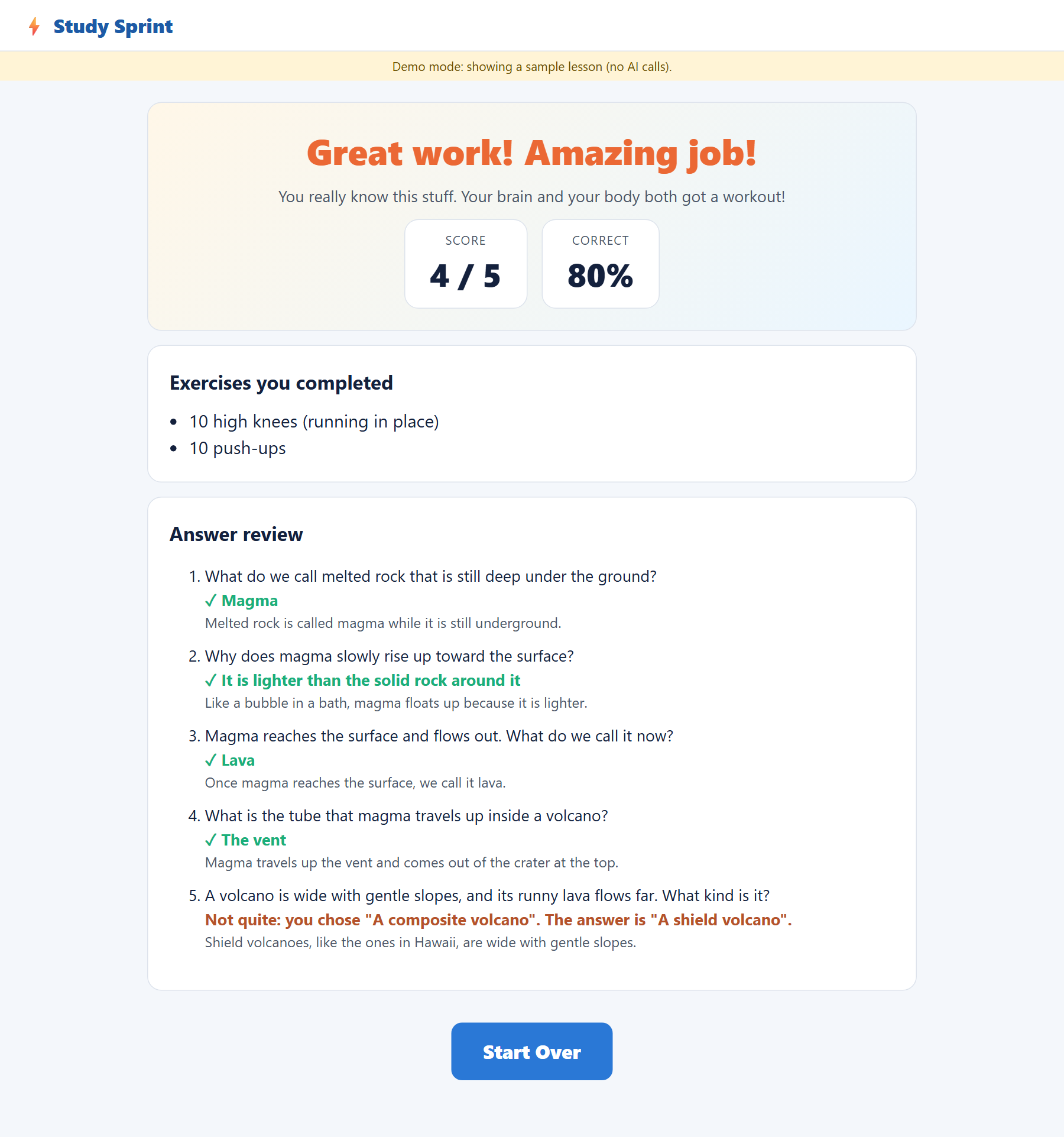
Results
| Eval | Result |
|---|---|
| Live matrix over MCP, K to College, 3 trials | 27 / 27 outcomes as expected; 100% on all 13 scorers (8 content + 5 MCP) |
| Live A/B, same matrix with in-process tools | 9 / 9; median $0.204 per lesson over MCP vs $0.210 direct |
| MCP red-team (capabilities, client guards, pinning, injected results, learner profile, hygiene) | 67 / 67, each attack paired with a benign look-alike |
| MCP conformance (lock, model view, annotations, error semantics, both handshakes) | 18 / 18 |
| Parity: 216 seeded inputs, direct vs MCP, same decision and message | 216 / 216 |
| Planted defects: break one guard, its eval must fail | 14 / 14 |
| Content red-team (unsafe subjects, injections, malicious SVG) | 45 / 45 |
| Tests (unit, MCP, planted defects, Chromium end-to-end) | 269 / 269 |
| Live spend | $7.51 of a $9.50 hard cap |
What MCP costs:
- Tokens: zero. The model reads byte-identical tool definitions on both transports (3,012 definition tokens across the five agents, confirmed by
count_tokens). - Time per tool call: about 1.8 ms.
- Start-up: about 2.8 s, once per process.
Over a 55-second build, that adds roughly 25 ms (0.05%). Details: section 7 of the PDF.
Quick start
python -m venv .venv
.venv\Scripts\python.exe -m pip install --no-cache-dir -r requirements.txt -e .
.\run.ps1 serve --demo                     # sample lessons, no API key -> http://127.0.0.1:8000
.\run.ps1 build "volcanoes" --grade 4      # live agents, tools over MCP (needs ANTHROPIC_API_KEY, ~$0.20)
Learn in Claude Code: open this folder in Claude Code and approve the study-sprint server from .mcp.json. Then ask "List my Study Sprint lessons and quiz me on the water cycle." Claude Desktop setup is in docs/mcp.md.
How it works
flowchart LR
    subgraph app [Direction 1: agents build lessons]
      H[Harness<br/>code decides the flow] --> A[5 Claude agents]
      A -- tool_use --> HK{{"Hook pipeline<br/>schema · no_model_cap · call_limit<br/>result_size · injection_scan · cost_cap"}}
      HK --> C{{"MCP client<br/>tools.lock.json pinning · protocol allowlist<br/>cap injection · byte + latency metering"}}
      C -- JSON-RPC / stdio --> S{{"Authoring MCP server<br/>capability token per agent · harness key<br/>40-call budgets · extra=forbid"}}
      S --> L[tool_logic.py<br/>same rules as direct]
      H -- open / export / close --> S
    end
    subgraph learn [Direction 2: learners study]
      CD([Claude Desktop / Code]) --> G{{"guard.py PreToolUse hook"}} --> LS{{"Learner MCP server<br/>read-only · public views · id regex"}}
      LS --> R[(runs/*/lesson.json)]
    end
    classDef guard fill:#fff4d6,stroke:#b45309,color:#78350f
    class HK,C,S,G,LS guard
Amber hexagons are guardrails.
- Code decides the flow; agents write the content. The harness runs the topic gate and orders the stages. After every stage it pulls the validated state back from the server and re-checks it with its own hand-off validators.
- One flag for the A/B.
--transport mcp|directchanges only how tools are reached. Both transports run the same logic module, schemas, prompts and hook pipeline.
The two MCP profiles
| Profile | Tools | For | Trust |
|---|---|---|---|
authoring |
4 harness-only lifecycle tools + 9 agent tools (2 of them new read-only self-checks: measure_reading_level, check_svg) |
the app only | every call needs a capability token (agents) or the harness key |
learner |
list_lessons, get_lesson, grade_quiz; resources lesson://{id}, grades://bands; prompt study_session |
Claude Desktop, Claude Code | read-only, no answer keys before grading |
Token cost per tool (live, mean per lesson over 27 MCP lessons)
| Tool | Calls | Definition tok | Decision tok | Result tok | $ / lesson |
|---|---|---|---|---|---|
submit_diagram |
0.96 | 369 | 2,764 | 92 | $0.0566 |
check_svg |
0.30 | 262 | 1,065 | 29 | $0.0221 |
submit_quiz |
1.00 | 664 | 744 | 3 | $0.0166 |
submit_concepts |
1.04 | 574 | 742 | 16 | $0.0161 |
measure_reading_level |
0.67 | 597 | 367 | 18 | $0.0088 |
approve |
0.89 | 160 | 368 | 3 | $0.0078 |
set_topic |
0.89 | 300 | 127 | 11 | $0.0034 |
request_revision |
0.11 | 302 | 63 | 1 | $0.0021 |
decline |
0.11 | 218 | 11 | 0 | $0.0008 |
How each column is measured:
- Definition tokens are exact, from
messages.count_tokens(leave-one-out per agent), and paid at cache prices after the first turn. - Decision tokens are the output of the turn that called the tool. They dominate: the Diagram Agent writes a whole SVG as a tool argument.
- Result tokens are small by design: tools answer in a sentence, not a document.
Commands
| Command | What it does |
|---|---|
.\run.ps1 test |
269 tests: unit, MCP server/client/guards, planted defects, Claude Code hook, Chromium end-to-end |
.\run.ps1 eval |
Score the latest build, plus every offline suite: red-team, MCP red-team, conformance, parity (free) |
.\run.ps1 eval --live --transport mcp --trial 1 |
The 9-lesson matrix over MCP (~$2; refused if it could cross the spend cap) |
.\run.ps1 eval --combine |
Pass rates, per-tool ledger, MCP costs and the A/B → evals/results/live-summary.json |
.venv\Scripts\python.exe -m evals.mcp_bench |
MCP latency: direct vs in-process MCP vs stdio MCP |
.venv\Scripts\python.exe -m studysprint_mcp.mcp_client --check |
Connect and verify tools.lock.json (--update-lock re-pins after a deliberate change) |
.venv\Scripts\python.exe -m docs.build_report |
Rebuild the PDF from the committed results |
Always use the launcher. It keeps Python's bytecode cache and Playwright's browsers inside the project, as the CLAUDE.md guardrails require. On macOS or Linux, use
./run.sh.
Documentation
| Document | Contents |
|---|---|
| docs/how-it-works-mcp.pdf | Architecture, MCP traffic, hooks and guardrails, token costs per tool, MCP costs, evals, live results, findings (15 pages, every number generated from evals/results/) |
| docs/mcp.md | Both profiles, capability tokens, pinning, schema conversion, metering, Claude Desktop/Code setup |
| docs/evals.md | All nine eval layers, the MCP scorers and red-team, and what each eval found |
| docs/how-it-works.pdf, docs/workflow.md, docs/agents.md, docs/guardrails.md | The app, agents and content guardrails (from Study Sprint) |
Project layout
studysprint/          the app (from Study Sprint); tool_logic.py is the single source of the agents' tools
  agents/runtime.py     agent loop with four hook points (pre/post model, pre/post tool)
  harness.py            pipeline, transports, hand-off validators, manifest
studysprint_mcp/
  server.py             MCP server: authoring and learner profiles (stdio)
  mcp_client.py         session thread, pinning, schema conversion, cap injection, metering
  hooks.py  guards.py   the hook pipeline and its six guards
  ledger.py             token costs per tool, MCP costs, overhead
  tools.lock.json       pinned tool definitions
evals/                content scorers + 5 MCP scorers, red-teams, conformance, parity, benchmark, live runner
tests/                269 tests (scripted fake Claude; real stdio MCP where it matters)
docs/build_report.py  the PDF, built from evals/results/
.mcp.json  .claude/   Claude Code: learner server + PreToolUse guard hook