























InnoShop
InnoShop - Innovative Open Source E-commerce System.
InnoShop is an Open Source eCommerce System based on Laravel 13, supporting multiple languages, multiple currencies, integrated with multiple AI models and native MCP (Model Context Protocol) for intelligent automation, and featuring plugin mechanisms and theme template development for enhanced user experience and system extensibility.
Quick Start
Requirements
- PHP >= 8.3 with extensions: bcmath, cURL, dom, fileinfo, libxml, OpenSSL, PDO, simplexml
- Composer 2.x
- Node.js >= 18 with npm 9+
- MySQL 5.7+ / 8.0+ (or SQLite for local try-out)
Option 1: Composer (Recommended)
composer create-project innoshop/innoshop
cd innoshop
php artisan serve
The create-project command automatically:
- Installs PHP dependencies
- Generates the application key
- Runs
npm installandnpm run buildto compile front-end assets
Open http://localhost:8000 in your browser, the installation wizard will guide you through database setup and admin account creation.
Option 2: Download ZIP (No Node.js Required)
Grab the latest innoshop-vX.Y.Z.zip from GitHub Releases — it ships with PHP dependencies and compiled front-end assets pre-packaged, so you only need PHP on the server:
- GitHub Releases: https://github.com/innocommerce/innoshop/releases
- Official Site: https://www.innoshop.com
unzip innoshop-vX.Y.Z.zip -d innoshop
cd innoshop
chmod -R 775 storage bootstrap/cache
php artisan serve
Open the site URL in your browser and follow the installation wizard to configure the database and admin account.
Option 3: Git Clone (For Contributors)
git clone https://github.com/innocommerce/innoshop.git
cd innoshop
composer install
npm install
npm run build
cp .env.example .env
php artisan key:generate
php artisan serve
Introduction
- A globally oriented open source e-commerce system, a culmination of 15 years of continuous industry development.
- User-friendly, intuitive interface, quick to get started, responsive design.
- Based on the latest technology, deeply integrated with AI and native MCP (Model Context Protocol) support, multi-language and multi-currency features.
- Highly cohesive, low coupling modular design, making it simple and convenient for rapid plugin development.
Documentation
Demo Site
- Frontend: https://demo.innoshop.cn
- Backend: https://demo.innoshop.cn/panel
- Account: admin@innoshop.com
- Password: 123456
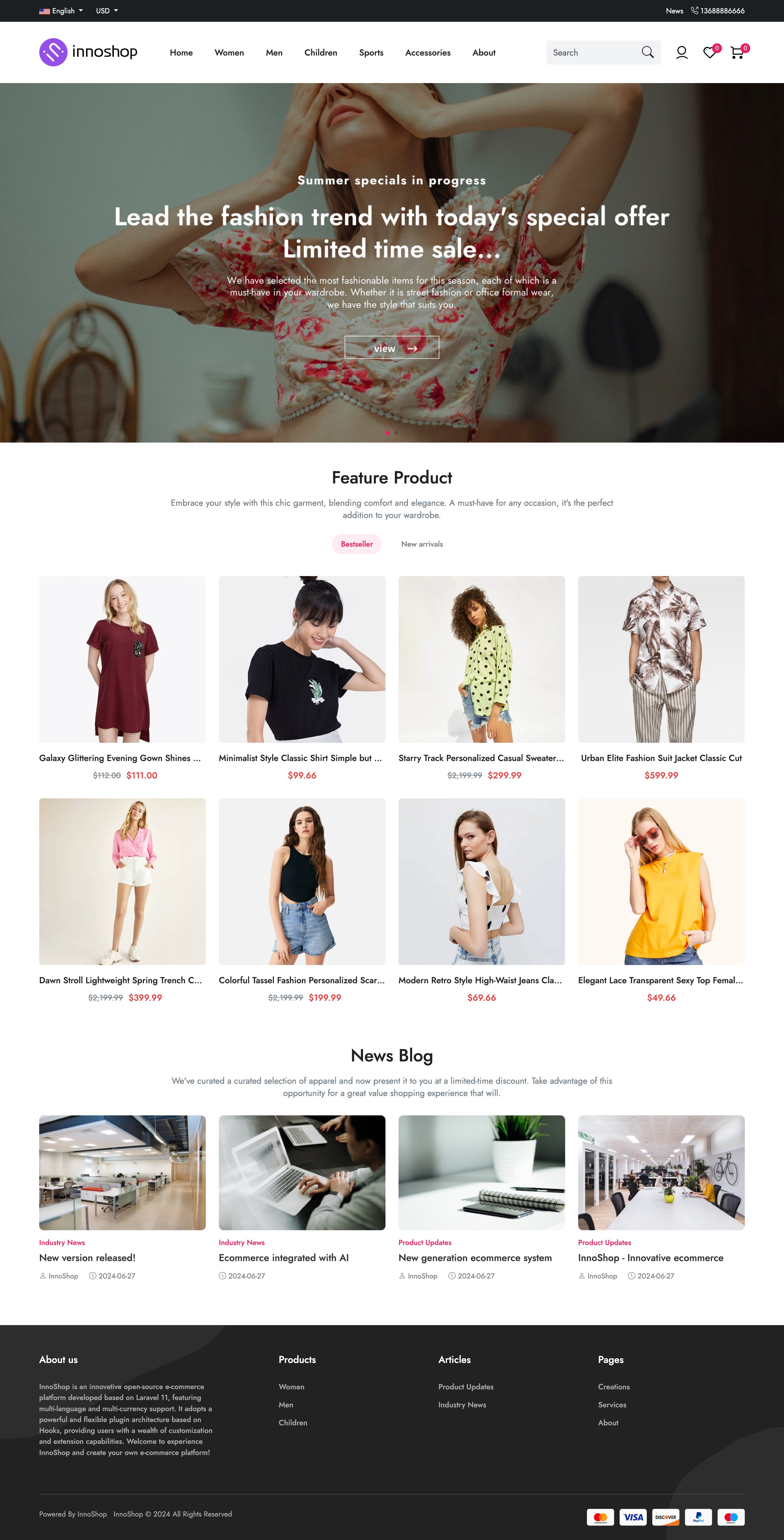
Frontend Screenshot
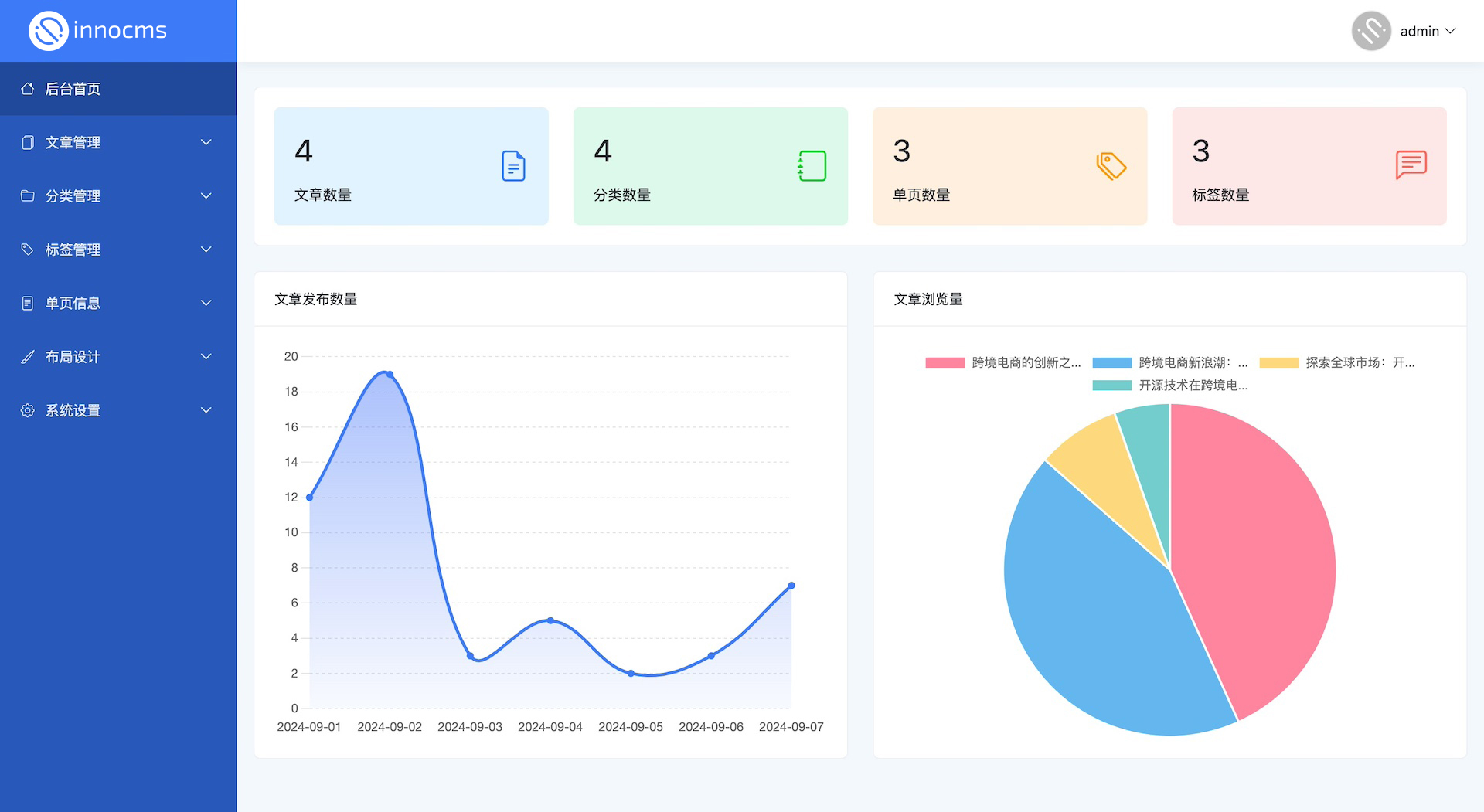
Backend Screenshot
- If you find
InnoShophelpful, please do not hesitate to give us a star. - Every like from you is the driving force for our continuous improvement.
Contributors
Thanks to the Contributors


