pd (Pixeldrain CLI & MCP Server)



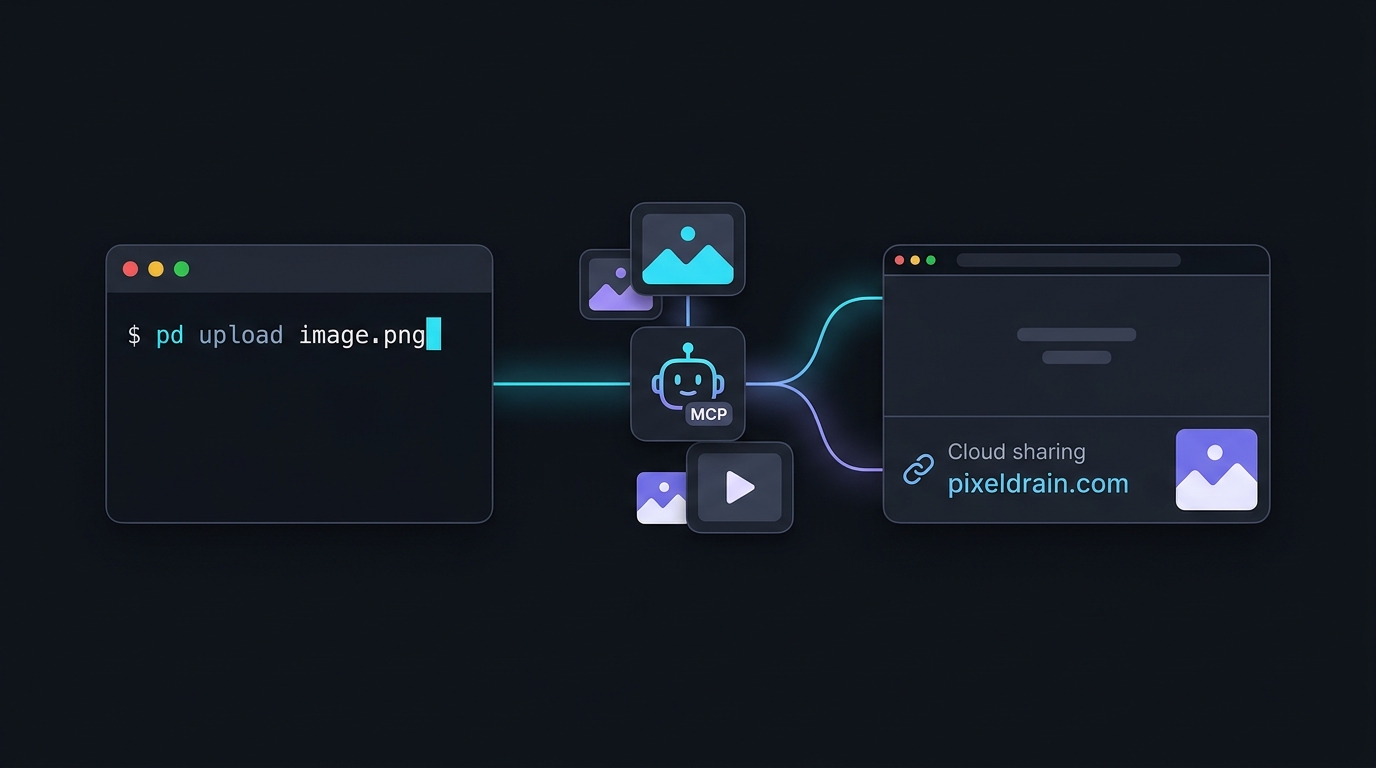
pd is a command-line interface, Model Context Protocol (MCP) server, and Go SDK for Pixeldrain.
It provides an easy way to upload, download, and share files or albums directly from your terminal, shell scripts, and AI workflows without needing to open a browser.
Features
- Quick File & Media Sharing: Upload files from the command line and get a shareable Pixeldrain link instantly. Convenient for sharing AI-generated images, screenshots, or outputs in chats and forums.
- AI & MCP Integration: Built-in MCP server (
pd mcp) that lets AI tools (such as Claude Desktop and Cursor) upload and download files on your behalf. - Album Support: Combine multiple files into a single Pixeldrain album URL with
--album. - End-to-End Encryption: Encrypt files client-side using age or SSH public keys before uploading.
- Unix Pipeline Friendly: Pipe data directly from
stdinor stream entire directories withtar. - Optional Account Binding: Works anonymously out of the box, or with your Pixeldrain API key to keep files organized in your account.
Quick Start
Upload Files & Media
Upload any file to Pixeldrain and receive a download link:
pd upload artwork.png
# => https://pixeldrain.com/u/xxxxxx
You can optionally specify a custom display name using the path:name syntax:
pd upload output_0042.png:cyberpunk-city.png
Create Albums
Pass multiple files to group them into a single album. This is especially handy for collections of generated images or screenshots:
pd upload --album "Neon Dreams" concept1.png concept2.png concept3.png
# => https://pixeldrain.com/l/xxxxxx
Download Files & Albums
Download files back to your local environment:
# Download a single file (saved to current directory by default)
pd download https://pixeldrain.com/u/xxxxxx

# Download all files from an album without interactive prompts
pd download --all https://pixeldrain.com/l/xxxxxx

# Specify destination directory or filename
pd download -o ./downloads https://pixeldrain.com/u/xxxxxx
pd download --filename custom.png https://pixeldrain.com/u/xxxxxx
MCP Server (AI Integration)
pd includes a built-in Model Context Protocol (MCP) server, allowing AI agents to upload text, images, and files directly to Pixeldrain.
Start the server via:
pd mcp
Configuration (Claude Desktop / Cursor)
Add pixeldrain to your MCP configuration (e.g. claude_desktop_config.json):
{
  "mcpServers": {
    "pixeldrain": {
      "command": "pd",
      "args": ["mcp"],
      "env": {
        "PIXELDRAIN_API_KEY": "your_api_key_here"
      }
    }
  }
}
[!NOTE] Setting
PIXELDRAIN_API_KEYis optional. If configured, files uploaded by the AI agent will belong to your Pixeldrain account.
Available MCP Tools:
upload_files: Upload one or more files (images, audio, archives) and return a file or album URL. Each file uses{name, data}, wheredatacan be a local file path, Base64, or a Base64 data URI.upload_text: Upload plain text or markdown as a file and return a download URL.download_file: Download a file from Pixeldrain to the local machine.
Advanced Usage
Upload from STDIN (Logs, Diffs, Pipelines)
Pass - as the path to upload data from standard input (prepend -- to ensure - is not treated as a flag):
# Upload command output or logs
cat build.log | pd upload -- -:build.log

# Upload a git diff
git diff | pd upload -- -:patch.diff
Upload a Directory
Stream and upload a directory archive directly without creating temporary files on disk:
tar zcf - ~/Projects/my-app | pd upload -- -:my-app.tar.gz
End-to-End Encryption (E2EE)
Encrypt files locally before uploading with age or SSH public keys:
# Encrypt with an age public key or SSH key
pd upload --recipient "age1..." secret.pdf
pd upload --recipient "ssh-ed25519 AAAA..." secret.pdf

# Encrypt for multiple recipients using a file
pd upload --recipient-file recipients.txt secret.pdf
(Uploaded files will automatically have the .age extension).
To decrypt upon download, provide your private key with --identity:
pd download --identity ~/.ssh/id_ed25519 https://pixeldrain.com/u/xxxxxx
Account Authentication
To associate uploads with your Pixeldrain account, provide your API key via the --api-key flag or the PIXELDRAIN_API_KEY environment variable:
export PIXELDRAIN_API_KEY="your-api-key"
pd upload file.zip

# Or via command flag:
pd --api-key "your-api-key" upload file.zip
API keys can be generated at pixeldrain.com/user/api_keys.
Installation
Homebrew (macOS & Linux)
brew tap jkawamoto/pixeldrain
brew install pixeldrain
Go Install
go install github.com/jkawamoto/go-pixeldrain/cmd/pd@latest
Pre-built Binaries
Pre-compiled binaries for macOS, Linux, and Windows are available on GitHub Releases.
Go Library Usage
go-pixeldrain also provides a Go client library for the Pixeldrain REST API.
See the package documentation on pkg.go.dev for API reference and usage examples.
License
This software is released under the MIT License.