pgbrake
An undo button for your database when an AI agent is driving.
pgbrake is a local MCP server that sits between Claude Code / Codex / Cursor and your Postgres. Every write the agent makes gets a change id you can reverse with one command. Risky SQL waits for a human. Everything is logged. Nothing leaves your machine.
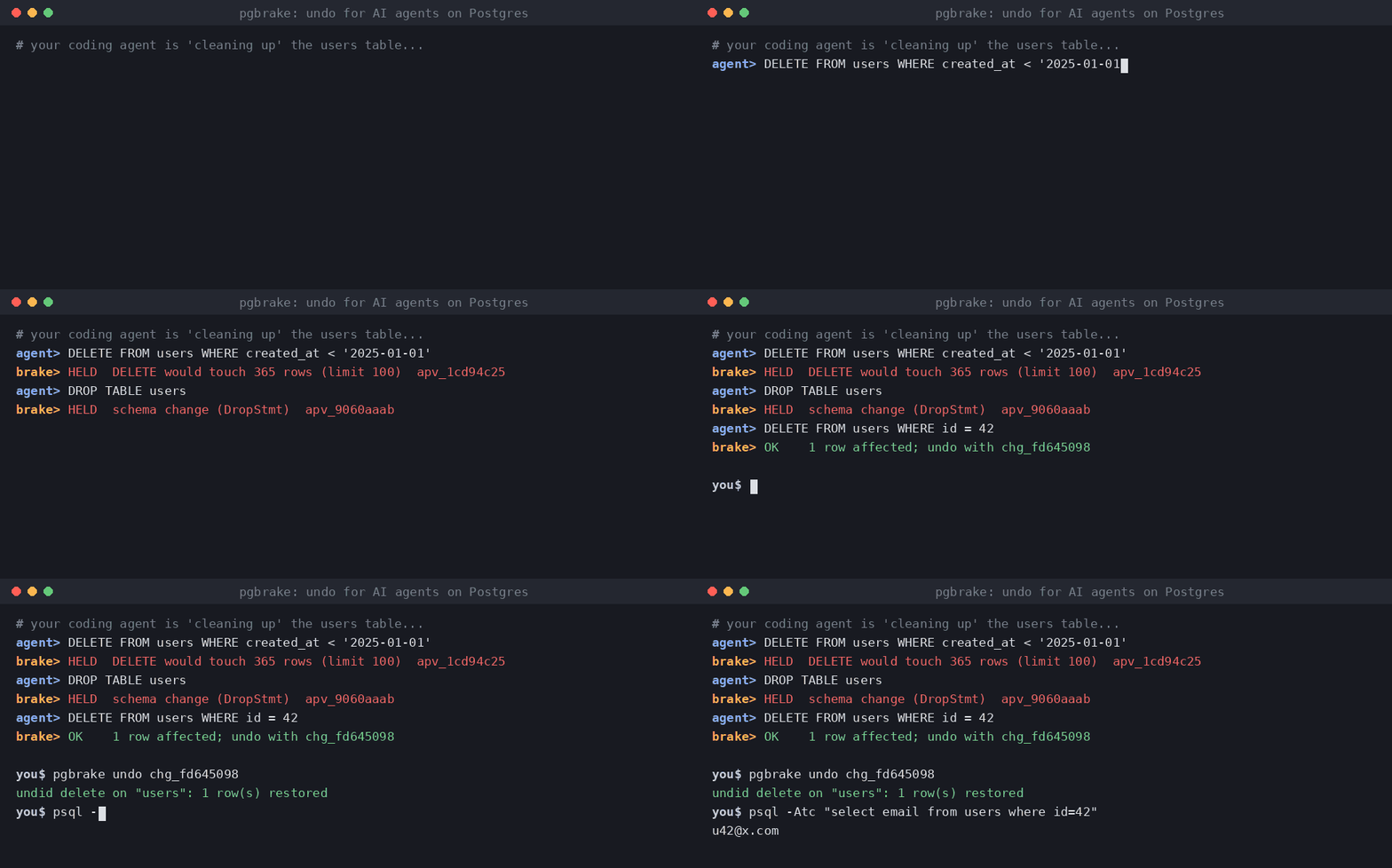
agent> DELETE FROM users WHERE created_at < '2025-01-01'
pgbrake> held: DELETE would touch 4,812 rows (limit 100) — approval apv_3f9c21aa

agent> DELETE FROM users WHERE id = 42
pgbrake> 1 row affected; undo with change id chg_8e01b7d2

you$ pgbrake undo chg_8e01b7d2
undid delete on "users": 1 row(s) restored
Why
Claude Code checkpoints rewind files, not databases. Client-side permission prompts and hooks can be skipped or misfire for MCP calls, and a tool's own "destructive" label is just a hint. pgbrake enforces its rules inside the server, so they hold no matter which agent or client calls it.
What it does (free, MIT)
- Real SQL parsing (the Postgres parser via pglast), not regex.
- Held for approval: DDL (
DROP,ALTER,TRUNCATE...),UPDATE/DELETEwithoutWHERE, any write over the row limit (default 100), upserts andMERGE. - Never allowed:
ALTER SYSTEM, role/database creation and drops,COPY ... PROGRAM,DOblocks. - One-command undo: before each
UPDATE/DELETE, the affected rows are saved locally; inserts are tracked by primary key. Undo refuses if the rows changed since, unless you--force. - Approval only by a human: in the client's own prompt (MCP elicitation) or
pgbrake approve <id>in an interactive terminal. Approvals are one-shot, expire in 15 minutes, and are bound to the exact SQL. - Audit log of every statement, decision and row count, in
~/.pgbrake/journal.db. - Multi-statement calls run in one transaction: all or nothing.
Install
pip install pgbrake # or: uvx pgbrake serve
Claude Code:
claude mcp add pgbrake --env PGBRAKE_DSN="postgresql://me@localhost/app" -- uvx pgbrake serve
Codex (~/.codex/config.toml):
[mcp_servers.pgbrake]
command = "uvx"
args = ["pgbrake", "serve"]
env = { PGBRAKE_DSN = "postgresql://me@localhost/app" }
Then remove any other database MCP / psql access from the agent, so pgbrake is the only way in.
In Claude Code, add "Bash(psql:*)" and "Bash(pgbrake approve:*)" to permissions.deny.
Commands
pgbrake pending            # SQL waiting for you
pgbrake approve <id>       # approve (interactive terminal only)
pgbrake deny <id>
pgbrake changes            # undoable changes
pgbrake undo <change-id>   # reverse one
pgbrake log                # audit log
Settings (env)
| Variable | Default | |
|---|---|---|
PGBRAKE_DSN |
— | connection string (falls back to DATABASE_URL) |
PGBRAKE_MAX_ROWS |
100 | writes touching more rows need approval |
PGBRAKE_ALLOW_DDL |
0 | set 1 to let schema changes through (still logged) |
PGBRAKE_READ_ONLY |
0 | set 1 to refuse every write |
PGBRAKE_STATEMENT_TIMEOUT_MS |
15000 | |
PGBRAKE_JOURNAL |
~/.pgbrake/journal.db |
Limits
- Undo covers rows changed through pgbrake. It is not a backup: keep real backups.
TRUNCATE, DDL, upserts andMERGEare held for approval but cannot be undone.- Updating a table with no primary key needs approval and cannot be undone.
- The free version keeps the last 20 undoable changes.
Pro (coming)
Unlimited undo history, a migration guard for agent terminal commands
(prisma migrate reset --force, drizzle-kit push --force, alembic downgrade base...: snapshot first,
then ask), per-project policy files, and audit export. One-time license.