
Froxel
A voxel editor with a path tracer and an MCP server, written in Rust.
macOS, Windows, Linux, and FreeBSD.
Download · MCP · Scripting · Bridges · Command line · Build
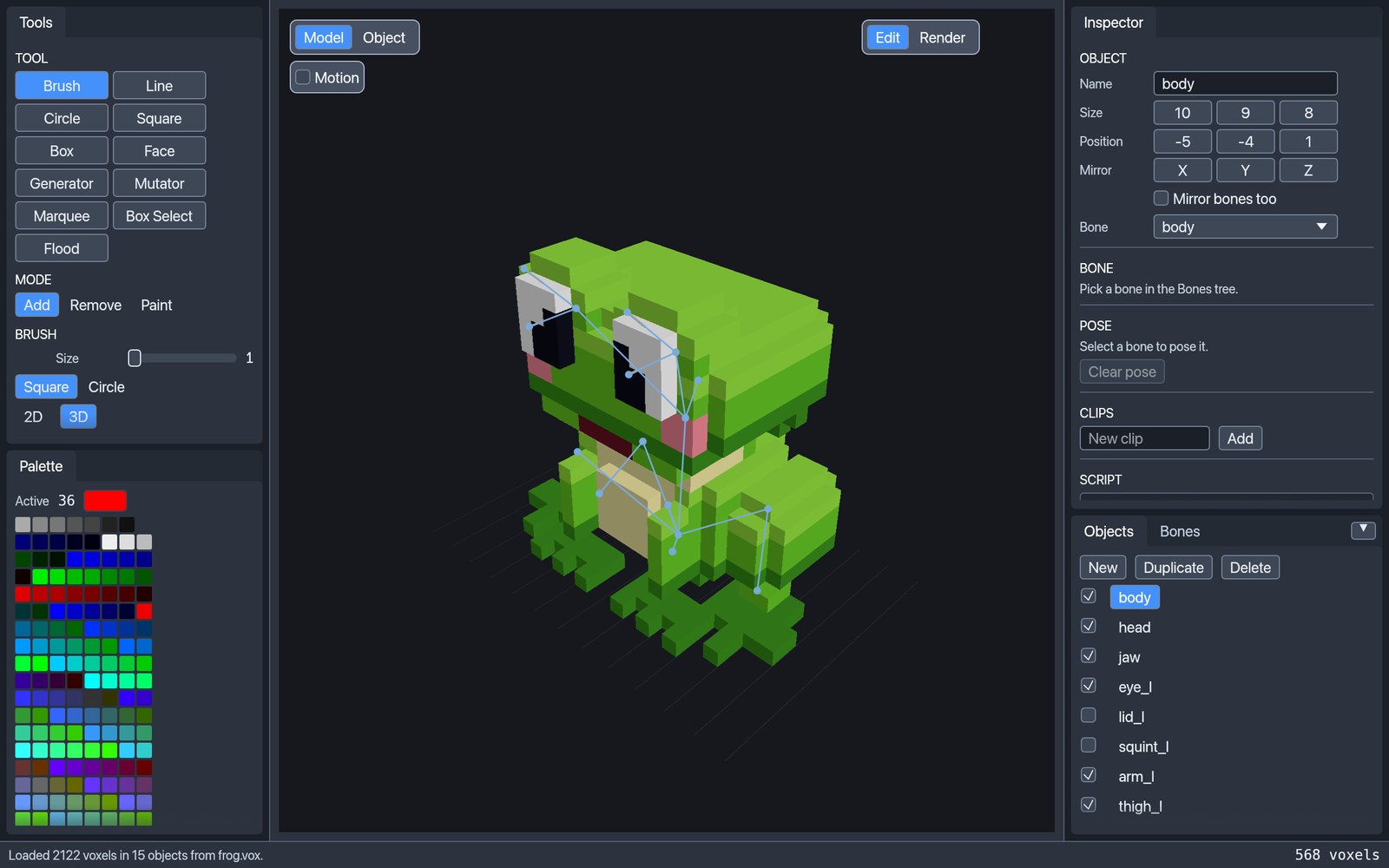
Froxel opens and saves MagicaVoxel .vox files, edits them with brushes, shapes,
and selections, path-traces them on the GPU, and exports glTF with bones and
animation clips. An AI agent can drive all of it through the built-in
Model Context Protocol server.
Features
.voxin and out. Keeps groups, layers, hidden objects, animation frames, and materials (_diffuse,_metal,_glass,_emit). Files saved by Froxel open in MagicaVoxel.- Editing. Brush, line, circle, square, box, face fill, generators, mutators, marquee, box select, and flood select. Add, remove, and paint modes. Object mode moves, rotates, mirrors, and flips whole objects. Each stroke undoes in one step.
- Characters. Bones, rigid binding of objects to bones, poses, and animation
clips, saved in the
.voxfile and exported to glTF. - Render mode. A path tracer with sky, sun, metal, glass, and emission. It accumulates on the GPU through wgpu (Metal, Vulkan, DX12) and falls back to the CPU. Denoising is built in.
- glTF export.
.glbwith merged coplanar faces, no T-junctions, and a palette texture or vertex colours. - Scripts. Objects can carry a sandboxed Rhai script with sliders for its parameters.
- Bridges. Godot and Blender can drive those sliders and import the mesh live, then bake a standalone scene. See docs/bridges.md.
- Automation. An MCP server for agents and a command line for batch renders.
Install
Download the file for your system from the latest release.
| System | File | Notes |
|---|---|---|
| macOS 11+ (Apple silicon and Intel) | froxel-<version>-macos-universal.dmg |
Signed and notarized. Drag Froxel to Applications. |
| Windows (x64, x86, ARM64) | froxel-<version>-windows-<arch>.zip |
Not signed yet (why). SmartScreen may ask once: choose More info → Run anyway. Windows 11 with Smart App Control on blocks it outright. |
| Debian, Ubuntu (x86_64, aarch64, riscv64) | froxel-<version>-linux-<arch>.deb |
sudo apt install ./froxel-*.deb adds the menu entry and icon. Needs Vulkan. |
| Other Linux | froxel-<version>-linux-<arch>.tar.gz |
Needs Vulkan and glibc 2.35 or newer (2.39 for riscv64). |
| FreeBSD (x86_64) | froxel-<version>-freebsd-x86_64.tar.gz |
|
| Godot 4.3+ plugin | froxel-<version>-godot-addon.zip |
Unzip into the project folder. See Godot and Blender. |
| Blender 4.2+ add-on | froxel-<version>-blender-addon.zip |
Preferences → Add-ons → Install from Disk. |
Every release has a SHA256SUMS.txt. How the builds are signed is in
CODE_SIGNING.md.
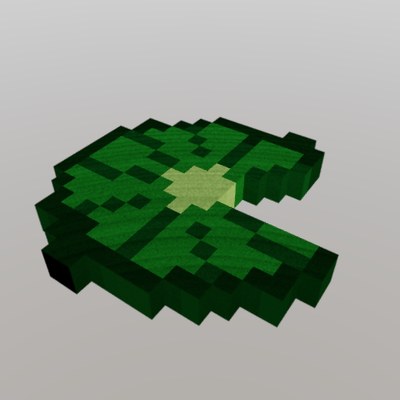
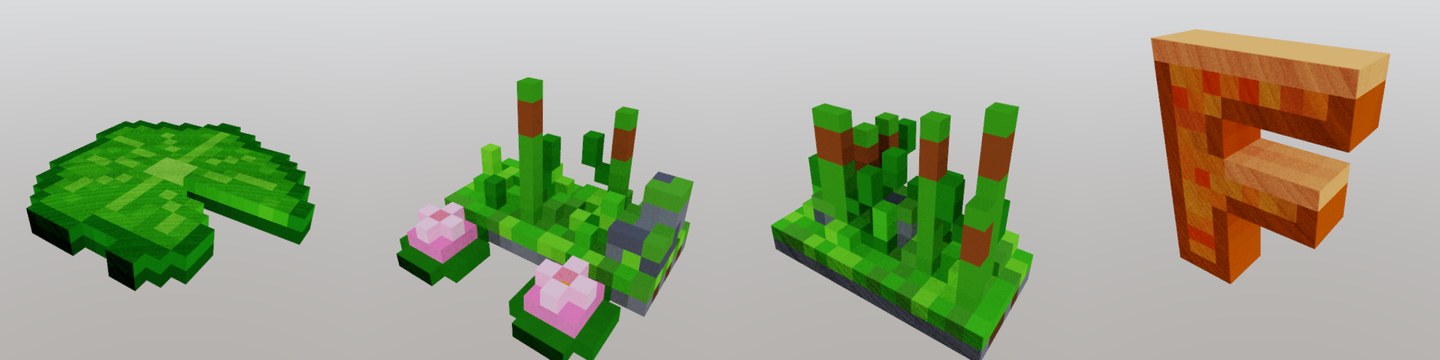
Try it on the frog, examples/frog.vox, or on the scripted
lily pad, examples/lily_pad.vox.
Controls
- Right-drag orbits. Scroll zooms. Space-drag or middle-drag pans.
- Left-drag uses the active tool.
- V brush, L line, B box, F face, U mutator, M marquee.
- T add, R remove, G paint. These three apply in Model mode.
- Tab switches Model and Object mode.
- In Object mode, X / Y / Z rotates the active object. Shift flips it.
- ⌘Z / ⇧⌘Z undo and redo. ⌘C / ⌘X / ⌘V copy, cut, and paste.
- ⌘N / ⌘O / ⌘S / ⇧⌘S new, open, save, and save as.
- ⇧⌘E exports a glTF
.glbwith a palette texture and merged faces.
On Windows and Linux, use Ctrl in place of ⌘.
MCP: let an agent build models
froxel mcp is a Model Context Protocol server.
An agent can create objects, place voxels, fill boxes and ellipsoids, set the
palette, add bones and clips, run scripts, export .glb, and path-trace a PNG
to check its work. The frog in these pictures was built this way.
Add it to Claude Code. On macOS, after installing from the dmg:
claude mcp add froxel -- /Applications/Froxel.app/Contents/MacOS/froxel mcp
Or add it to any MCP client's config:
{
  "mcpServers": {
    "froxel": {
      "command": "/path/to/froxel",
      "args": ["mcp"]
    }
  }
}
Then ask for a model:
Build a 16-voxel-tall voxel frog with big eyes and pink cheeks, give it a head and jaw bone, render it from the front, and export it to
frog.glb.
froxel mcp works headless, with no window. To watch the edits happen, and let
the agent take screenshots and click controls, connect it to an open editor:
froxel mcp --connect 127.0.0.1:7979 --launch
--launch opens the window if it is not already running. The full tool list and
the connected mode are in docs/mcp.md.
Scripting
An object can carry a Rhai script. The editor shows a slider
for each parameter, and Regenerate rebuilds the voxels. Scripts run in a
sandbox with no file, network, or clock access, and saved files keep the voxels,
so the .vox still opens in MagicaVoxel.
let radius = param_float("radius", 8.0, 3.0, 16.0);
let seed = param_int("seed", 1, 0, 9999);

set_slot(1, [18, 72, 28]);   // a palette colour
// …for each cell inside a wobbly disc:
set(ix, 0, iz, slot);
The whole lily pad is examples/lily_pad.rhai. The
API is in docs/scripting.md.
Godot and Blender
froxel bridge serves a .vox on 127.0.0.1. A Godot node or the Blender
sidebar connects with the printed session file, shows a slider for each script
parameter, and imports the model as glTF, bones and clips included. Moving a
slider reruns the script. Bake writes an ordinary scene or Blender object
that no longer needs Froxel, and headless Godot can bake a list of variants in
one go. --bridge PORT serves the open editor instead, so edits in the window
show up in the next import.
froxel bridge --input examples/lily_pad.vox      # four sliders: radius, notch, direction, seed
froxel --bridge 29771 examples/lily_pad.vox
The Godot plugin is godot/addons/froxel_bridge and
the Blender add-on is blender/froxel_bridge. Both are
in every release since 0.2.0 as froxel-<version>-godot-addon.zip and
froxel-<version>-blender-addon.zip. Tested with Godot 4.5 and Blender 5.2.
Setup, the variant baker, and the protocol are in docs/bridges.md.
Command line
froxel render path-traces a .vox file to a PNG with no window. The CPU tracer is
the default, so a given seed always writes the same image. --gpu uses the wgpu
tracer.
froxel render --input examples/frog.vox --output frog.png \
  --width 1440 --height 810 --samples 256 --denoise --gpu \
  --yaw -62 --pitch 16 --distance 0.72
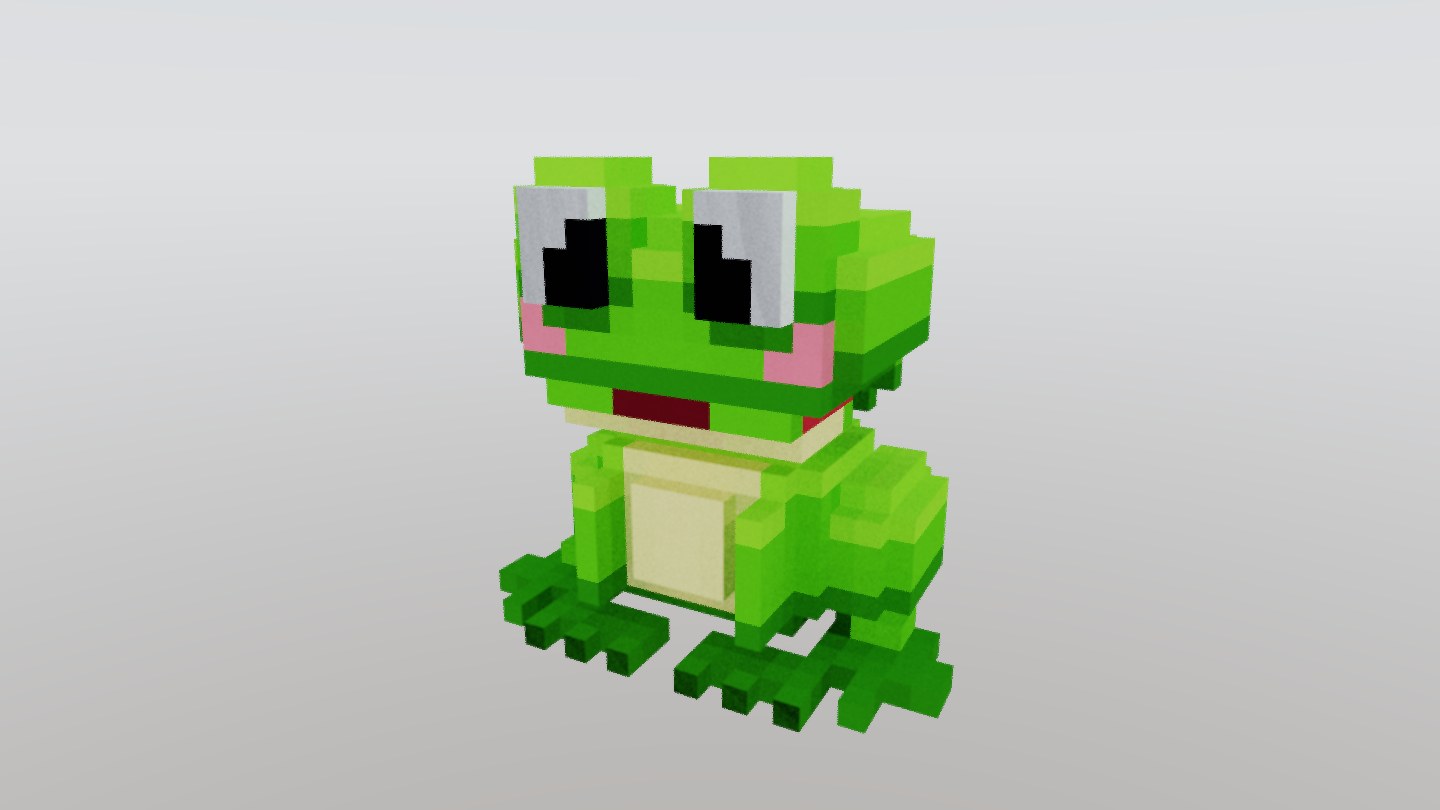
That command made this picture. --help lists every option: camera,
depth of field, sky, sun, glass mode, and albedo and normal passes. The turntable
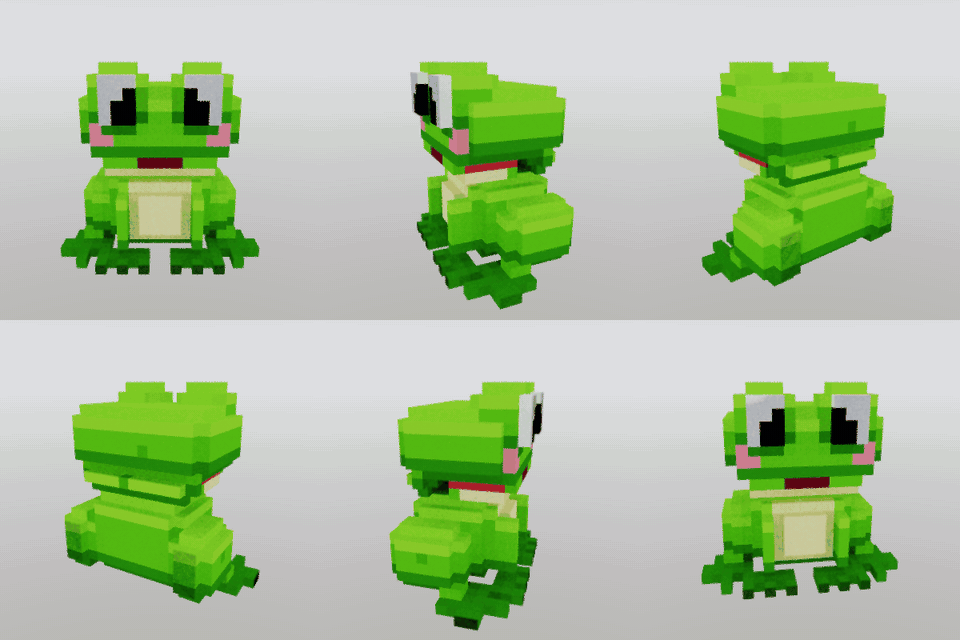
above is 48 such renders, one every 7.5° of --yaw.
froxel voxrt --input model.vox loads a file, saves it, loads the save, and
checks that nothing changed: objects, palette, materials, scene graph, bones,
scripts, and motion. --dump prints the chunk tree instead.
Build from source
You need Rust. On Linux, the editor loads Wayland or X11 and
Vulkan at run time, so the build needs no -dev packages.
git clone https://github.com/theromis/Froxel
cd Froxel
cargo run --release -- examples/frog.vox
The binary is target/release/froxel. On macOS the File and Edit commands live on
the application menu bar. Elsewhere, or with FROXEL_NO_NATIVE_MENU set, they are
in a menu strip at the top of the window.
--features oidn links Open Image Denoise for
--denoise. It needs the library on the build machine. Without it, Froxel uses
its built-in edge-aware filter.
Tests:
cargo test --bin froxel
What changed in each version is in CHANGELOG.md. Releases are built by a GitHub workflow. See docs/releasing.md.
Thanks
Inspired by MacVoxel.
License
MIT. See LICENSE.