

Approval layer for AI Agents
Put your most consequential agent actions behind human approvals, so your
agents can do real work.








Website · Docs · Quickstart · Protocol · Discord · Contributing
We want agents to do more than read data and suggest what to do next. They should be able to roll back a deployment, issue a refund, or merge code. Those actions have consequences, and teams need a way to bring a person in before they happen.
withHuman is the approval layer for that moment. It checks an agent's tool call before it runs against rules you define in one place. Routine calls can be approved automatically, disallowed calls can be denied, and consequential ones can wait for the right person to decide. Every agent you connect follows those rules.
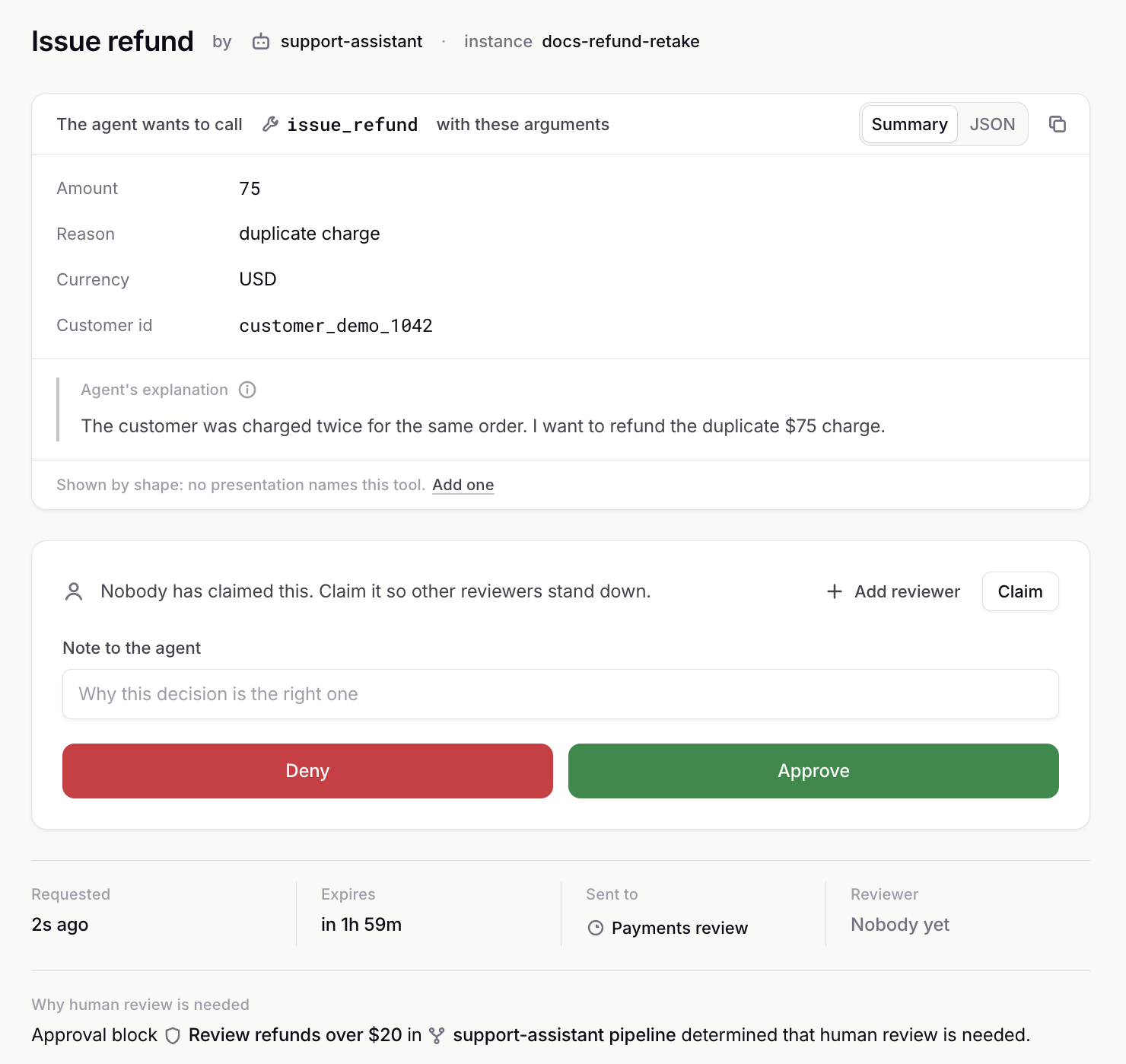
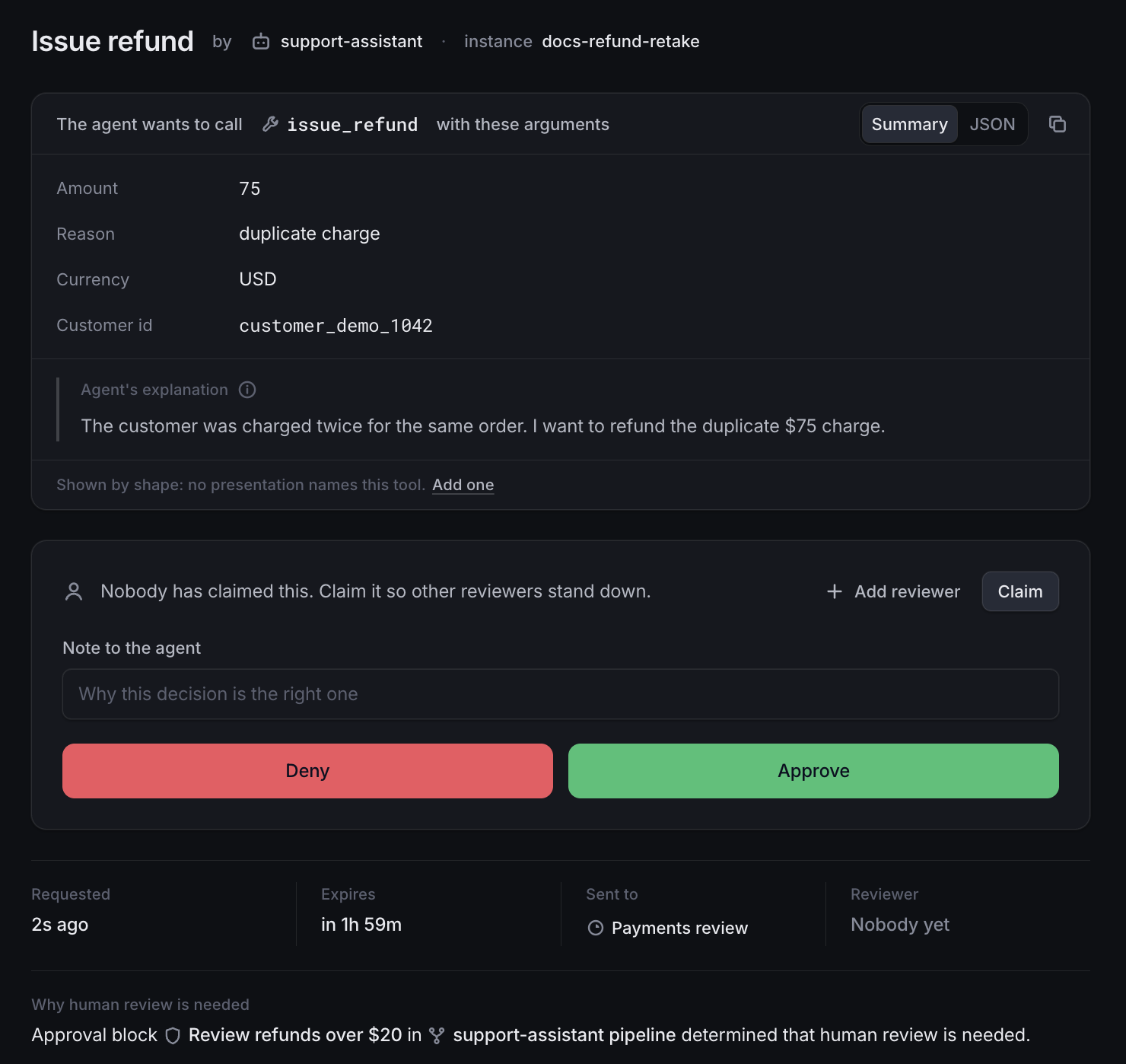
How it works
An adapter (a runtime hook or an SDK wrapper) sends each tool call to withHuman before it runs, over the open Agent Approval Protocol.
sequenceDiagram
    participant Agent as Your agent
    participant WH as withHuman
    participant You as You
    Agent->>WH: Wants to call issue_refund(amount: 75)
    WH->>WH: Checks your approval pipeline
    WH->>You: Asks for approval by email, Slack or Discord
    You->>WH: Approve
    WH->>Agent: Go ahead
    Agent->>Agent: Runs issue_refund
- Approval pipelines approve, deny or ask a person, based on the tool and its arguments. For example: approve refunds up to $20, ask payments above that.
- Escalation paths choose who is asked and when, by team, level and working hours. Reviewers get email, Slack or Discord and decide in the web app with the exact arguments in front of them.
See How withHuman works for how the pieces fit together.
Quickstart
You need Docker.
docker run -d --name withhuman -p 8080:8080 -v withhuman-data:/data quay.io/withhuman/bundle:latest
docker exec withhuman cat /data/bootstrap-secret
Open http://localhost:8080, choose First setup and enter the secret. The welcome page connects your first agent and ends with a test call for you to approve. The quickstart guide covers each step.
To run from source instead, install Go (the version in go.mod)
and Node 25, then run make frontend && go run ./cmd/withhuman. The
secret is in ~/.withhuman/bootstrap-secret.
Connect your agents
Coding agents. Claude Code, Codex, OpenClaw, Pi, Hermes and DeepSeek connect with the
withhumanCLI:curl -fsSL https://downloads.withhuman.ai/install.sh | sh withhuman agent install --url https://approvals.example.comAgents you build. LangGraph, Pydantic AI, the OpenAI Agents SDK, CrewAI, Mastra and other frameworks connect through the AAP SDKs. See the examples.
Explore further
- Agents: agents and their instances.
- Approval pipelines: how a request gets its decision.
- Escalation paths: who reviews a request and when.
- Requests and decisions: what the agent gets back.
- Review queue: where reviewers decide.
Agent skills
Teach your coding agent to connect runtimes and write approval pipelines:
npx skills add https://withhuman.ai
The skills live in skills/.
Deploy
Settings are environment variables, listed in .env.example.
Before you go beyond your own machine:
- Serve it behind HTTPS and set
WITHHUMAN_PUBLIC_ORIGINto that origin. - Set
WITHHUMAN_TRUSTED_PROXIESto your proxy's addresses only. - Set
WITHHUMAN_SECRETS_KEYand keep it safe. - Configure SMTP so invitations and password resets reach people.
- Back up the whole data directory.
- Set
OTEL_EXPORTER_OTLP_ENDPOINTto collect its OpenTelemetry metrics.
Don't want to run it yourself? withhuman.ai hosts it and adds the audit log, the AI judge, the MCP gateway, phone notifications and single sign-on.
Telemetry
Once a day withHuman sends a random installation ID, its version, the
platform and whether it runs as a binary, a container or on Kubernetes.
The answer tells administrators about new releases and security fixes on
the Version settings page. Nothing about your organizations, people,
agents or requests is sent. Set WITHHUMAN_TELEMETRY=off (or
DO_NOT_TRACK=1) to turn it off. See
Updates and telemetry.
Community
- Questions and chat: Discord
- Bugs and ideas: GitHub Issues
- Security vulnerabilities: follow SECURITY.md. Do not open an issue.
- Contributing: CONTRIBUTING.md and the code of conduct
- Updates: @withHumanAI on X
License
withHuman is licensed under the Elastic License 2.0.